
Introduction
Android phone charging slow becomes noticeable when the charging icon is on but the battery percentage barely moves. The phone looks plugged in, but the percentage rises too slowly to feel normal.
Slow charging does not come from one cause every time. A weak connection, low charger power, or the charging condition makes the battery rise too slowly on the screen.
The first check is where the slowdown starts. The sections below separate those paths instead of treating everything as one vague failure.
Step-by-Step Guide: Android Phone Charging Slow
Step 1: Check The Charging Connection First
Start with the physical connection before changing chargers or battery settings. A phone shows the charging icon even when the cable, port, or connector contact is too weak to raise the battery percentage normally.
Check whether the cable sits firmly in the port without tilting, slipping, or needing pressure. A loose fit often makes charging look active while the battery rises unevenly.
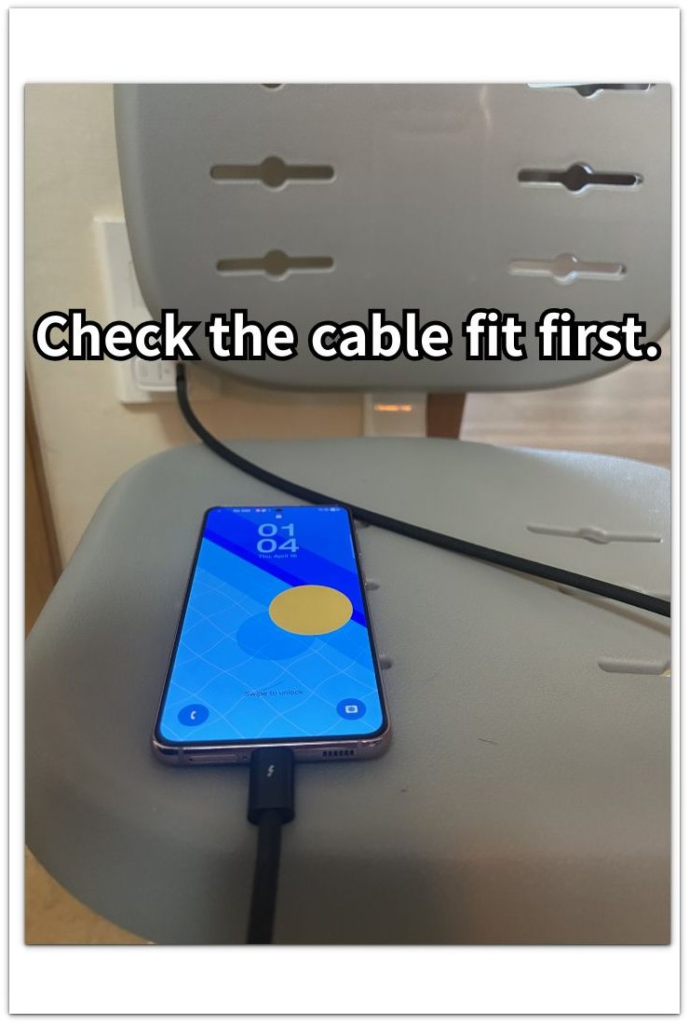
Check for a moisture warning next. That warning puts the charging port problem ahead of the charger. Unplug the phone first, then check the port opening for dust or lint. A blocked port keeps the cable from sitting firmly.
Connection Problems That Make Charging Slow
A loose cable shows the charging icon while the battery rises unevenly.
A moisture warning puts the charging port ahead of the charger.
Dust or lint in the port stops the connector from sitting fully in place.
Step 2: Check The Charger Power
Move to the charger side after the connection checks look normal. A firm cable and clean port do not guarantee enough power to raise the battery percentage at a normal speed.
Use the wall charger and cable together first. A weak adapter, old cable, laptop USB port, or low-power plug keeps the charging icon on while the battery barely goes up.
Leave the phone connected for a few minutes without using games, video, hotspot, or camera. Heavy use during charging makes the test harder to read because the phone uses power almost as fast as it receives it.
Check whether the percentage keeps rising or stops at the same number. A steady but very slow rise usually means the charger is too weak. A number that stays flat even while connected means you should compare the charger, cable, and outlet before changing battery settings.
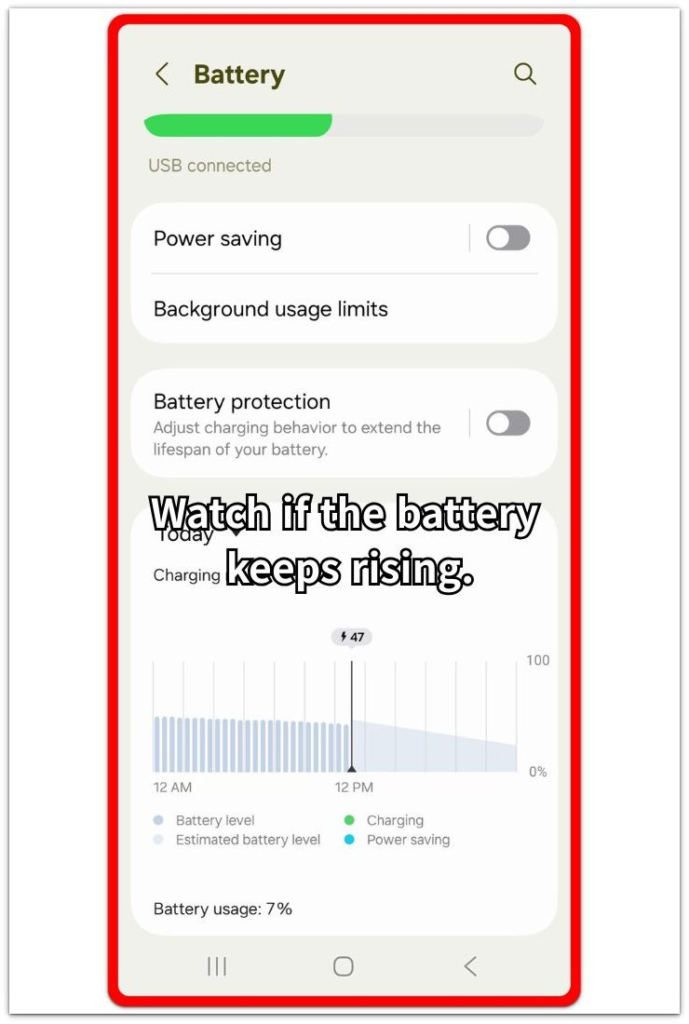
Charger Power Problems To Compare Next
A low-power charger keeps the phone connected while the battery rises too slowly.
A flat battery number points to stopped charging, not just slow charging.
Failed fast charging leaves the phone charging at normal speed or slower.
Step 3: Check The Charging Condition
Move to the charging condition after the connection and charger power look normal. The same phone and charger give different results overnight, in a car, after an update, or on a wireless pad.
Check when the slow charging happens. A battery that stays low by morning makes the overnight routine, background activity, or an unstable charger the next thing to check.
Compare the charging place next. Car USB ports and wireless pads often work differently from a wall charger, so the battery rises only a little even though the phone stays connected.
Check recent changes before changing battery settings. Normal wall charging narrows the problem to the recent update, car charger, or wireless setup.
Charging Situations That Change The Result
A battery that stays low by morning points to an overnight charging problem.
Car USB power often keeps the phone connected while the battery rises only a little.
A recent update changes the charging pattern before the phone settles again.
Wireless charging slows down when the pad position, case, or alignment is not right.
Troubleshooting
Troubleshooting 1: Android Phone Charging Slow Even After The Cable Looks Fine
The cable sits firmly in the port, and the icon stays on, but the battery percentage still rises too slowly. The connection no longer looks like the main problem, so the next check moves to charger power.
Use a wall adapter and cable that work well with another phone. A normal rise with that setup points back to the first adapter or cord. The same slow rise with the working charger and cable means the problem is no longer just a loose connection.
Troubleshooting 2: The Battery Barely Rises In One Place
The phone charges slowly only in one place, such as a car, bedside outlet, laptop USB port, or wireless pad. The phone looks connected, but the power source or pad position changes the result.
Compare the same phone with a wall charger in a normal outlet. A normal rise there makes the power source, pad, or adapter the likely weak part instead of the phone itself. Keep the test focused on one place before changing battery settings.
Troubleshooting 3: Slow Charging Started After A Recent Change
The speed feels different after an update, new case, new adapter, or a different routine. The timing matters because the phone slows down only under that new condition.
Go back to the previous setup for one short test. Normal charging there points to the recent change. The same slow result across the old and new setups points away from the recent change alone.
Real Case: The Phone Charges Slowly Even Though It Looks Plugged In
The phone stays plugged in all night, and the charging icon is still on in the morning. The battery percentage has only moved a little, so the setup looks active without a normal result.
At first, the wall adapter looks like the obvious suspect. Then the same phone charges better in another outlet, or the result changes after switching to a different cord. Another time, the slow rise shows up only in the car or on a wireless pad, even though the phone itself has not changed.
That pattern is easy to misread as one battery problem. The next check separates where the slow rise starts. A poor fit puts the connection first, weak output puts charger power first, and a slow result in only one place puts the charging situation first.
Official Source: Check Charger, Cable, and Power Source
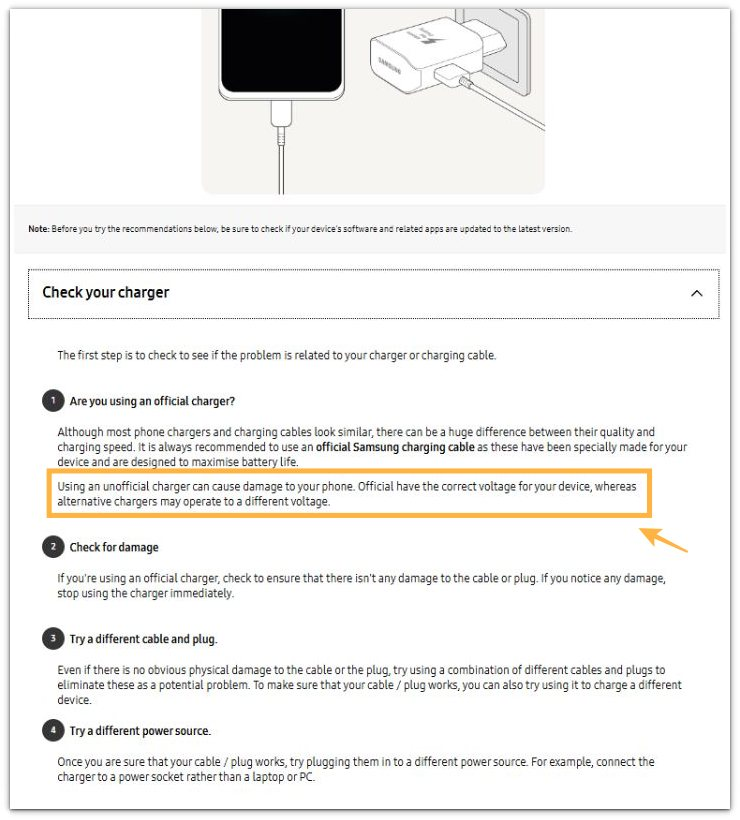
Samsung advises checking the charger, cable, plug, and power source when a phone charges slowly. This supports comparing the charging setup before treating the issue as a battery problem.
Additional Tips
A very low battery level often rises slowly at the beginning, then becomes steadier after a few minutes. Check again after the phone has stayed connected long enough to show a clear pattern.
Heat changes the result while the phone charges. A warm phone charges more slowly, so the same charger gives a different result after the phone cools down.
A thick case affects some wireless pads and angled plugs. Remove the case for one short test when the slow rise appears only with a certain pad or cable position.
Battery settings matter less when the battery barely rises before any real phone use starts. That pattern points closer to the charging setup than to app activity.
Final Notes: Android Phone Charging Slow
Slow charging is not one single battery problem. The right answer depends on where the slow rise starts: the connection, the charger power, or the charging condition.
A phone that charges normally with another setup does not need random battery setting changes. The weak part is usually in the setup or the place where the slow rise appears.
The clearest path is to separate the problem before replacing anything. Once the slow pattern matches one setup, one place, or one recent change, the next step becomes clear.
Checklist
- Check the cable fit before changing settings.
- Compare the wall adapter and cord with another setup.
- Use a normal outlet before trusting car or laptop power.
- Watch whether the battery rises or stays flat.
- Test wireless charging without a thick case.
- Separate the problem by connection, power, or charging place.
Android Battery Problem Guides
Use the related main guides below for system drain, fast drain in specific situations, and battery health problems.