
Introduction
Android slow charging overnight becomes noticeable when the phone stays plugged in for hours but still shows a low battery in the morning. The charging icon appears, and the phone stays connected long enough, but the battery level does not rise the way an overnight charge should.
A normal charge should show a clear rise by morning, so a weak result needs a closer look before blaming the battery, especially when the charging icon stayed on for hours.
Step-by-Step Guide: Android Slow Charging Overnight
Step 1: Check The Overnight Setup Before Bed
For the first test, connect the phone the way you normally do before bed. Use the same charger, cable, outlet, and place where the phone usually stays.
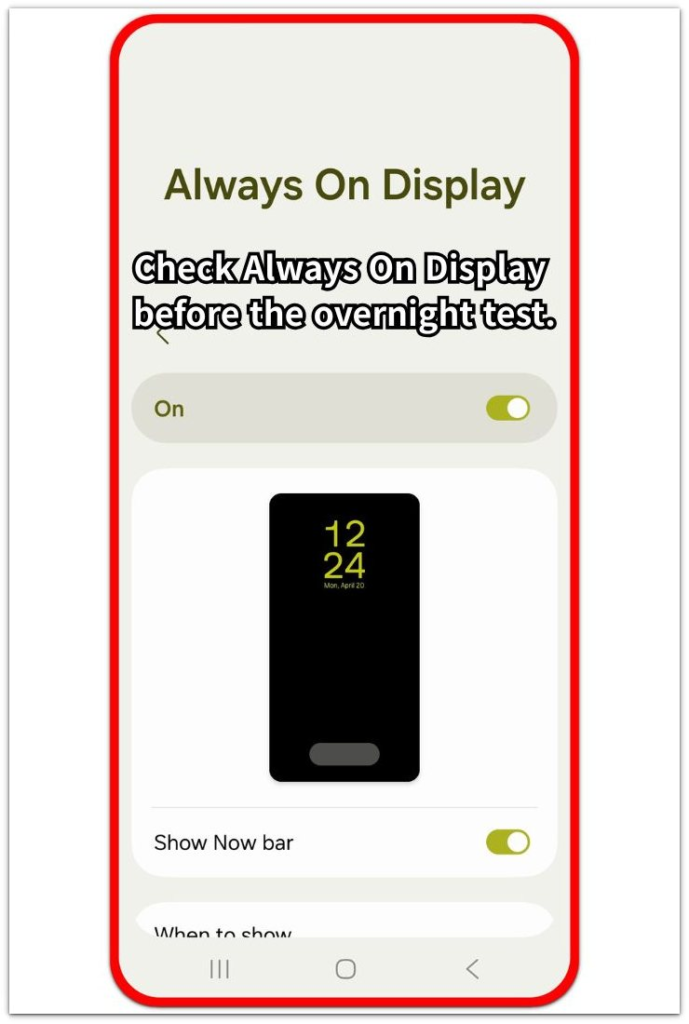
Check whether the screen stays on while charging, but treat it as only one part of the overnight setup. Keep the first test close to your normal night routine so the morning result is easier to compare.
Step 2: Check The Battery Screen In The Morning
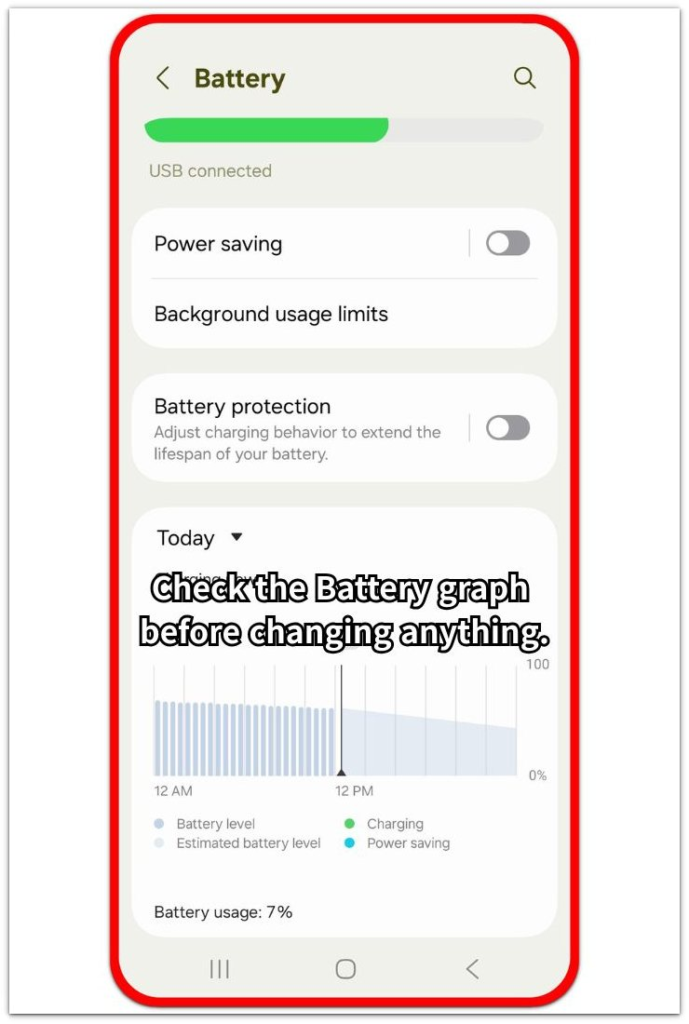
In the morning, open Settings → Battery before unplugging and changing anything else. Look at the battery level, charging status, and the overnight battery graph.
Use this screen to compare the morning battery level with what the phone shows around the overnight charge. A low morning level while the phone still shows a charging connection means the overnight charge did not give the battery enough usable gain.
Step 3: Change One Part And Test One More Night
Change only one part of the overnight setup. Start with the cable or charger first, then test a different wall outlet if the morning result still looks weak.
Keep the phone use before bed close to the first night. A stronger morning result after one change points to that part. A similar low result after the cable, charger, and outlet tests means the next check should move to charging settings.
Troubleshooting
Troubleshooting 1: Android Slow Charging Overnight Still Happens With A New Cable
The phone still shows a low battery after the overnight charge even after you change the cable. The icon stayed on through the night, so the next check should move to the adapter, outlet, or setting instead.
Use the same cable with a stronger wall charger, then repeat one overnight charge. A better result with the new charger points to weak power from the old adapter. A low result after the cable and charger test means the wall outlet or setting needs the next check.
Troubleshooting 2: The Phone Says Charging But Barely Fills Overnight
The icon appears before bed and is still visible in the morning but the battery level barely rises. The phone still has a charging connection, so this is not the same as a loose cable that stops charging completely.
Check whether the battery screen shows a long flat section during the overnight charge. A flat or very slow rise while charging points first to weak power from the charger or a setting that stopped the battery from filling normally.
Troubleshooting 3: Overnight Charging Works Only With Another Outlet
The phone charges better overnight when the same charger and cable use a different wall outlet. That puts the bedside outlet, power strip, or loose extension closer to the charging problem.
Move the charger directly into a wall outlet for the next night instead of using a power strip or loose extension. A normal charge result from the wall outlet means the phone and cable are not the first problem, and the overnight setup should stay on the stronger power source.
Extra Section 1: The Phone Shows Charging All Night But Gains Very Little
The phone looked like it was charging normally before bed. The icon only shows that the phone stayed connected, and nothing looked loose at the charging port.
In the morning, the battery was still low, so a loose or unplugged cable was not the strongest answer. That connection does not always mean the battery received enough power through the night.
Open the battery screen first, then use the overnight graph to see whether the charge climbed normally or stayed almost flat. A flat overnight graph points more toward weak power or a charging limit setting, not a cable that came fully loose.
Extra Section 2: The Same Charger Works Better Away From The Bedside Setup
The charger and cable looked fine beside the bed, but the morning result stayed weak there. Nothing looked loose, so the bedside setup seemed normal from the outside.
The result changed when the same charger and cable moved to a direct wall outlet in another spot. That kind of change points more toward the bedside power strip, loose extension, or weak outlet than the phone battery itself.
Keep the overnight charger connected directly to the stronger wall outlet for the next few nights. A steady full or near-full result from that spot puts the old charging location ahead of the phone or cable.
Official Source: Use The Right Android Power Adapter
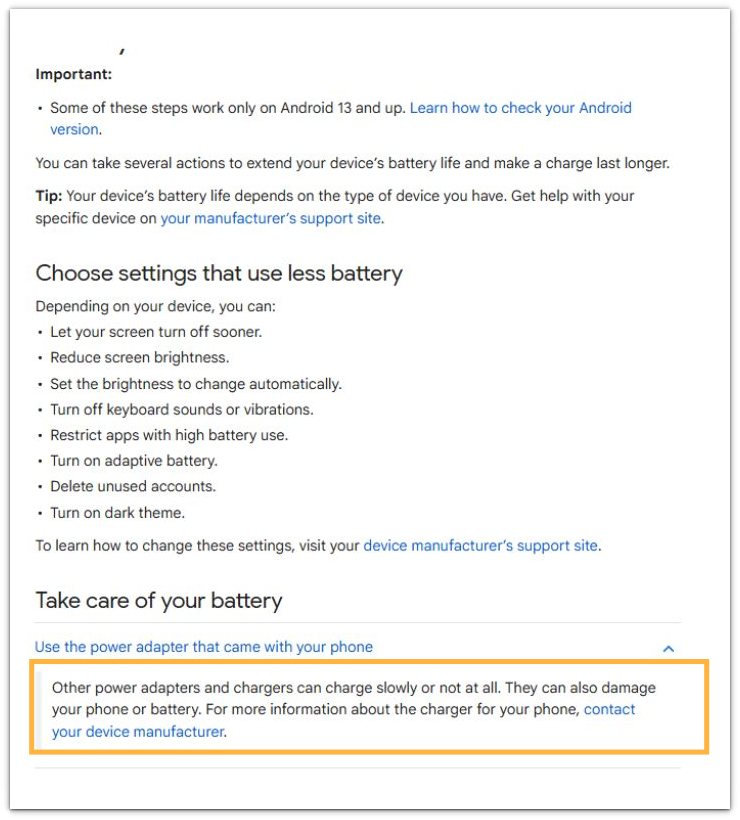
Google explains that other power adapters and chargers can charge slowly or not at all. This matches the first check in this guide: start with the charger when an Android phone stays plugged in overnight but gains very little battery.
Additional Tips
A phone case can make charging look weaker when the phone stays warm on a soft surface. Place the phone on a hard surface and keep heavy bedding away from the charging area.
A very low battery at bedtime also changes the morning result. A phone that starts near empty needs more time to recover, especially with a weak charger.
Background activity matters more during the first night after app updates or a system update. Let the phone finish updates, then repeat one normal overnight charge before changing more settings.
Final Notes
Android slow charging overnight does not point to the cable first. A low battery in the morning means the overnight setup failed to give the phone enough useful charge.
Start with the Battery screen, then check whether the overnight graph climbed normally or stayed almost flat. Keep the part that improves the morning result, and replace the part that keeps the line flat.
The strongest answer comes from the setup that gives a clear morning rise for more than one night. Keep that charger, outlet, and charging position as the normal setup.
Checklist
- Check the overnight battery level before unplugging the phone.
- Review the Battery graph for a normal rise or a flat overnight line.
- Change only one charging part before the next test.
- Test the cable, charger, and wall outlet separately.
- Keep the setup that gives a clear morning battery rise.
- Move the phone away from soft bedding or trapped heat.
For the wider charging issue, see the main Android charging slow guide.