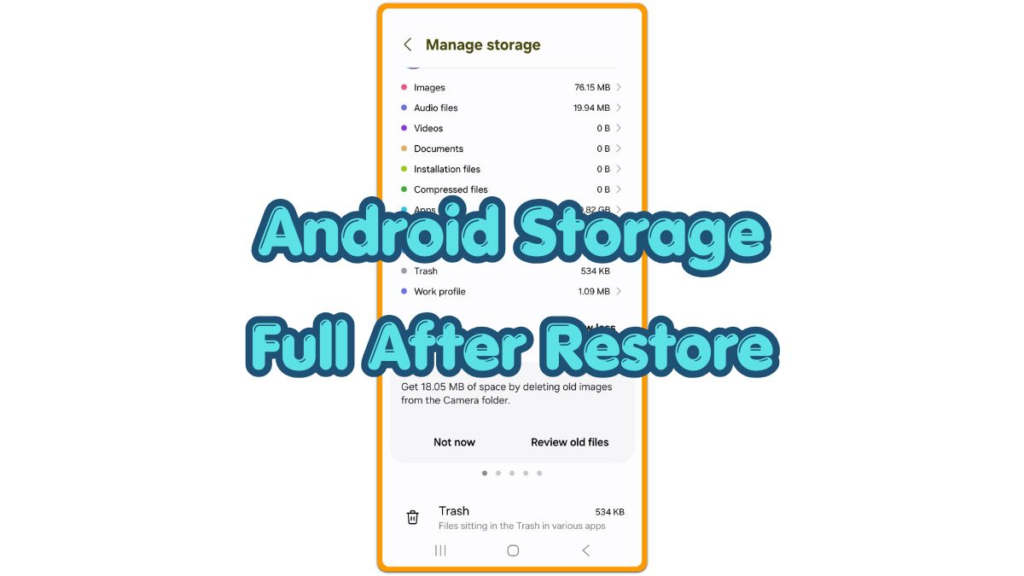
Android Storage

Android storage problems include low space warnings, wrong storage numbers, app data growth, cache, downloads, restore files, update space, and system storage issues.

android storage full after restore storage categories screen

Android Storage Full After Restore — Fix Old Restore Space Not Clearing

Introduction Android storage full after restore appears after the phone finishes the restore, but the Storage screen still shows less free space than expected. Apps, photos, or settings appear restored, yet old restored data still seems to be taking space on the phone. Keep the first check tied to the restore result. Start with the […]

Android Storage Full After Restore — Fix Old Restore Space Not Clearing Read More »
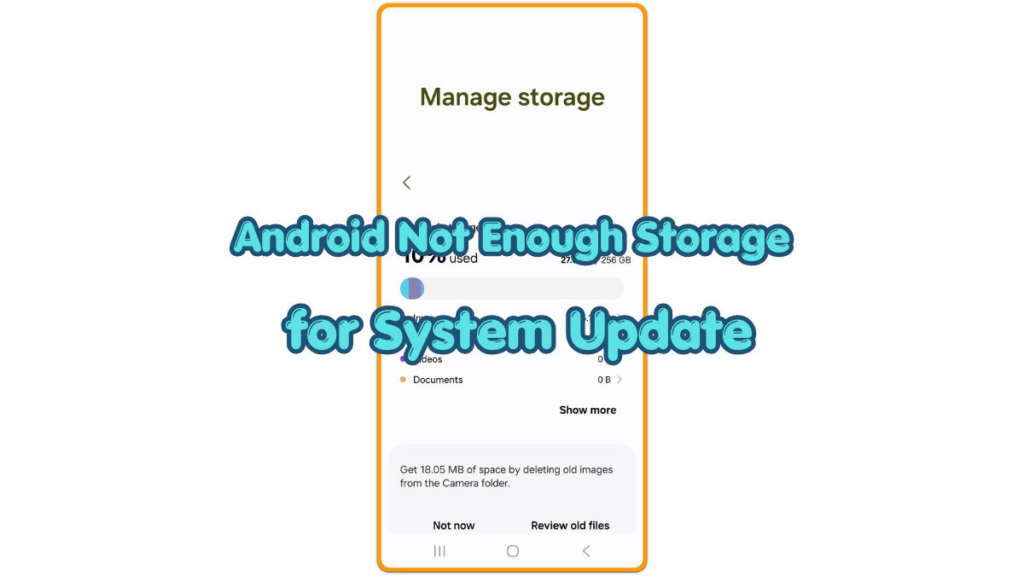
android not enough storage for system update storage warning screen

Android Not Enough Storage for System Update — Fix the Update Space Problem

Introduction Android not enough storage for system update appears when the update needs more room before the install continues. Storage still shows some available space, but the update screen asks for extra room to prepare the install. This guide stays with that update warning, not a full phone cleanup. Start with the space the system

Android Not Enough Storage for System Update — Fix the Update Space Problem Read More »

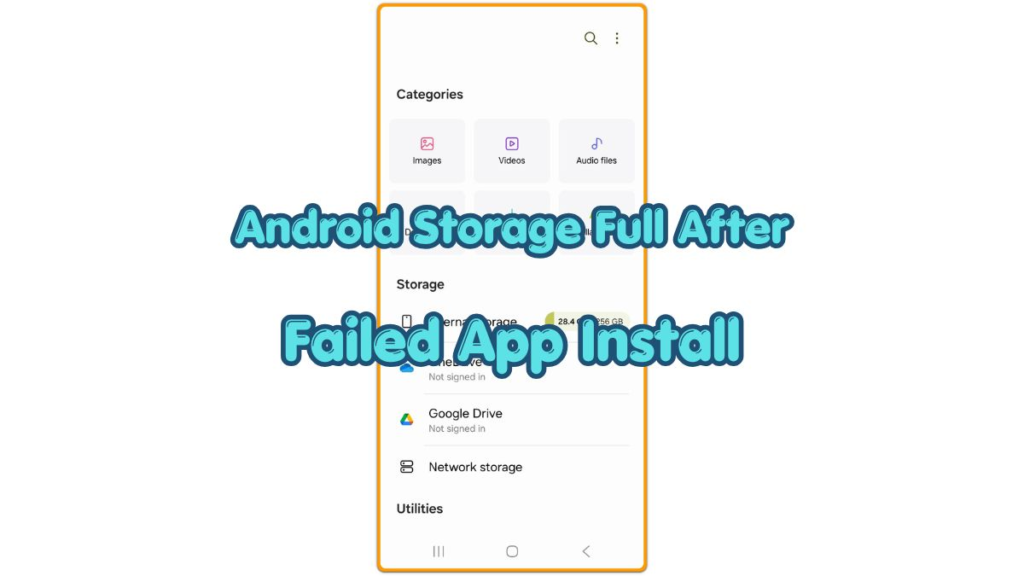
android storage full after failed app install storage screen

Android Storage Full After Failed App Install — How to Clear the Leftover Installer Files

Introduction Android Storage Full After Failed App Install happens when an app does not finish installing. The storage number stays lower than expected afterward. The phone does not fully add the app, yet part of that install still takes up space. A failed install message can disappear while the missing storage space still remains. Start

Android Storage Full After Failed App Install — How to Clear the Leftover Installer Files Read More »

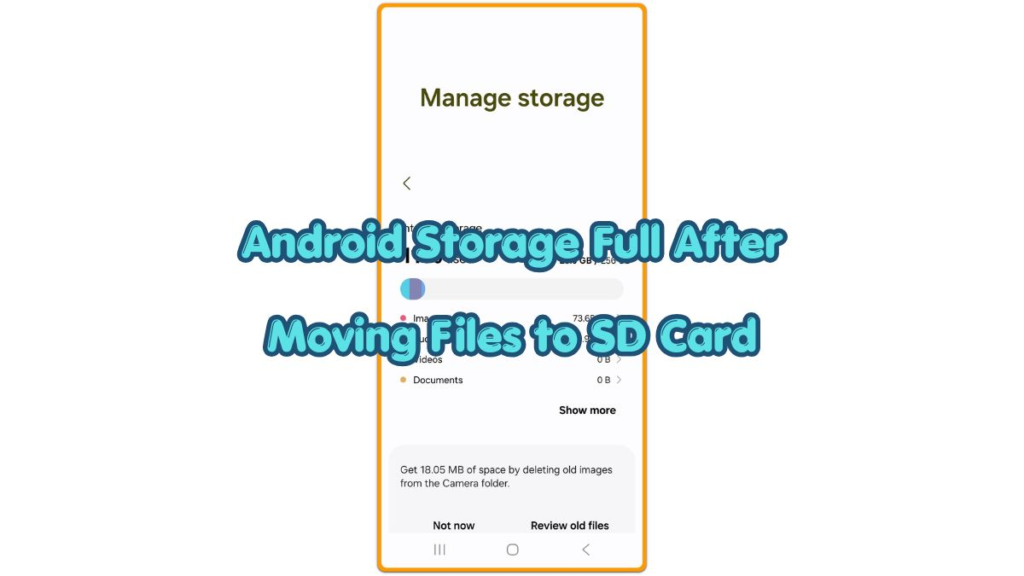
android storage full after moving files to sd card thumbnail showing Android storage screen after SD card transfer

Android Storage Full After Moving Files to SD Card — Fix the Missing Space

Introduction Android storage full after moving files to SD card shows up when the files appear in the new location, but internal storage still stays nearly full. The first check is not whether the folder appears on the SD card. It is whether the phone stopped counting the old internal copy, app data, thumbnails, or

Android Storage Full After Moving Files to SD Card — Fix the Missing Space Read More »

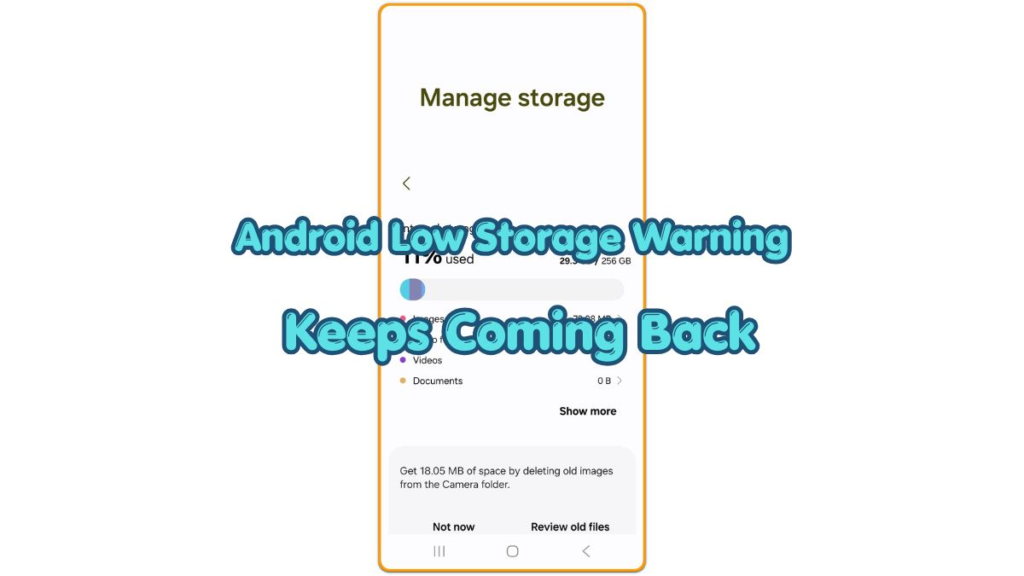
android low storage warning keeps coming back

Android Low Storage Warning Keeps Coming Back — Fix the Space That Still Looks Full

Introduction Android low storage warning keeps coming back when the phone shows the same storage warning after you remove photos, videos, downloads, or unused apps. The cleanup looks finished on the screen, but the next storage check still feels almost the same. The alert returns before the free space clearly improves. This article starts with

Android Low Storage Warning Keeps Coming Back — Fix the Space That Still Looks Full Read More »

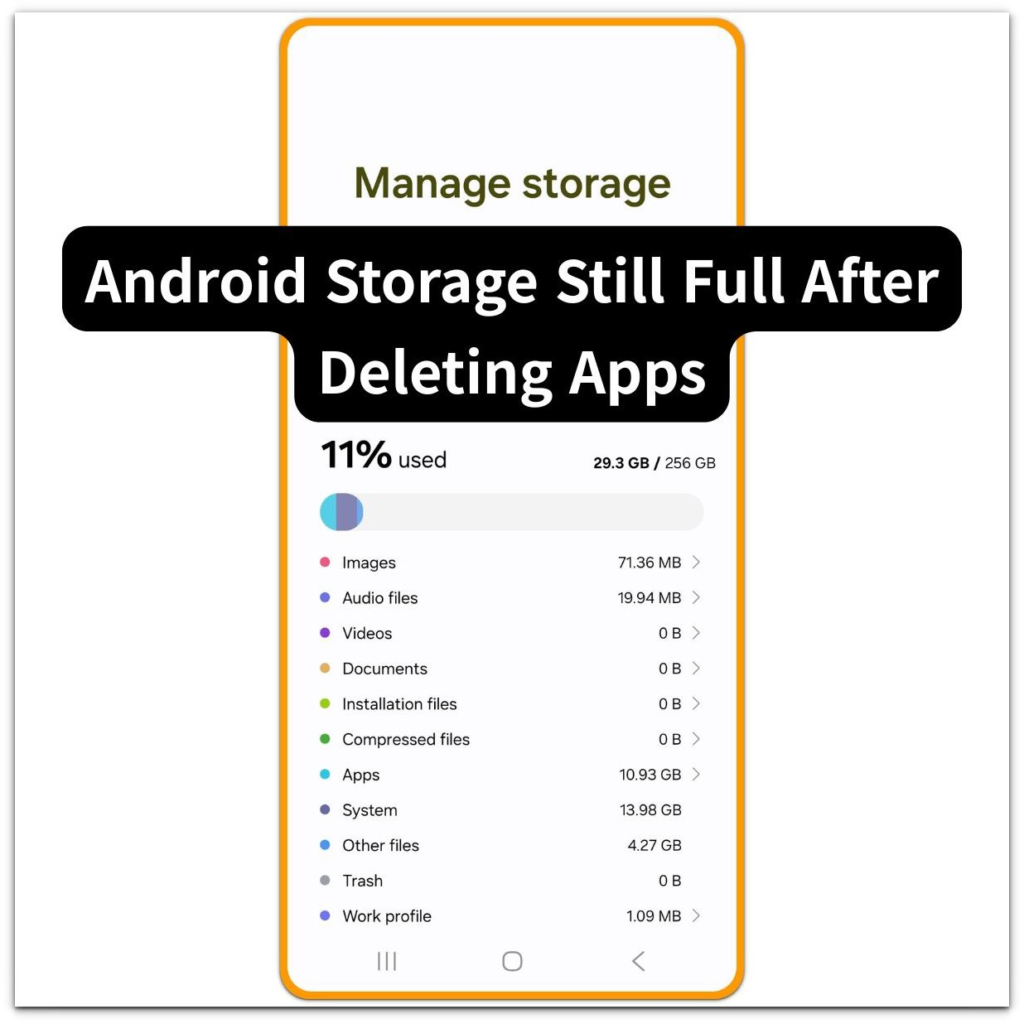
android storage still full after deleting apps manage storage overview on galaxy phone

Android Storage Still Full After Deleting Apps — Files Are Still Taking Space

Introduction ──────────────────── Android storage still full after deleting apps appears when the storage number does not decrease even after removing apps from the device. Users notice this right after deleting several apps to free space.The storage screen still shows almost the same value, and it feels like nothing has changed. Open settings → storage and

Android Storage Still Full After Deleting Apps — Files Are Still Taking Space Read More »

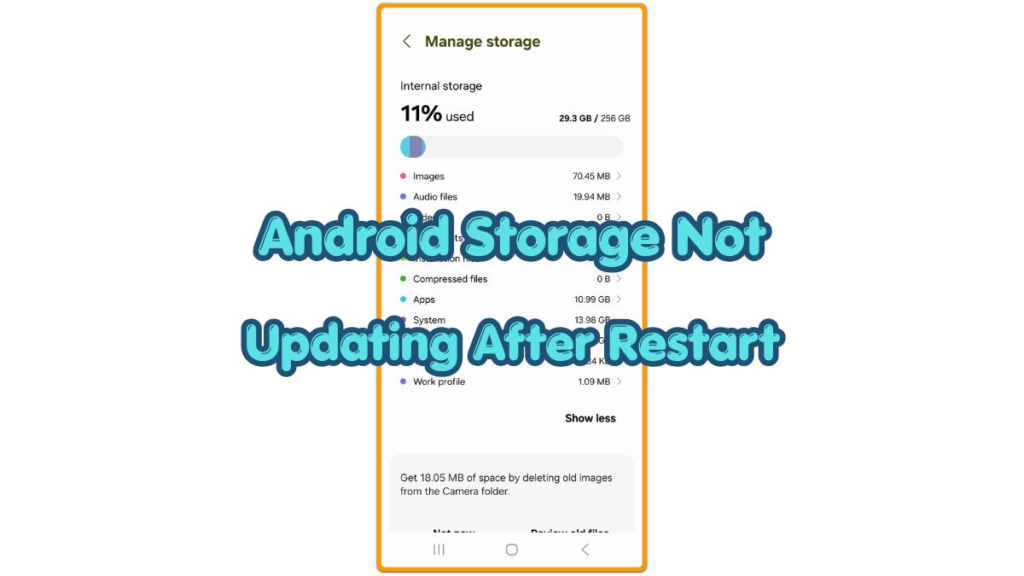
Android storage not updating after restart with unchanged storage total

Android Storage Not Updating After Restart — Fix the Delayed Storage Count

Introduction Android storage not updating after restart becomes noticeable when the Storage screen shows the same number after the phone turns back on. You restart the device expecting the storage count to refresh, but the total still looks unchanged. This issue is about a storage number that stays stuck after restart, not a normal cleanup

Android Storage Not Updating After Restart — Fix the Delayed Storage Count Read More »

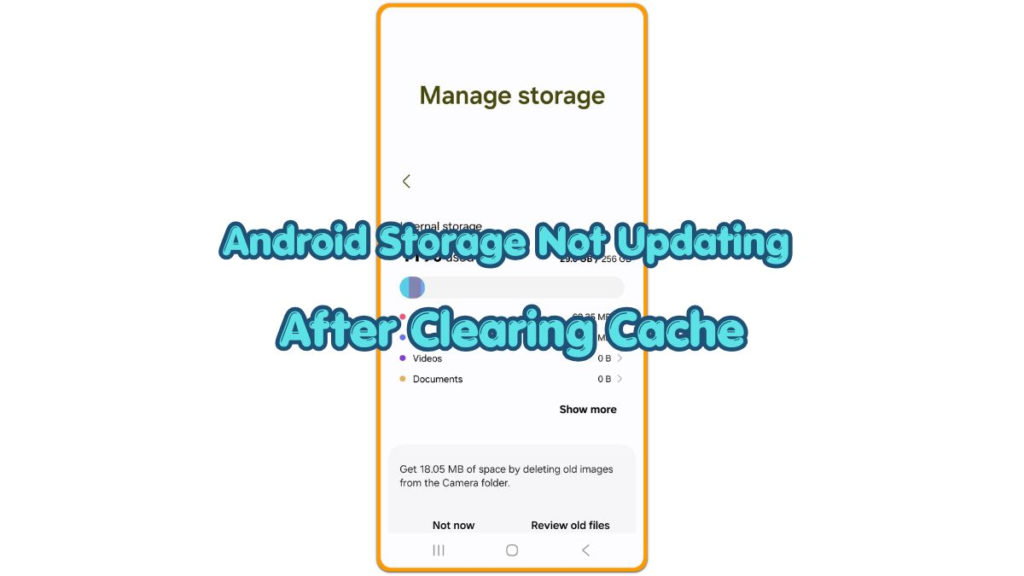
android storage not updating after clearing cache thumbnail showing Manage storage screen after cache cleanup

Android Storage Not Updating After Clearing Cache — Fix the Stuck Number

Introduction Android storage not updating after clearing cache becomes noticeable when the storage number stays the same right after clearing app cache. The app cache looks removed, but the main Storage screen still shows the old number. This makes the cleanup feel like it did not work, even when the cache screen already changed. Before

Android Storage Not Updating After Clearing Cache — Fix the Stuck Number Read More »

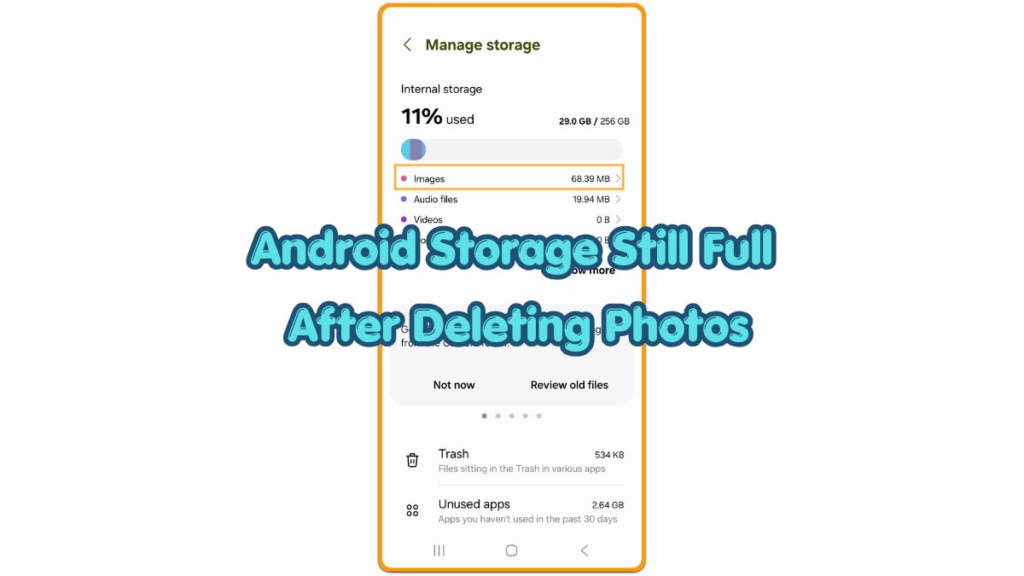
Android storage still full after deleting photos thumbnail

Android Storage Still Full After Deleting Photos – Find the Space That Did Not Clear

Introduction Android storage still full after deleting photos becomes noticeable when the storage number stays high after large photos or videos are removed. The gallery looks cleaner, but the Storage screen still shows almost no change. The visible media is gone, but Android may still count that space somewhere else. Start by checking whether the

Android Storage Still Full After Deleting Photos – Find the Space That Did Not Clear Read More »