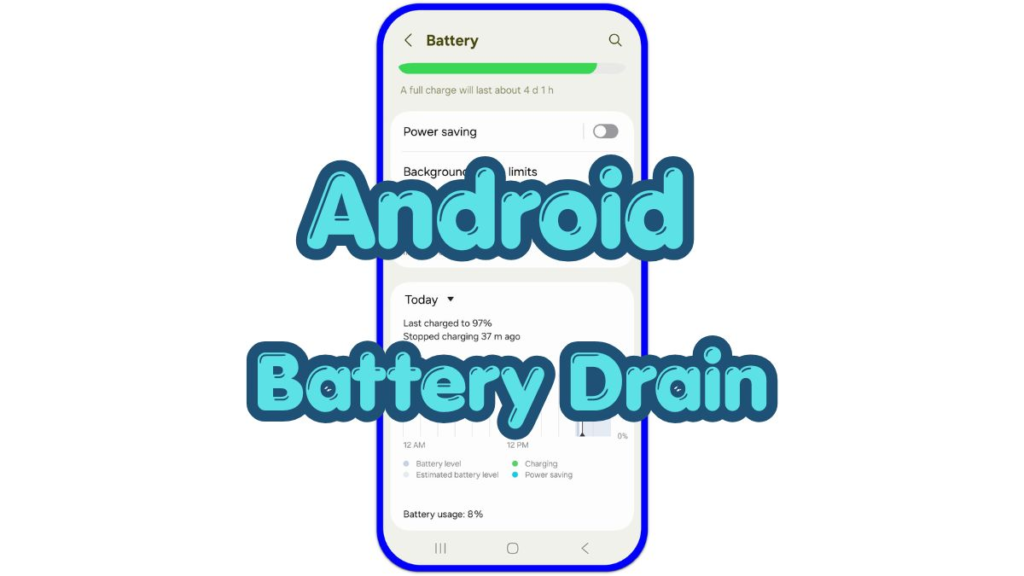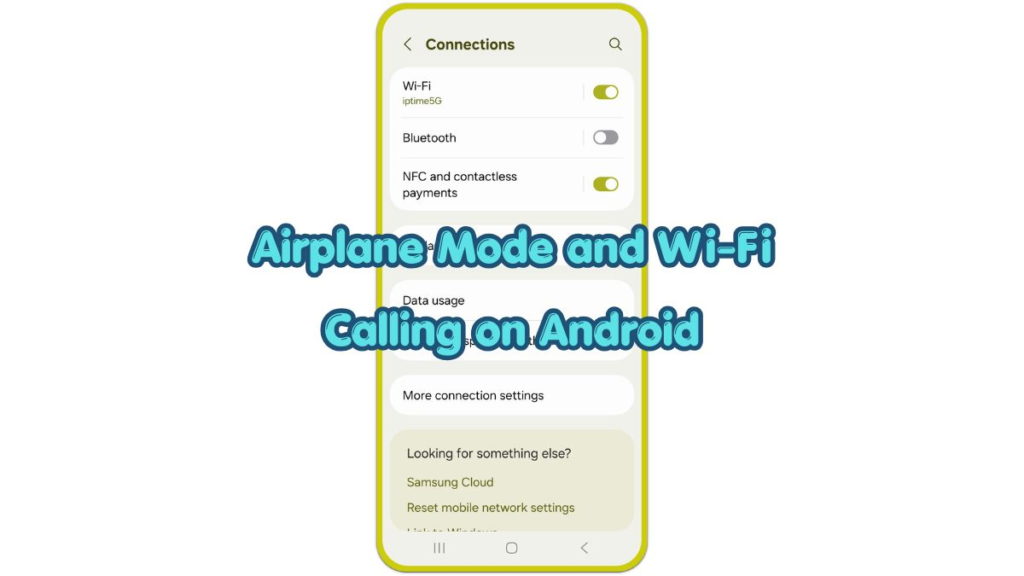
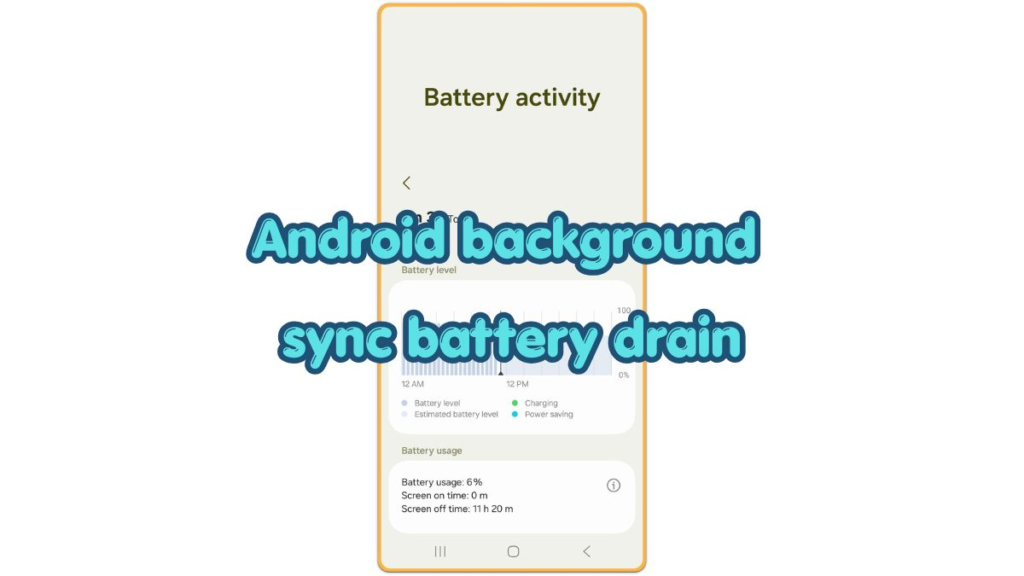
android background sync battery drain battery activity screen showing screen-off battery loss during idle time

Android background sync battery drain — why the phone keeps draining while unused

Introduction You leave the Android phone alone, but the battery still drops while the screen stays off. No app is open, and you did not change any major setting before the drain started, so the drain feels hard to understand because nothing looks active on the phone. Android background sync battery drain happens when sync […]

Android background sync battery drain — why the phone keeps draining while unused Read More »
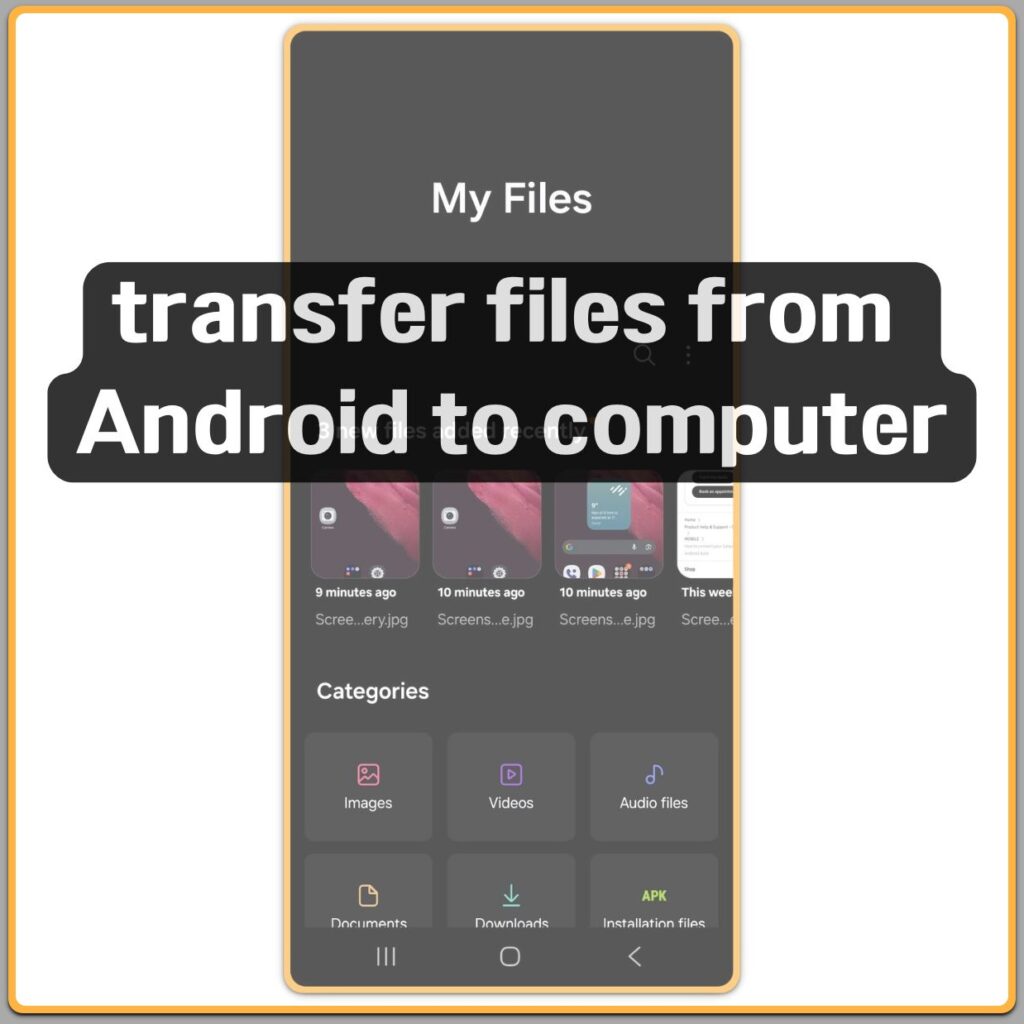
Transfer files from Android to computer using My Files app

Transfer Files from Android to Computer: Easy Methods for Photos and Documents

Introduction Transfer files from Android to computer is rarely something users plan ahead of.Most people start thinking about it only when their phone suddenly feels heavier than it should. Photos stay longer than expected, downloads pile up, and documents remain on the device simply because moving files feels easy to delay. At first, nothing feels

Transfer Files from Android to Computer: Easy Methods for Photos and Documents Read More »

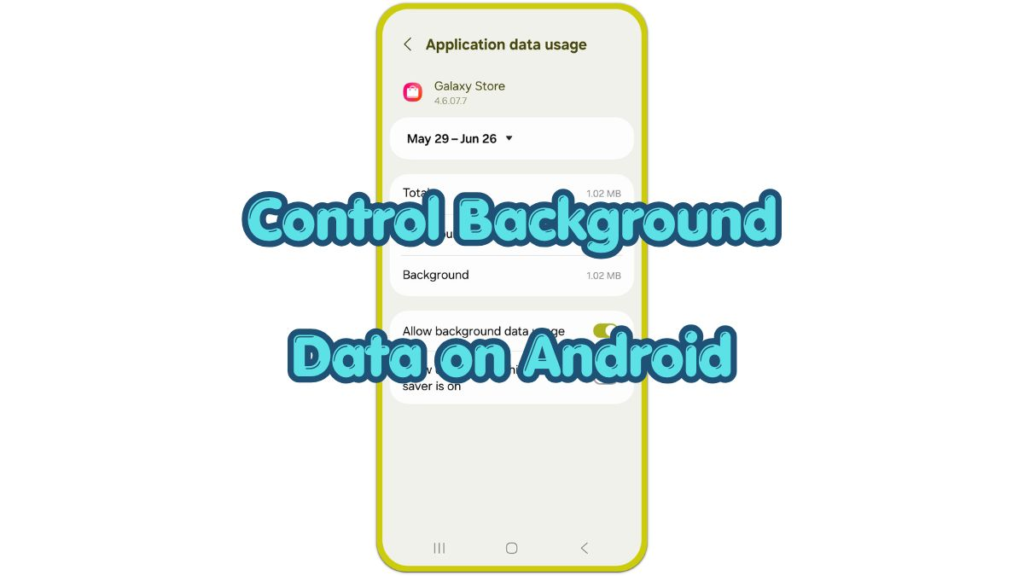
android application data usage screen showing background data usage controls

How to Control Background Data on Android for Lower Bills

Introduction Background data becomes a problem when the phone shows higher use even though the screen stayed off. Feeds refresh, messages sync, photos upload, notifications update, and media previews load without the user opening each service. The data screen usually shows which app caused it. Social media, cloud backup, video, browser, shopping, and messaging entries

How to Control Background Data on Android for Lower Bills Read More »

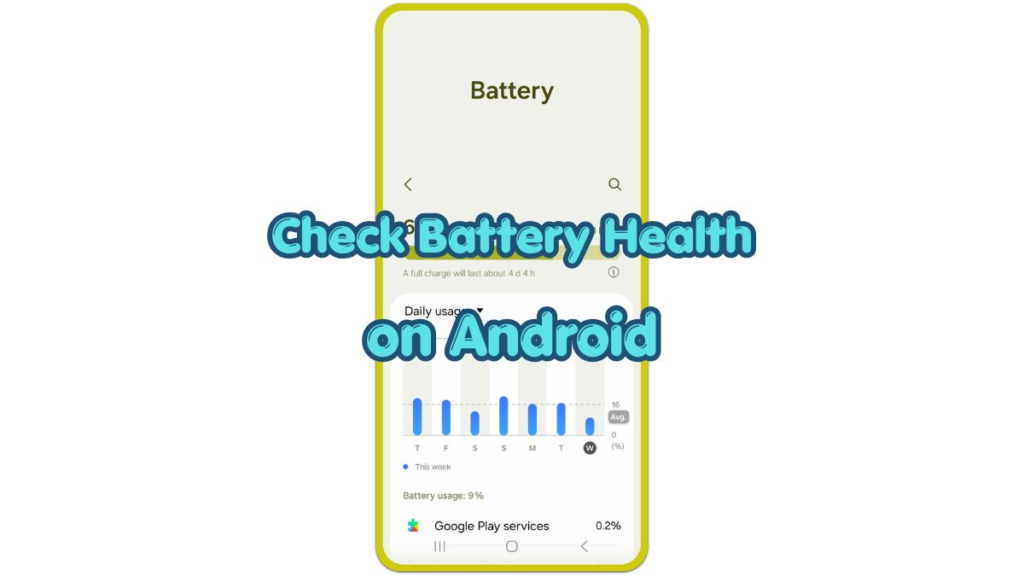
android battery settings screen with check battery health on android text

How to Check Battery Health and Use Battery Saver on Android

Introduction To check battery health on Android, the right menu depends on the phone brand. The Battery page usually shows usage, remaining time, and power-saving options first. Daily behavior reveals a worn battery: the phone drains faster than usual, warms up during light use, charges slowly, or shuts down while power still remains. Some phones

How to Check Battery Health and Use Battery Saver on Android Read More »