Troubleshooting

Troubleshooting covers Android problems that start after something has already failed. These articles help with phones that will not turn on, features that stop working, repeated errors, and fixes that no longer change the result. The goal is to show what to try next and where recovery is no longer realistic.

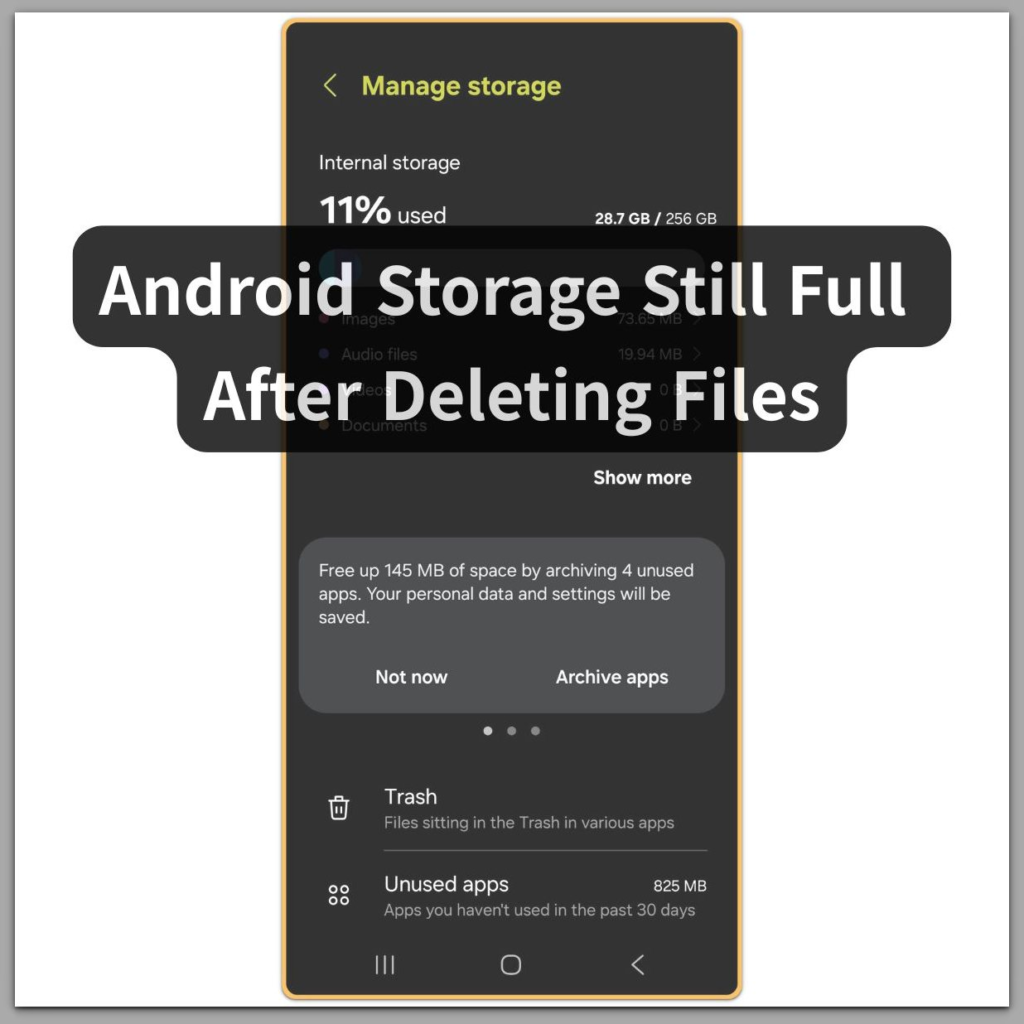
android manage storage screen showing internal storage usage bar

Android Storage Still Full After Deleting Files — When System Indexing Has Not Completed

Introduction──────────────────────── Android storage still full after deleting multiple large files means the phone has already removed the data, but the system has not finished recalculating usable storage. This is not a failed delete action, a cache bug, or hidden files reappearing. After multiple large files are deleted at once, Android does not instantly update available […]

Android Storage Still Full After Deleting Files — When System Indexing Has Not Completed Read More »
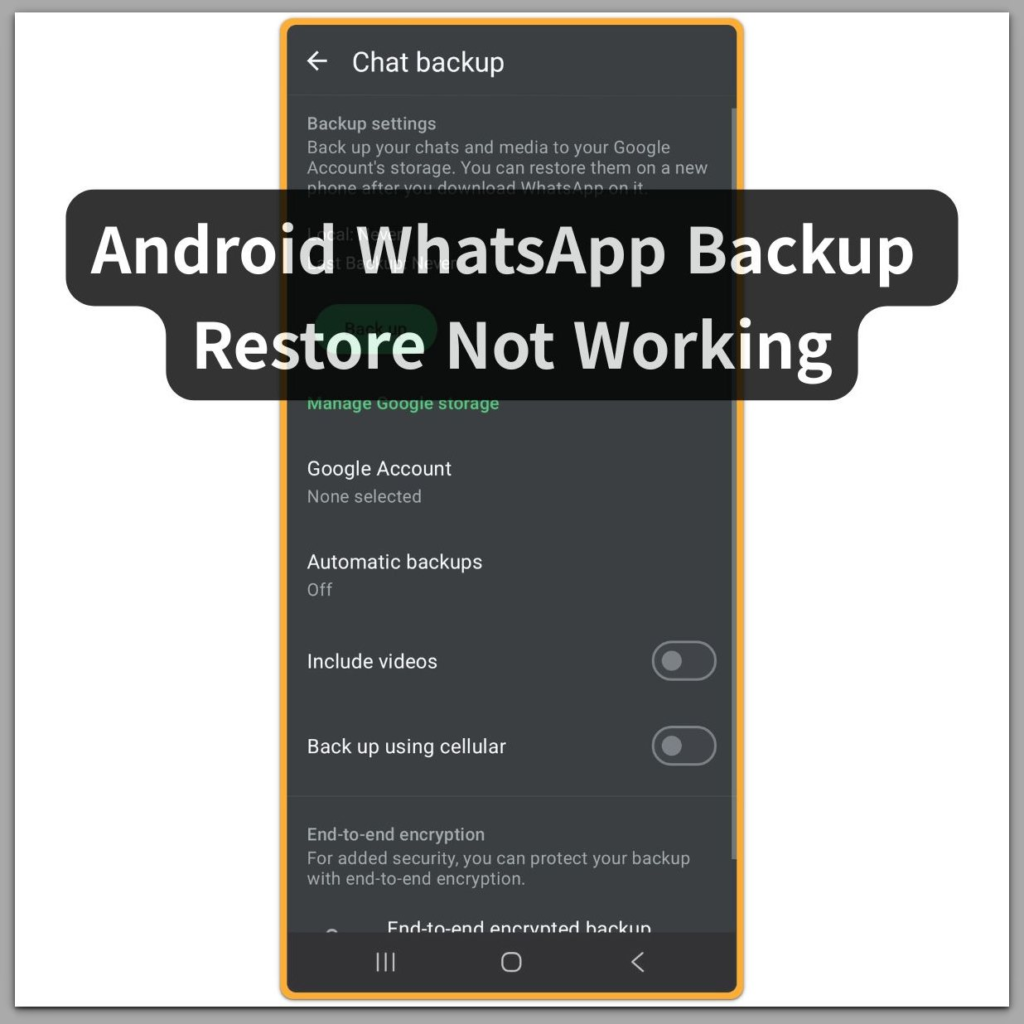
android whatsapp backup restore not working chat backup screen

Android WhatsApp Backup Restore Not Working — When Encryption Prevents Recovery

Introduction──────────────────────── Android WhatsApp backup restore not working means a backup is visible in Google Drive, but WhatsApp has already blocked recovery due to encryption conditions that no longer match the device or account state.This is not a temporary sync delay, a network problem, or a mistake during setup. When users see a backup listed during

Android WhatsApp Backup Restore Not Working — When Encryption Prevents Recovery Read More »

android backup screen showing backup available

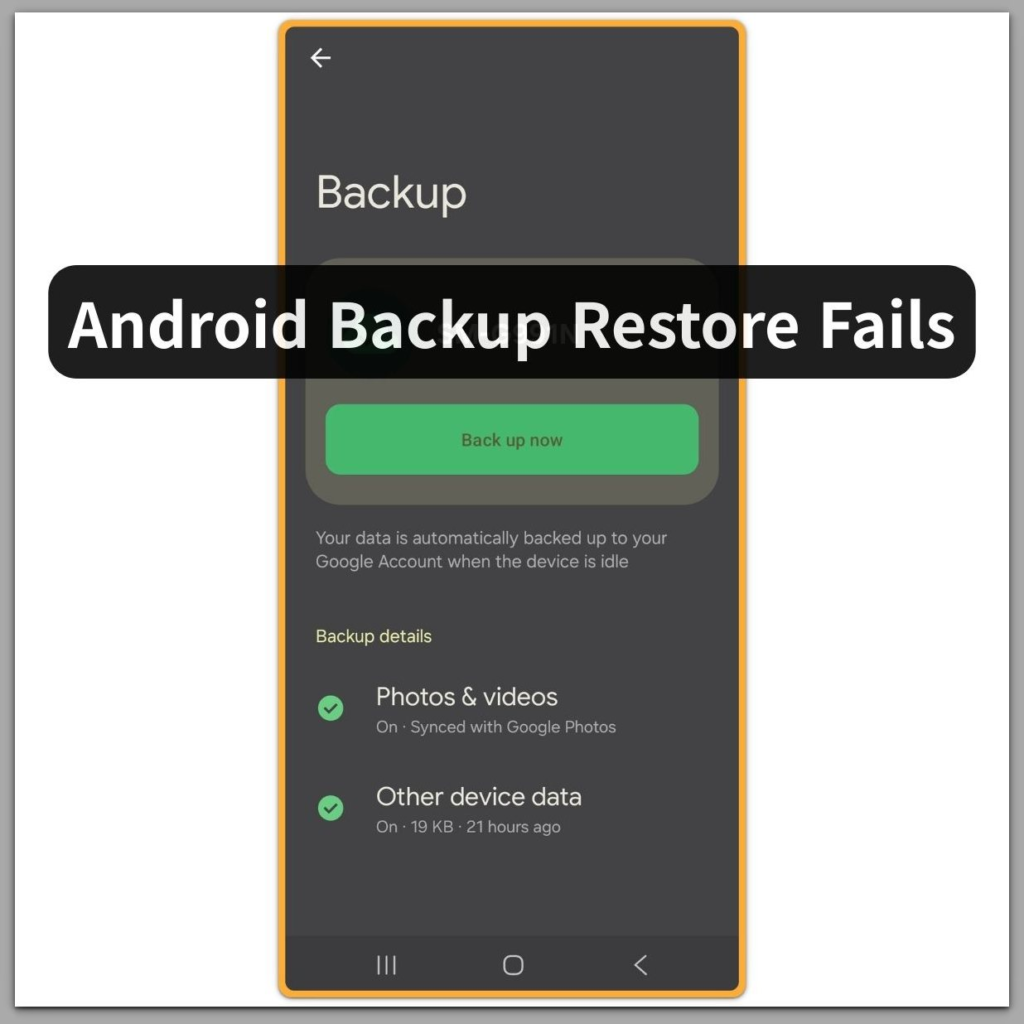
Android Backup Restore Fails — When a Backup Exists but Cannot Be Used

Introduction──────────────────────── Android backup restore fails means a Google backup is visible in the account, but the system has already rejected it before the restore process begins.This situation does not indicate a sync delay, a temporary server issue, or a mistake during setup. When users see a backup listed during phone setup, they naturally assume it

Android Backup Restore Fails — When a Backup Exists but Cannot Be Used Read More »

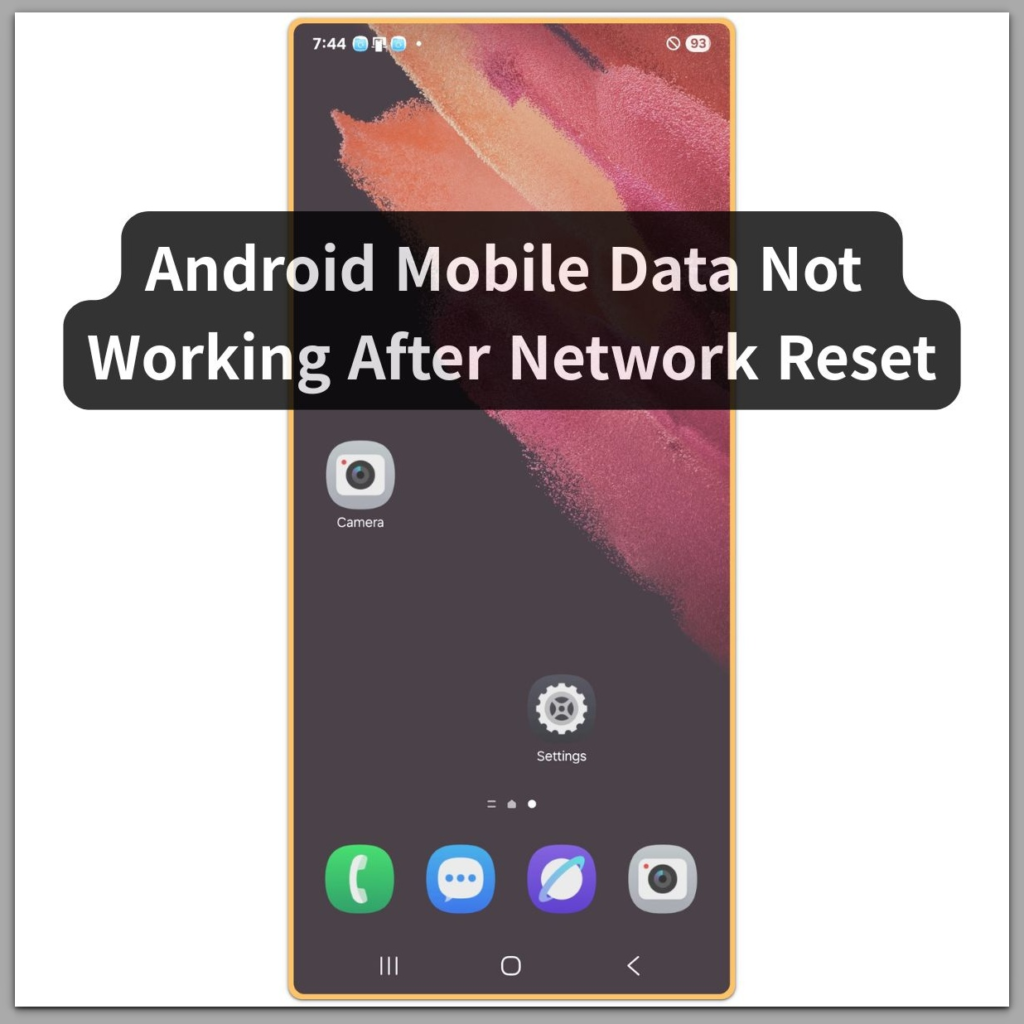
android mobile data not working after network reset home screen

Android Mobile Data Not Working After Network Reset — Beyond APN and User Settings

Introduction──────────────────────── Android Mobile Data Not Working After Network Reset means the network reset has already disrupted mobile data registration at a system or carrier-validation level, not at the APN or user settings layer.In this state, re-entering APN details, toggling mobile data, or restarting the device does not restore connectivity.This problem marks the exact boundary where

Android Mobile Data Not Working After Network Reset — Beyond APN and User Settings Read More »

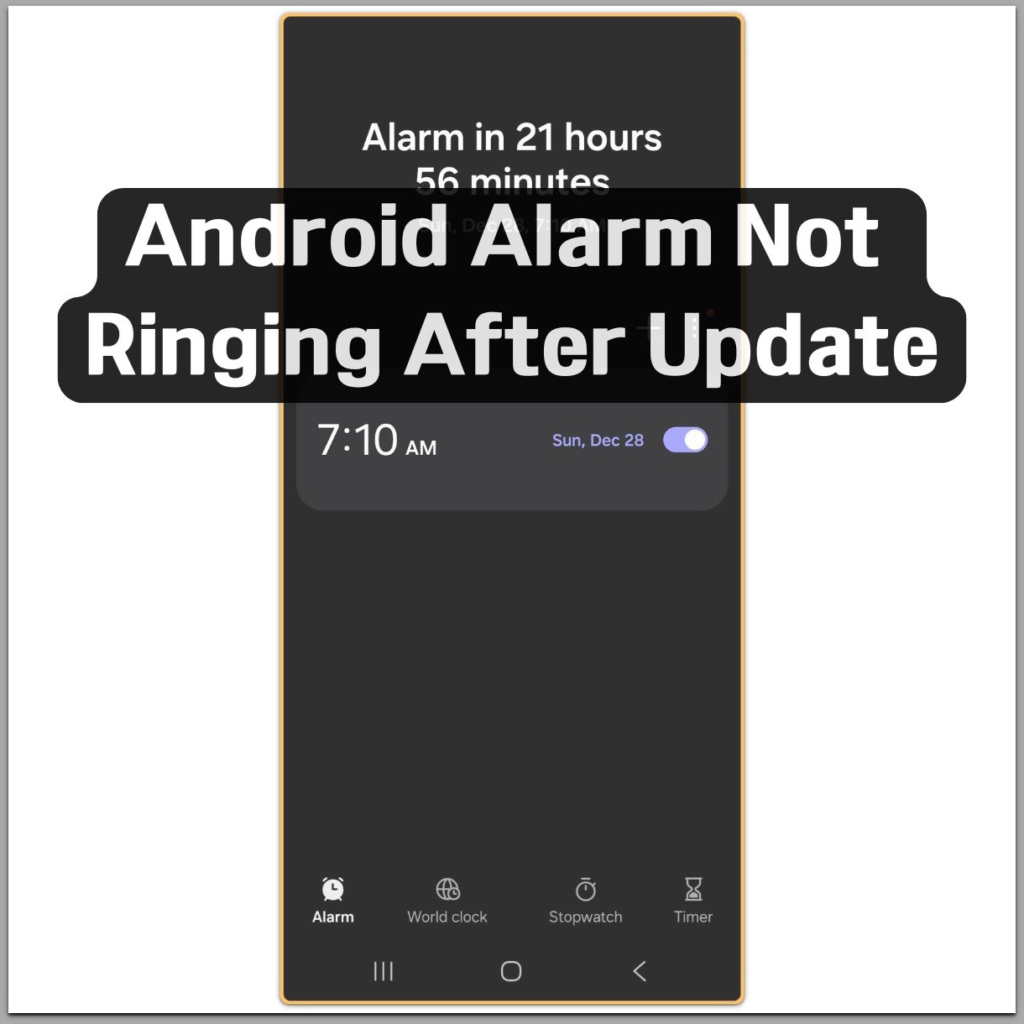
android alarm not ringing after update clock app

Android Alarm Not Ringing After Update — This Is Not a Settings Issue

Introduction After recent system updates, many Android alarms appear enabled but fail to ring without warning.In most cases, alarms fail silently because system-level rules change after an update, not because users configured something wrong. The alarm may appear enabled, schedules remain intact, and no visible errors are shown.This creates the false impression that the alarm

Android Alarm Not Ringing After Update — This Is Not a Settings Issue Read More »