
Introduction
────────────────────────
Android backup restore fails means a Google backup is visible in the account, but the system has already rejected it before the restore process begins.
This situation does not indicate a sync delay, a temporary server issue, or a mistake during setup.
When users see a backup listed during phone setup, they naturally assume it is usable.
In reality, Android evaluates backup eligibility long before the restore screen appears.
That evaluation happens at the integrity and compatibility layer.
If the backup fails this internal check, Android removes the restore option or blocks it immediately after selection.
Once that decision is made, repeating setup, restarting the device, or reconnecting Wi-Fi does not change the outcome.
At that point, user control has already ended.
This article explains where the restore process breaks even though a backup exists,
why Android allows the backup to remain visible,
and where restore eligibility is permanently lost in android backup restore fails cases.
────────────────────────
Step-by-Step Guide
────────────────────────
────────────────────────
Step 1: Confirm That the Backup Is Visible but Not Selectable
────────────────────────
The first judgment point is visibility versus usability.
During setup, Android may show a backup name, date, and device model.
If the backup appears but cannot be selected, or fails immediately after selection, the failure already occurred earlier.
This means the backup passed basic listing checks but failed restore qualification.
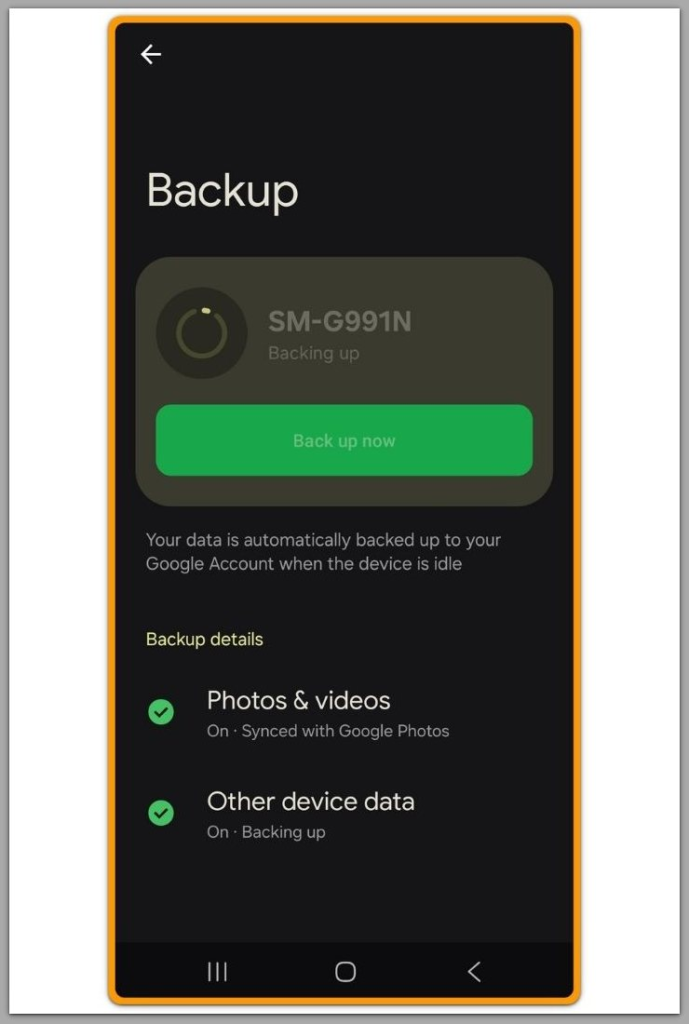
At this stage, the presence of the backup does not indicate integrity.
It only confirms that metadata still exists in the account.
This distinction is critical in android backup restore fails cases.
────────────────────────
Step 2: Identify Whether the Restore Fails Before or After Device Verification
────────────────────────
Android restore follows a strict order.
Account validation comes first, then device eligibility, then backup integrity.
If restore fails before any data transfer begins, the system already rejected the backup during integrity validation.
No user-facing error explains this rejection.
If restore begins but stops quickly without progress, the system already flagged the backup as unusable.
Retrying does not re-evaluate the backup.
This behavior is consistent across devices and Android versions.
────────────────────────
Step 3: Understand Why a Backup Can Exist but Still Be Unusable
────────────────────────
Android does not immediately delete invalid backups.
Backups may remain visible even after integrity loss.
Common causes include interrupted backup creation, partial encryption failure, or account-level inconsistencies.
None of these conditions can be repaired from device settings.
Because restore eligibility is evaluated dynamically, visibility alone is misleading.
This is why android backup restore fails even when the backup appears intact.
────────────────────────
Step 4: Recognize Where User Actions No Longer Apply
────────────────────────
Once integrity validation fails, user actions stop influencing the process.
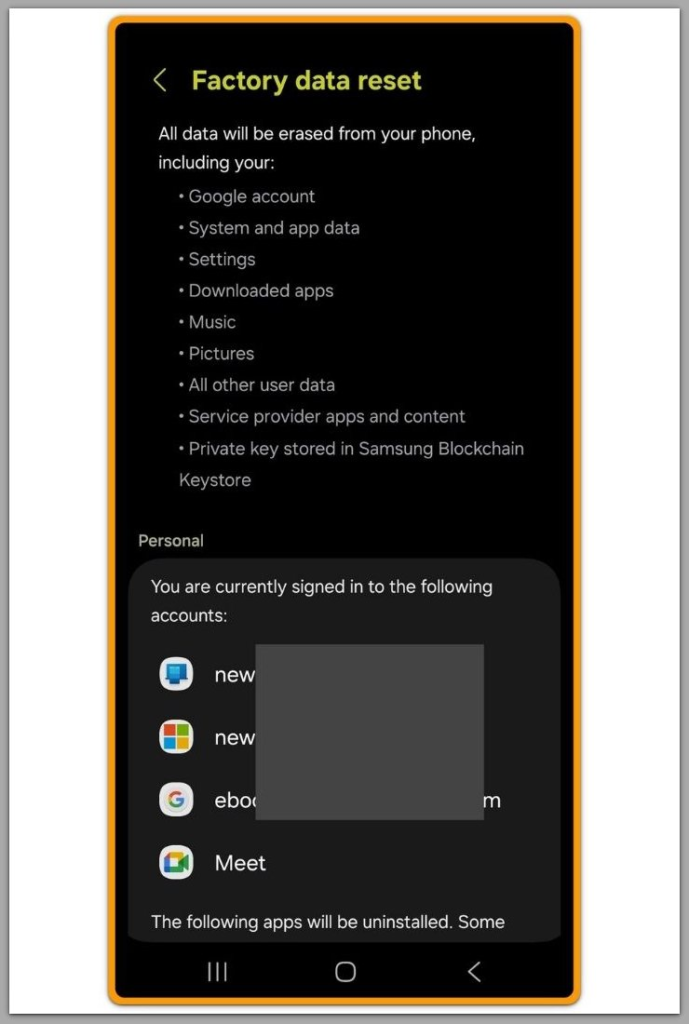
Factory resets, repeated setup attempts, and network changes do not reopen the restore path.
Android does not provide a manual override for backup integrity.
There is no setting to force restore.
At this point, the system fixes the restore boundary.
At this point, the restore process has reached a system-level boundary that user actions cannot override.
Further recovery depends on how this type of restore failure is handled beyond device settings.
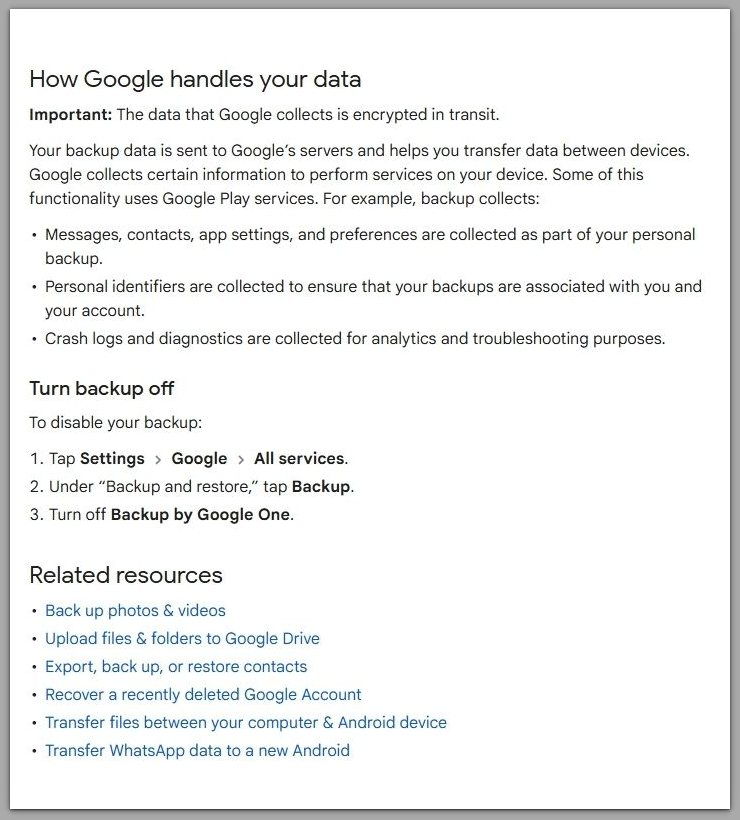
For reference, Google describes how Android handles backup and restore data at the system level.
────────────────────────
Troubleshooting
────────────────────────
Many users repeat the same setup process expecting a different result.
Users usually assume restore failure comes from a missed step or timing issue.
However, when a backup has already failed integrity validation, repetition does not trigger a recheck.
Each restore attempt reaches the same rejection point before data transfer begins.
Network resets, Wi-Fi changes, and account re-logins only refresh connectivity.
They do not rebuild the internal state Android already evaluated.
This is why restore behavior feels consistent but unexplainable.
The system is not failing repeatedly; it is enforcing the same decision.
Troubleshooting at this stage serves one purpose.
It confirms that the failure is stable and not influenced by user actions.
Once stability is confirmed, further attempts do not increase recovery chances.
This pattern explains why android backup restore fails consistently across repeated setup attempts.
They only extend uncertainty.
────────────────────────
Additional Tips
────────────────────────
Backup timing plays a larger role than most users realize.
Backups created shortly before a device reset are more vulnerable to integrity issues.
Background restrictions, encryption delays, or interrupted sessions can silently affect backup quality.
The system does not surface these conditions.
Switching devices immediately after backup creation increases risk.
Android may list the backup before its internal validation completes.
Keeping a longer buffer between backup completion and restore reduces exposure.
It does not guarantee success, but it lowers failure probability.
These tips are preventive, not corrective.
Once integrity is lost, they no longer apply to the current backup.
────────────────────────
Final Notes
────────────────────────
When restore fails despite a visible backup, the system has already moved past the user-controlled phase.
This is not a configuration mistake.
Android backup restore fails without warning because integrity checks are not user-facing.
Android removes the restore option only after it finalizes the decision.
At that point, restore eligibility cannot be reactivated.
The only viable path forward is rebuilding data through new usage, not recovery.
────────────────────────
Checklist
────────────────────────
☐ Backup appears in the account but fails restore
☐ Restore stops before any data transfer
☐ Repeated attempts show identical behavior
☐ No setting changes alter the result
If all conditions match, restore integrity has already been lost.
────────────────────────
Extra Section 1 — Android Backup Restore Fails and Visibility Confusion
────────────────────────
The most misleading aspect of this issue is visibility.
Android presents backup listings as if they represent readiness.
In practice, listing and usability are separate states.
A backup can remain listed long after it becomes unusable.
This gap exists because Android prioritizes automation over user intervention.
Integrity checks are designed to run silently.
As a result, users only encounter the failure during restore.
By then, the underlying condition has already stabilized.
What users see is the final symptom, not the moment of failure.
The actual integrity loss usually happens earlier, during backup creation or validation.
This is why android backup restore fails feel sudden, even though the failure happened earlier.
────────────────────────
Extra Section 2
────────────────────────
Backup integrity loss should not be interpreted as device malfunction.
Phones involved in these cases often function normally.
The failure reflects a breakdown in the backup pipeline, not hardware reliability.
Encryption states, account synchronization, and background conditions all contribute.
None of these factors are adjustable after the fact.
They exist outside the settings layer users can access.
Because the system does not expose these checks, users are left without feedback.
This silence often leads to repeated retries without understanding the boundary.
Understanding this boundary prevents wasted effort.
It clarifies when recovery attempts should stop.
That clarity is often more valuable than another retry.