
Introduction
────────────────────────
Android Mobile Data Not Working After Network Reset means the network reset has already disrupted mobile data registration at a system or carrier-validation level, not at the APN or user settings layer.
In this state, re-entering APN details, toggling mobile data, or restarting the device does not restore connectivity.
This problem marks the exact boundary where user-accessible configuration ends and recovery depends on factors beyond normal device control.
────────────────────────
Step-by-Step Guide
────────────────────────
────────────────────────
Step 1: Confirm Why Mobile Data Not Working After Network Reset
────────────────────────
The timing of the failure matters more than the symptom itself.
If mobile data stopped working immediately after resetting network settings, this strongly indicates a registration-layer disruption rather than a configuration mistake.
This timing pattern is typical when mobile data not working after network reset is caused by a failed registration refresh.
Network reset clears saved APN profiles, carrier tokens, and cached authentication data.
In most cases, Android re-registers these automatically on the next boot.
When that re-registration fails, mobile data remains unavailable even though signal bars appear normal.
If mobile data was working before the reset and failed right after, the issue is already beyond basic user control.
────────────────────────
Step 2: Verify That Signal Exists but Data Does Not Attach
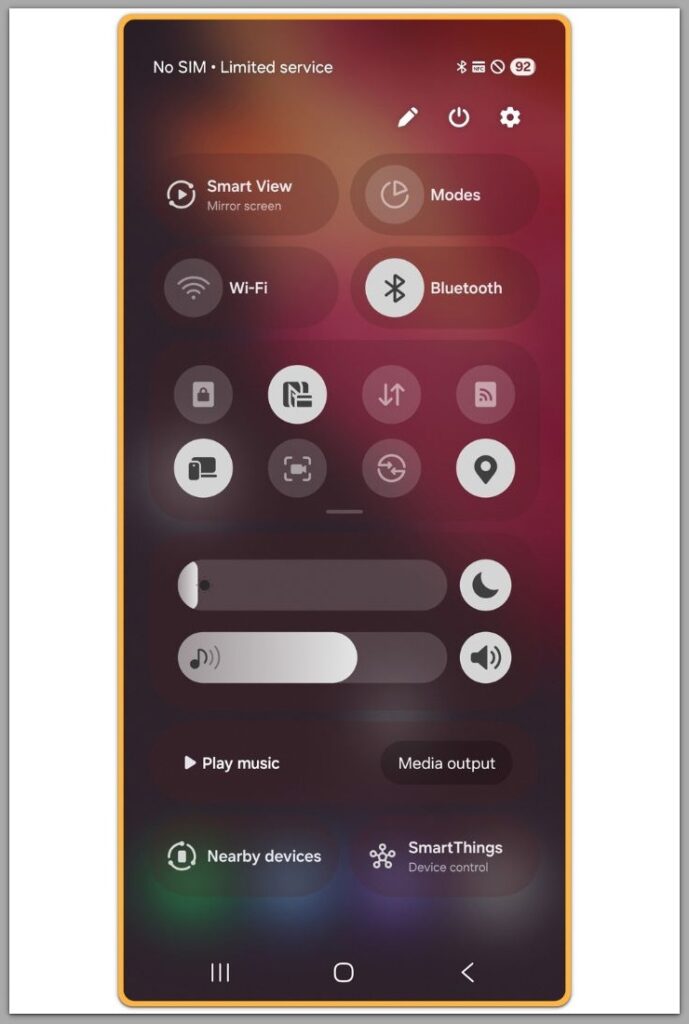
Check whether the device still shows carrier signal strength.
If signal bars are present but mobile data remains disconnected, the radio layer is active but data attachment has failed.
This distinction is critical.
A complete signal loss points to hardware or coverage issues.
Signal without data indicates a failure in APN provisioning, SIM authentication, or carrier-side validation.
At this stage, Android is unable to complete the data session handshake.
────────────────────────
Step 3: Understand Why APN Re-entry Does Not Fix the Issue
────────────────────────
Many guides recommend manually re-adding APN settings.
This step only works if the failure is limited to missing or corrupted APN profiles.
After a network reset, Android also clears internal carrier provisioning flags.
If those flags fail to reinitialize, correct APN values alone cannot restore mobile data.
This explains why mobile data not working after network reset persists even when APN values look correct.
The system no longer recognizes the device as authorized for data attachment.
────────────────────────
Step 4: Check SIM Revalidation Behavior
────────────────────────
Remove and reinsert the SIM card, then reboot the device.
Observe whether Android prompts for carrier configuration updates.
If no revalidation occurs, the SIM authentication process may be stalled.
This often happens when carrier-side provisioning does not properly resync after a reset.
At this point, repeated restarts or manual scans do not change the system state.
────────────────────────
Step 5: Identify the User-Control Boundary
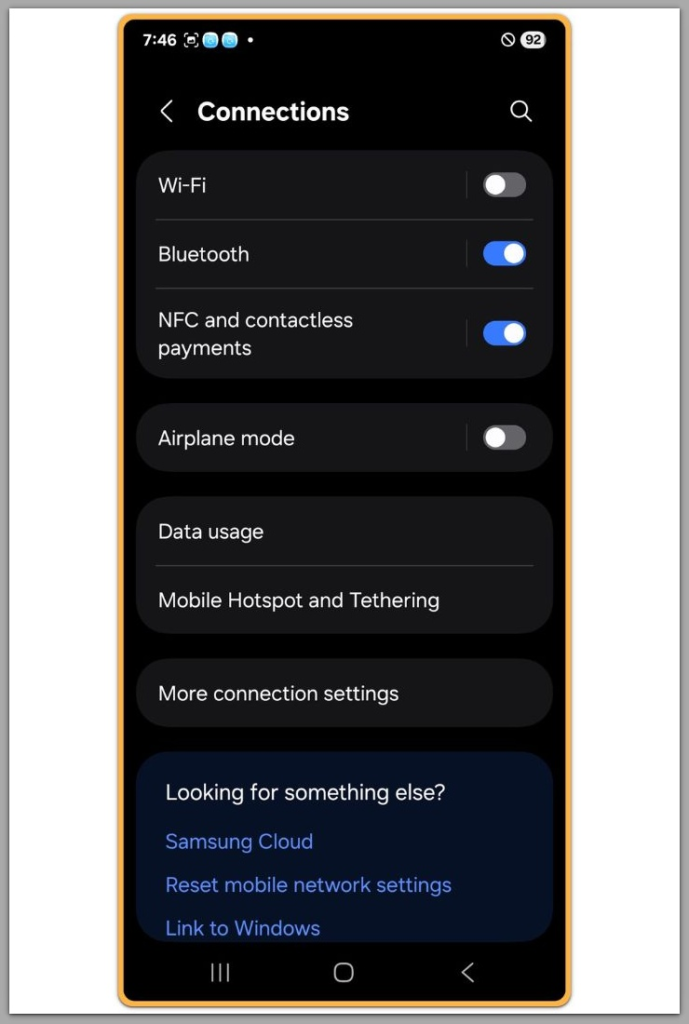
Once mobile data fails to reattach after a network reset, user actions become confirmatory rather than corrective.
Settings menus remain accessible, but they no longer influence the outcome.
At this point, mobile data not working after network reset reflects a completed user-control boundary.
This is the boundary where free, device-level troubleshooting realistically ends.
Further recovery depends on carrier-side reprovisioning or system-level intervention.
If the issue still persists after completing all steps above, this is no longer a device-level or settings-related problem.
At this stage, checking how carrier-side revalidation and account-level fixes are typically handled can help clarify the remaining options.
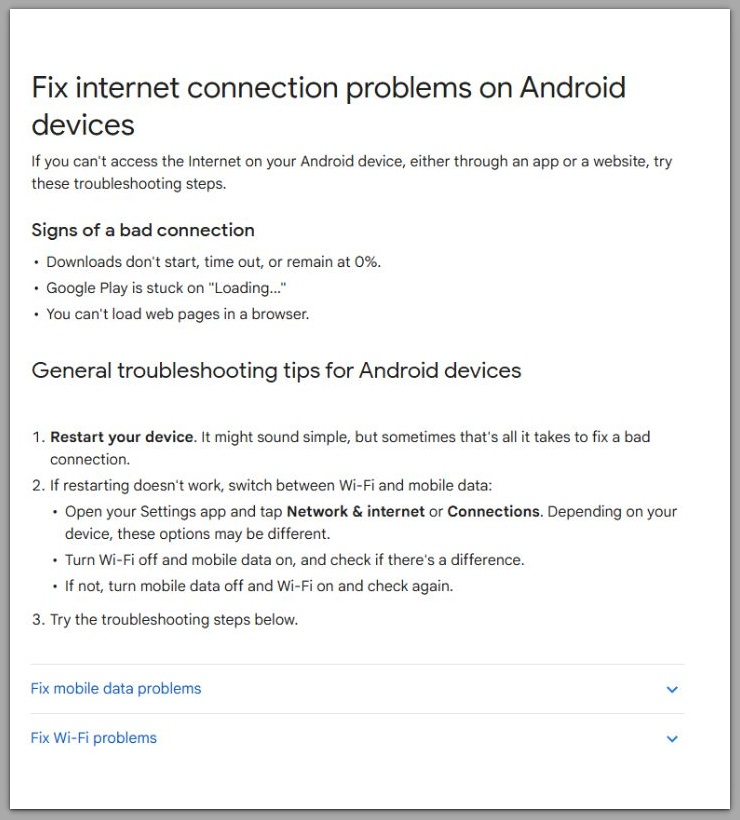
Google Support (Android Help)
────────────────────────
Troubleshooting
────────────────────────
Toggling airplane mode repeatedly does not rebuild carrier authentication once the registration layer has failed.
This action only forces a surface-level radio refresh, not a new data authorization handshake.
This pattern is common in cases of mobile data not working after network reset, where authentication never rebuilds locally.
Resetting APN multiple times also does not restore missing provisioning tokens.
If the carrier profile failed to reattach after the network reset, APN values become informational rather than functional.
Factory reset is often misunderstood at this stage.
While it may restart onboarding flows, it does not force carriers to revalidate data eligibility.
In many cases, users lose personal data while the mobile data state remains unchanged.
If mobile data is still unavailable after these steps, further local troubleshooting stops being corrective.
At this point, user actions only confirm the limitation rather than move the device closer to recovery.
────────────────────────
Additional Tips
────────────────────────
Avoid installing third-party “network repair” or “signal booster” apps.
They do not have permission to access protected carrier provisioning layers and cannot rebuild authorization states.
Do not repeatedly reset network settings in hopes of a different outcome.
Repeated resets rarely change outcomes when mobile data not working after network reset is already established.
Each reset clears cached carrier references again, increasing the risk of persistent desynchronization between the device and the carrier backend.
Take note of the exact timing and trigger of the failure.
Whether the issue appeared immediately after the reset or after the next reboot matters when escalation becomes necessary.
Clear documentation shortens carrier-side investigation time and prevents unnecessary repetition of basic checks.
────────────────────────
Final Notes
────────────────────────
When mobile data stops working after a network reset, the failure is rarely caused by missing APN values or incorrect user settings.
It usually indicates why mobile data not working after network reset continues beyond user-accessible configuration.
At this point, the issue is no longer within normal user control.
────────────────────────
Checklist
────────────────────────
☐ Confirm mobile data stopped immediately after network reset
☐ Verify signal is present but data does not attach
☐ Reinsert SIM and observe revalidation behavior
☐ Stop repeating APN or network resets
☐ Prepare for carrier-level support if the issue persists
────────────────────────
Extra Section 1
────────────────────────
Network reset is designed as a recovery shortcut, not a full carrier reprovisioning tool.
It assumes that carrier-side authorization remains intact and only local references need refreshing.
When that assumption breaks, the device enters a misleading state.
Signal strength appears normal, menus function correctly, and the phone looks operational.
However, the mobile data layer is already closed at a validation level the user cannot see.
This is why the problem feels inconsistent.
Nothing visibly fails, yet nothing restores connectivity either.
Recognizing this state early prevents wasted effort and protects users from unnecessary factory resets or app installations.
────────────────────────
Extra Section 2
────────────────────────
If mobile data still does not attach after all checks above, the issue is no longer a settings problem.
In these situations, mobile data not working after network reset cannot be resolved without carrier-side action.
At this stage, carrier-side account validation, SIM reprovisioning, or backend refresh is typically required.
This does not always mean the SIM is defective.
More often, the carrier profile associated with the line needs to be reissued or manually re-synced.
No amount of device-side adjustment can trigger that process automatically.
Resolution depends on direct carrier intervention, not further experimentation on the device.