
Introduction
────────────────────────
eSIM Not Working After Activation means the eSIM profile was installed on the device, but network registration never completed at the carrier or account level.
In this state, the failure is no longer related to QR codes, installation steps, or local phone settings.
Once activation stops at this point, user re-setup reaches its limit and repeating the process does not change the outcome.
This article explains where user control realistically ends, why re-adding eSIM cannot resolve the issue, and how to recognize the exact boundary between device responsibility and carrier systems.
────────────────────────
Step-by-Step Guide
────────────────────────
The steps below do not aim to fix eSIM Not Working After Activation.
They are used to confirm exactly where the activation process stopped and why user actions no longer affect the result.
────────────────────────
Step 1: Confirm That the eSIM Profile Exists on the Device
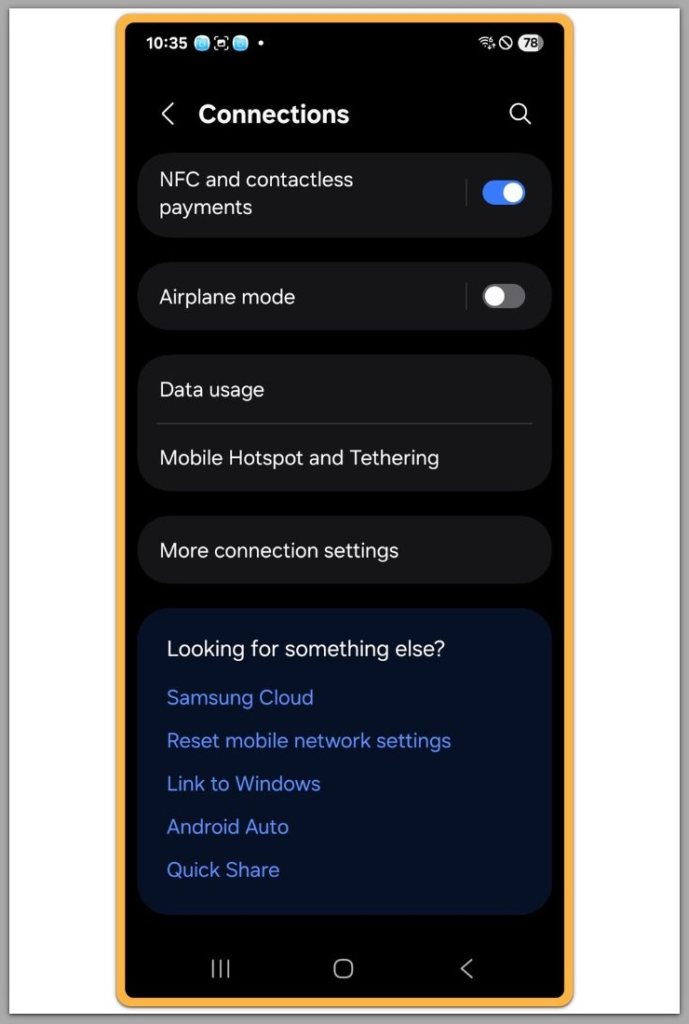
First, check whether the eSIM profile is actually present on the phone.
Open Settings and look under mobile or cellular plans to confirm the eSIM is listed.
If the eSIM appears but shows No Service or cannot connect, installation itself succeeded.
This confirms that QR scanning and profile download are not the failure point.
────────────────────────
Step 2: Verify That Network Registration Never Completed
The key issue is not the presence of the eSIM, but whether it registered with the carrier network.
If the device stays on No Service or Searching indefinitely, the registration handshake failed.
This failure happens after installation, not during it.
Because of that, deleting and re-adding the same eSIM repeats the same incomplete process that causes eSIM Not Working After Activation.
────────────────────────
Step 3: Understand Why User Re-Setup Cannot Change the Result
────────────────────────
User re-setup only controls local actions on the device.
It does not reset carrier-side activation status, account validation, or backend provisioning flags.
Once activation fails at that layer, the phone no longer decides the outcome.
Repeating setup steps simply confirms the same limitation.
────────────────────────
Step 4: Recognize Signs That the Issue Is Outside the Device
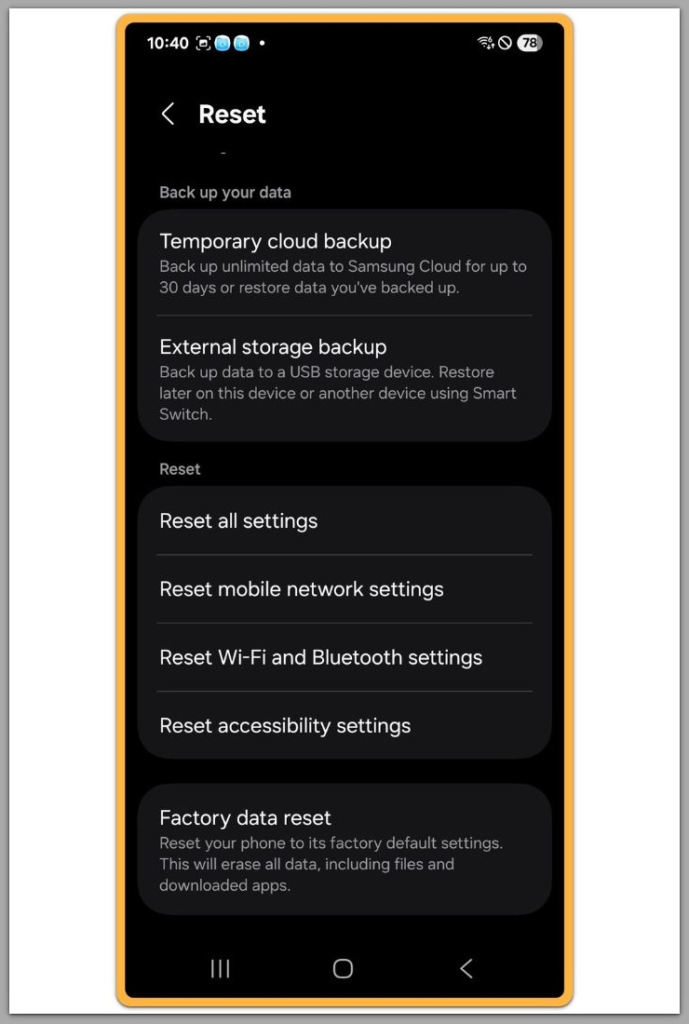
If every re-setup attempt produces identical results, this is not a configuration mistake.
If airplane mode, restarts, or network resets make no difference, the device is not blocking access.
These patterns indicate that the problem exists beyond the phone itself.
At this point, further user actions cannot move the process forward.
If the issue remains unresolved after completing the steps above, the activation process has already failed beyond the device level. At this stage, further progress depends on carrier-side account validation or backend provisioning checks, which cannot be triggered through user settings alone.
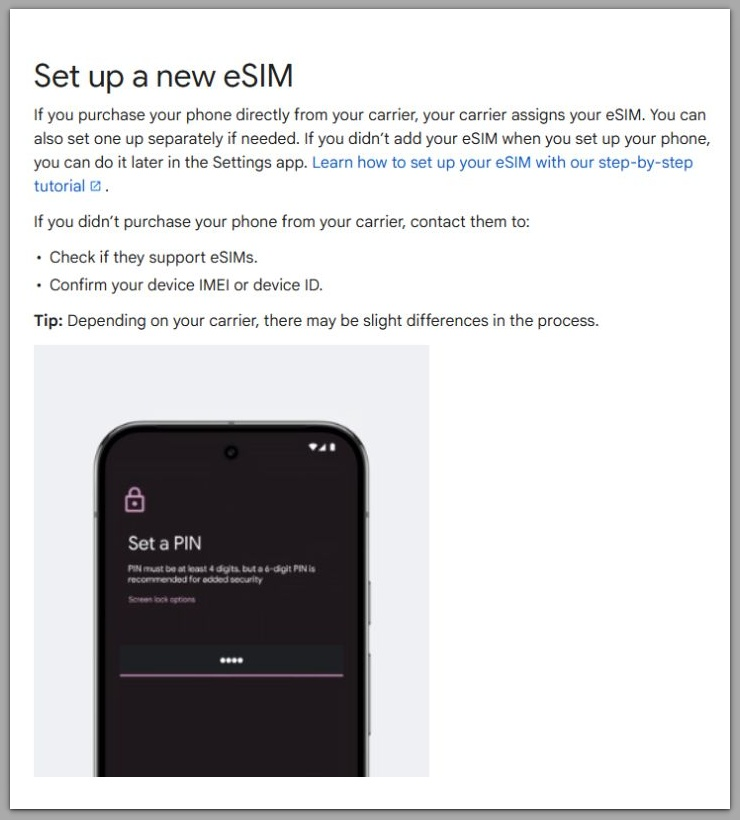
Official Google Support: Set up a new eSIM
────────────────────────
Troubleshooting for eSIM Not Working After Activation
────────────────────────
Avoid repeating eSIM removal and re-installation endlessly.
Each attempt follows the same activation path and stops at the same point.
Factory resets should also be avoided unless explicitly instructed by official support.
A reset clears user data, but it does not alter carrier-side activation status.
When troubleshooting produces identical outcomes every time, the boundary for eSIM Not Working After Activation is already confirmed.
Additional troubleshooting steps often suggested online do not change this outcome.
Manually selecting carriers, toggling preferred network types, or resetting APN settings do not affect eSIM activation status once installation has completed.
These actions operate at the device configuration layer.
Activation failure, however, exists above that layer, where the device no longer controls the decision.
Another common suggestion is waiting for several hours or days before trying again.
In practice, delayed success rarely occurs once the initial provisioning window has passed.
If activation does not complete shortly after installation, time alone does not resolve the issue.
The system does not automatically retry failed activation processes without external intervention.
Troubleshooting becomes meaningful only when it confirms limits, not when it repeats actions.
At this stage, repeating steps does not move the process forward; it only verifies that the issue is external.
────────────────────────
Additional Tips
────────────────────────
Some users assume that activation issues behave differently depending on the country or carrier type.
However, once eSIM Not Working After Activation occurs after the installation stage, the failure pattern remains largely the same across regions.
The device still depends on backend confirmation from the carrier system.
Roaming status, travel eSIM providers, or local network availability do not change that requirement.
This is why switching locations or waiting longer rarely alters the outcome.
Time does not complete activation when the backend process has already stopped.
In these cases, waiting becomes a passive action rather than a corrective one.
If activation does not complete within the initial provisioning window, it usually does not resume later on its own.
────────────────────────
Final Notes
────────────────────────
When eSIM Not Working After Activation occurs after installation, user control ends much earlier than most people expect.
At this stage, the issue is no longer tied to device setup, QR codes, or local configuration mistakes.
Re-setup actions cannot reset carrier-side activation states or backend validation checks.
Once this boundary is reached, repeating the same steps only confirms that the problem has moved outside the device.
Understanding where this limit exists prevents unnecessary resets and wasted troubleshooting time.
It also clarifies when the issue has fully left the user’s control.
────────────────────────
Checklist
────────────────────────
☐ The eSIM profile appears in device settings but shows no service
☐ Re-adding or deleting the eSIM produces the same result every time
☐ Airplane mode, restarts, and network resets do not change connectivity
☐ The device recognizes the eSIM but never completes network registration
☐ The issue persists regardless of device usage or storage state
If all items above are true, this is no longer a user-resolvable setup issue.
────────────────────────
Extra Section 1
────────────────────────
Another common misunderstanding is believing that successful eSIM download equals successful activation.
From the user’s perspective, the phone shows a completed setup flow, which creates a false sense of completion.
In reality, the installation phase and the activation phase are separate processes.
Installation only places credentials on the device, while activation requires carrier-side validation.
If that validation step fails or never finalizes, the device remains in a waiting state indefinitely.
The phone does not retry activation independently, nor does it escalate the process on its own.
This explains why the same eSIM profile can appear stable in settings while never providing service during eSIM Not Working After Activation.
The device is not malfunctioning; it is simply waiting for confirmation that never arrives.
────────────────────────
Extra Section 2
────────────────────────
Repeated re-setup attempts often feel productive because they involve visible actions.
Scanning QR codes, deleting profiles, and restarting the device create the impression of progress.
However, these actions only restart the local setup loop.
They do not trigger a new activation decision on the carrier side.
Once the backend process has stalled or failed, the system does not re-evaluate activation automatically.
At that point, the device becomes a passive endpoint rather than an active participant.
Understanding this distinction prevents users from misattributing responsibility to the phone.
It also clarifies why identical steps consistently lead to identical results.