
Introduction
────────────────────────
Recover deleted videos after storage overwrite means the Android storage has already replaced the original video blocks with new data.
In other words, this is not a recovery app limitation or a permission issue.
Once overwrite happens, Android itself no longer knows that the video ever existed.
At this stage, deleted video recovery after overwrite is no longer possible at the system level.
As a result, recovery does not fail slowly or partially.
Instead, it stops completely at the storage layer.
Therefore, no user action can reverse that boundary.
For this reason, this article explains where recovery realistically ends,
why deleted videos cannot be restored after overwrite on Android,
and the exact moment user control permanently stops.
────────────────────────
Step-by-Step Guide for Deleted Video Recovery After Overwrite
────────────────────────
────────────────────────
Step 1: Confirm That Storage Activity Occurred After Deletion
────────────────────────
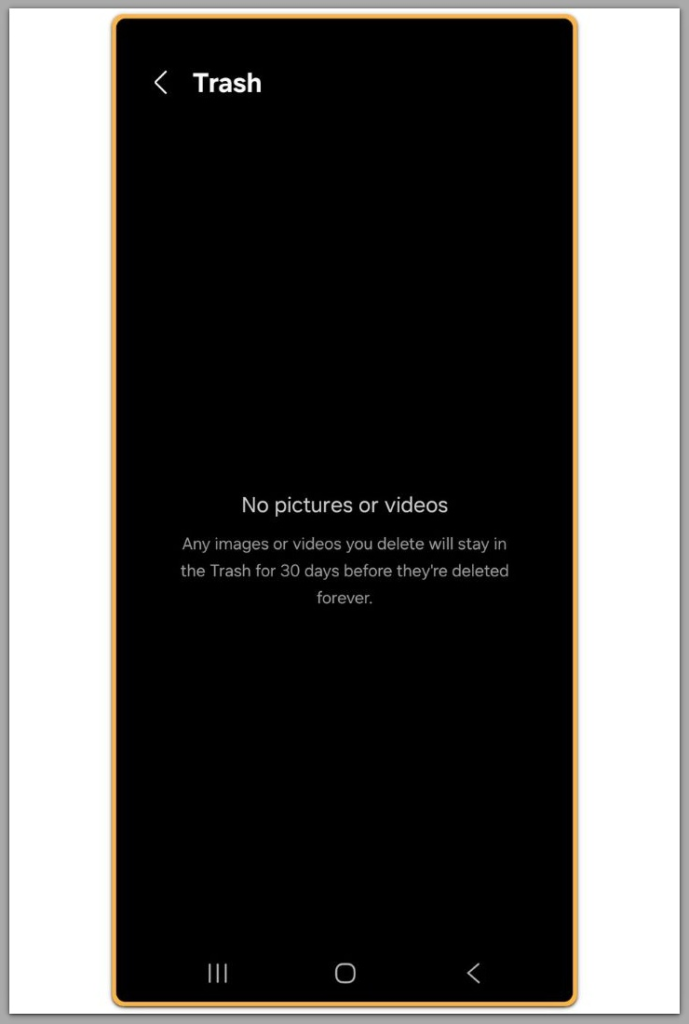
The first judgment point is not the deletion itself, but what happened afterward.
If any new data was written to internal storage after the video was deleted, overwrite becomes possible.
As a result, this timing determines whether deleted video recovery after overwrite remains feasible.
For example, this includes installing apps, recording new videos, downloading files, or even system updates.
Android does not reserve empty space for deleted files.
Instead, Android immediately reuses free space.
Therefore, if storage activity occurred after deletion, recovery is already at risk.
In practice, if heavy activity followed, recovery is no longer realistic.
────────────────────────
Step 2: Understand How Android Stores Video Files
────────────────────────
Android uses flash-based storage with block-level management.
When users delete a video, Android removes the file entry, not the physical data immediately.
However, Android actively reuses those blocks.
Once new data occupies the same blocks, new writes physically replace the original video data.
At that point, deleted video recovery after overwrite fails because the original data no longer exists.
As a result, no fragment remains to scan.
Therefore, recovery tools do not “miss” the file.
Instead, nothing remains to read.
────────────────────────
Step 3: Why Recovery Apps Fail After Overwrite
────────────────────────
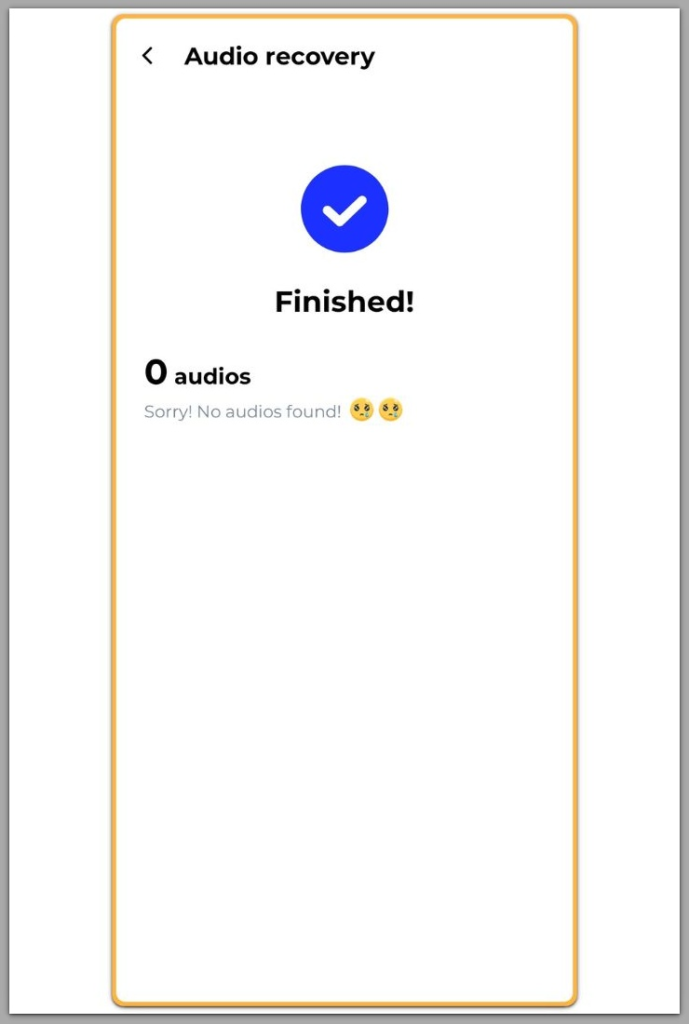
Recovery apps rely on leftover data blocks, which is why deleted video recovery after overwrite cannot succeed once overwrite occurs.
In other words, they do not reconstruct videos from memory or metadata alone.
After overwrite, scans return empty or corrupted results.
Therefore, this outcome does not reflect a software bug.
Instead, it reflects a storage reality.
So trying multiple apps does not change the outcome.
Likewise, root access does not restore overwritten blocks.
As a result, repeated scans only confirm the same limitation.
────────────────────────
Step 4: The Role of TRIM and Modern Android Versions
────────────────────────
Modern Android versions aggressively manage storage using TRIM.
As a result, TRIM marks deleted blocks as disposable and prepares them for reuse.
Because of this process, overwrite accelerates.
Especially on newer devices, deleted videos lose recovery windows very quickly.
Once TRIM and overwrite both occur, recovery stops permanently.
Therefore, this is the final boundary for deleted video recovery after overwrite on modern Android devices.
In practice, there is no delayed chance later.
If you need a deeper technical explanation of why TRIM and block overwrite permanently prevent video recovery, additional low-level storage analysis is required beyond user-accessible tools.
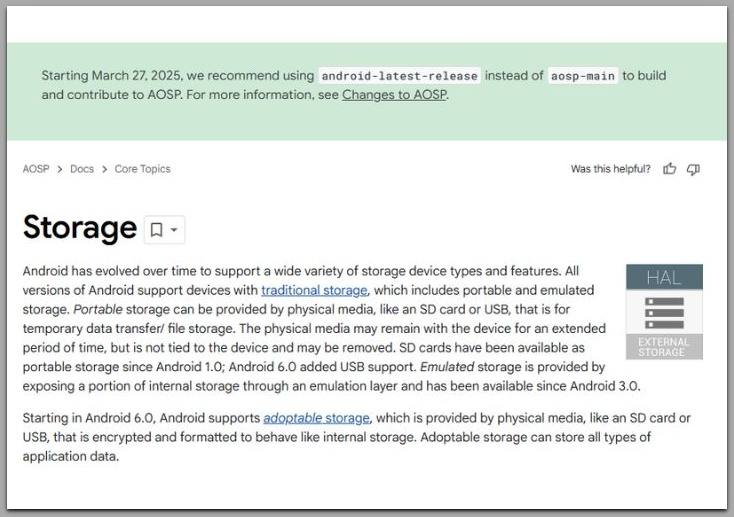
Official Android storage documentation (system-level overview)
────────────────────────
Troubleshooting
────────────────────────
If recovery tools show no video files at all, overwrite likely already occurred, which means deleted video recovery after overwrite has structurally failed.
In other words, this outcome does not indicate a failed scan or a poor recovery app choice.
Instead, the Android storage layer no longer exposes any readable remnants of the deleted video.
A frequent misunderstanding occurs when file names, folder paths, or thumbnails still appear.
However, these elements do not represent recoverable video data.
Instead, they are residual metadata that can persist even after the underlying storage blocks are gone.
Another common case involves zero-byte files or videos that appear but cannot be played.
In that situation, many users assume these files are damaged yet repairable.
In reality, this usually indicates partial overwrite.
As a result, overwritten segments break the continuous data sequence required for playback.
Switching between multiple recovery tools does not change this condition.
Therefore, all tools read from the same storage state.
Instead, tools mainly differ in interface and scanning method, not in their ability to recreate overwritten data.
Repeated scans often worsen the situation.
For example, each attempt consumes time and may trigger additional background storage activity.
At this stage, troubleshooting no longer attempts recovery.
Instead, it only confirms that the overwrite boundary has already been crossed.
────────────────────────
Additional Tips
────────────────────────
Many users turn to factory resets as a last attempt to improve recovery results.
However, this action comes from a misconception.
A reset reorganizes the operating system, not the physical storage blocks where the video once existed.
Installing new recovery tools after deletion is another common mistake.
As a result, every installation writes new data to internal storage.
Therefore, that activity increases overwrite risk rather than reducing it.
Cloud backup assumptions also create false expectations.
For example, if the video was never uploaded or synced before deletion, cloud services cannot retroactively retrieve it.
Instead, local recovery depends entirely on whether the storage blocks remain untouched.
Time alone does not preserve recoverability.
In practice, normal phone usage—notifications, app updates, cached data—gradually consumes free space.
Once overwrite timing passes, the outcome becomes fixed, regardless of later actions.
────────────────────────
Final Notes
────────────────────────
This issue does not depend on effort, speed, or the number of tools used.
Instead, one factor decides the result: whether the original storage blocks still exist.
Once Android overwrites deleted video data, user control ends at that point.
Therefore, no additional scan, setting change, or recovery method extends that boundary.
Understanding where recovery stops matters more than attempting recovery blindly.
As a result, it replaces uncertainty with a clear and final limit.
────────────────────────
Checklist
────────────────────────
☐ Confirmed that storage activity occurred after the video was deleted
☐ Recovery tools return no files or only zero-byte / unreadable videos
☐ Multiple scans show the same result across different tools
☐ No prior cloud backup exists for the deleted video
☐ Additional installs or resets are no longer attempted
Once all items above apply, recovery has reached its final boundary.
────────────────────────
Extra Section 1
────────────────────────
Many users confuse “not found” with “not scanned correctly.”
However, on Android, these two states are fundamentally different.
When overwrite occurs, the operating system itself has no reference to the original video.
Therefore, recovery tools may operate below the file system, but they do not bypass physical storage limits.
Instead, they cannot read data that no longer exists on the medium.
At this point, recovery attempts serve a single purpose.
For example, they verify whether any readable fragments remain.
If none appear across consistent scans, the boundary has already been crossed.
This distinction explains why deleted video recovery after overwrite cannot be influenced by user actions.
────────────────────────
Extra Section 2
────────────────────────
Android does not guarantee deleted video recovery by design.
Instead, it exists as a temporary side effect of how storage space is reused, not a promised feature.
Once overwrite happens, deleted video recovery after overwrite exits the user-controllable domain entirely.
Therefore, no setting, no permission change, and no advanced scanning method alters that outcome.
Instead, the limitation is structural, not procedural.
Search results often emphasize “possible recovery” because they cannot evaluate storage timing.
Instead, only the device’s overwrite history determines the result.
However, users cannot see that overwrite history directly.
Understanding where recovery stops provides clarity.
As a result, it replaces uncertainty with a clear boundary.
That clarity is more valuable than any recovery promise.