
Introduction
────────────────────────
Android Phone No Signal After Software Update means the update process has already broken the network registration layer, not a user setting or temporary glitch.
In this state, android no signal after software update does not resolve through basic actions like toggling airplane mode or restarting the device.
Once this condition appears, the Android system fails to complete carrier authentication at a system level.
User-accessible controls no longer play a role in the recovery path.
This article explains where recovery realistically stops, why the signal does not return after updates, and how to identify the exact point where user control ends.
────────────────────────
Step-by-Step Guide
────────────────────────
────────────────────────
Step 1: Confirm the Signal Loss Occurred Immediately After the Updat
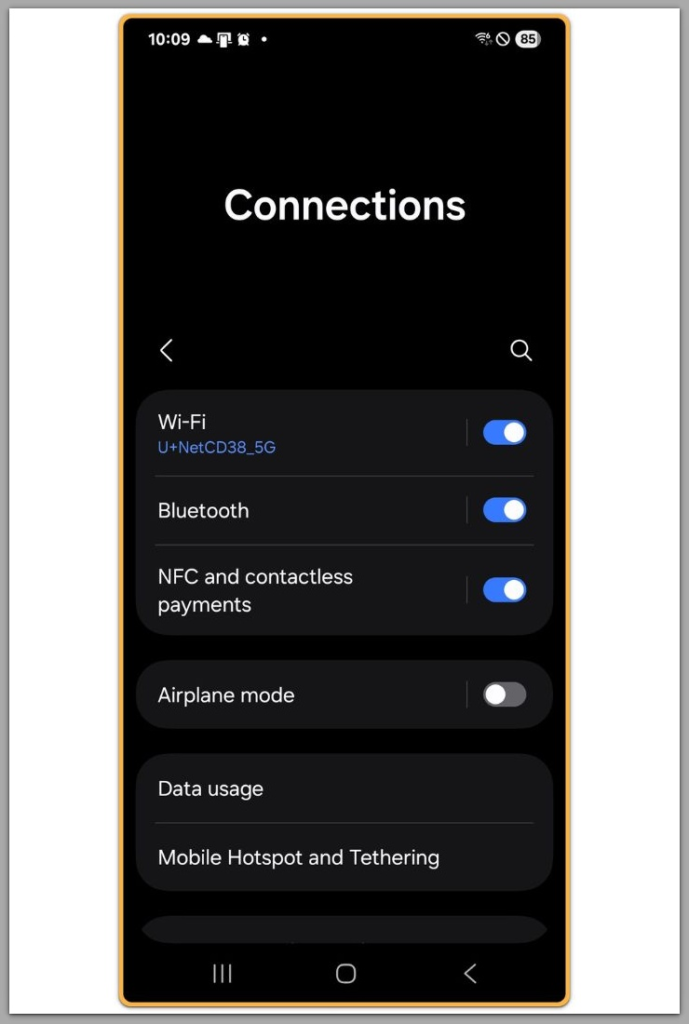
Check whether the device showed normal signal before the software update and lost service immediately afterward.
If the signal disappeared within minutes of the update completing, this strongly indicates a system-level failure.
This pattern matters because delayed signal loss often points to carrier-side issues.
Immediate loss after reboot points to firmware or baseband mismatch.
If android no signal after software update appears right after installation, user actions are already limited.
────────────────────────
Step 2: Verify That the SIM Card Is Still Detected by the System
────────────────────────
Open Settings and check whether the system recognizes the SIM at all.
If the SIM status shows as present but reports no service, the issue is not physical.
Reinserting the SIM may confirm detection, but it does not restore registration.
At this stage, the system can see the SIM but cannot authenticate it.
This distinction separates hardware failure from software-level lockout.
────────────────────────
Step 3: Attempt Network Settings Reset Once — Not Repeatedly
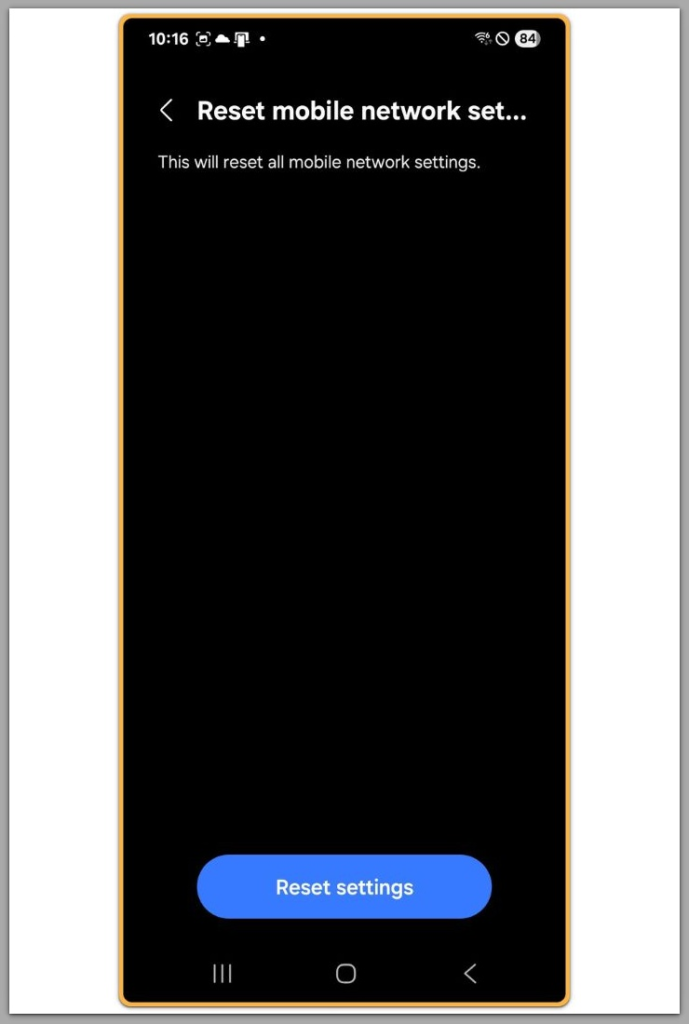
Reset network settings a single time to rule out corrupted profiles.
This clears saved networks but does not rewrite modem firmware.
If no signal returns after this step, repeating resets adds no value.
Android does not rebuild the radio stack through repetition.
When android no signal after software update persists beyond this step, user recovery has effectively ended.
────────────────────────
Step 4: Check Baseband Version and IMEI Visibility
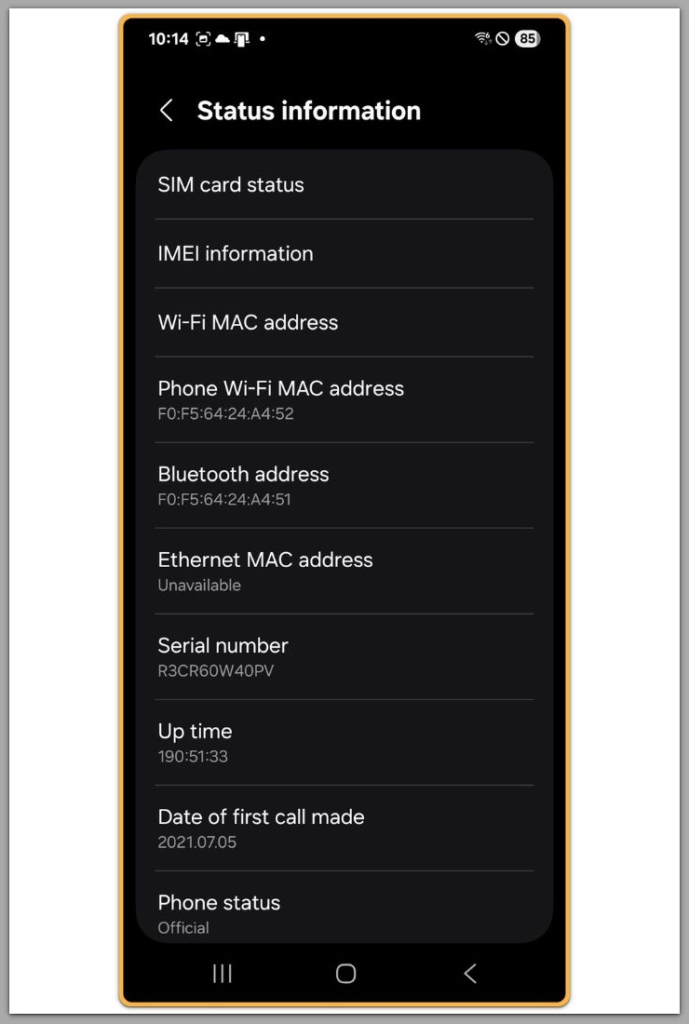
Navigate to device information and confirm that the baseband version appears normally.
If the system shows the baseband as unknown or blank, the update damaged the radio layer.
Also verify that the IMEI is visible.
Missing IMEI or baseband data confirms firmware-level corruption.
Settings or apps cannot correct this condition.
────────────────────────
Step 5: Determine Whether Safe Mode Changes Anything
────────────────────────
Booting into Safe Mode disables third-party interference.
If the signal remains absent in Safe Mode, apps are not involved.
This step matters only to confirm scope.
It does not fix the issue but clarifies responsibility.
At this point, android no signal after software update is fully isolated from user-installed software.
If the signal remains unavailable after all checks above, this issue is no longer within user control.
At this stage, system-level verification is required to determine how modem or firmware failures of this type are handled.
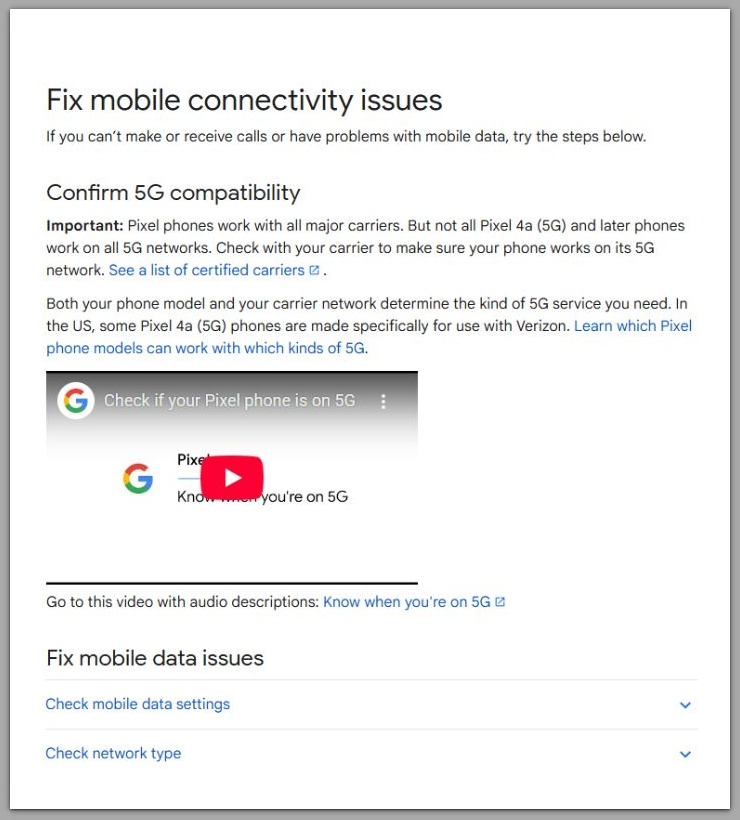
Google Official Support Link
────────────────────────
Troubleshooting: Android No Signal After Software Update
────────────────────────
Many guides suggest endlessly toggling airplane mode or manually selecting carriers.
These steps fail because carrier scanning depends on a fully functional radio stack, not on user-triggered refresh actions.
When Android scans for networks, it relies on the baseband firmware to communicate with nearby towers.
If a software update damages or mismatches the baseband, the scan process completes but returns no valid results.
This creates a misleading situation.
The phone appears responsive, menus work normally, and Wi-Fi remains functional, yet cellular registration never completes.
When baseband firmware corruption exists, repeated scans do not improve the outcome.
Each scan simply repeats the same failed handshake at the system layer.
This is why users often feel stuck in a loop.
Nothing looks broken on the surface, but the radio path responsible for network attachment is no longer intact.
At this stage, troubleshooting actions only confirm the limitation.
They do not move the device closer to recovery.
────────────────────────
Additional Tips
────────────────────────
Avoid factory resets unless official support channels specifically instruct them.
A reset clears user data and preferences, but it does not repair damaged radio firmware or restore a broken modem configuration.
In many cases, a reset removes diagnostic information that service centers rely on to identify update-related failures.
This can delay resolution rather than accelerate it.
Manual firmware flashing carries even higher risk.
Without an exact match between device model, region, carrier variant, and baseband version, reflashing often worsens the condition permanently.
Even official firmware packages can cause issues when users apply them outside their intended variant.
The modem layer tightly couples with hardware and carrier provisioning.
If Wi-Fi works normally while cellular connectivity never returns, this separation explains why android no signal after software update persists independently of normal system operation.
It confirms that the operating system runs correctly, but the modem path fails independently.
In this situation, waiting rarely helps.
The system does not self-repair modem firmware over time, and updates do not retroactively fix mismatched radio layers.
The safest course is to recognize the boundary early and avoid actions that increase repair complexity.
────────────────────────
Final Notes
────────────────────────
When android no signal after software update persists through all standard checks, the issue is no longer within user control.
This condition indicates a firmware or modem-layer failure introduced during the update process.
User-accessible settings cannot restore carrier registration once this boundary is crossed.
Further recovery depends on system-level intervention.
────────────────────────
Checklist
────────────────────────
☐ Signal was lost immediately after the software update
☐ SIM card is detected but shows no service
☐ Network reset performed once with no change
☐ Baseband or IMEI shows abnormal status
☐ Safe Mode does not restore signal
If all items are checked, user-level recovery has ended.
────────────────────────
Extra Section 1
────────────────────────
Android updates modify multiple low-level components at once.
This includes the radio interface layer, modem firmware, and carrier configuration bundles.
When these components fail to align, the system boots but cannot negotiate network access.
The phone remains functional while it silently fails carrier registration.
This explains why the issue feels confusing.
The device looks normal, but the connection layer is broken.
In this state, android no signal after software update is not a bug that resolves itself.
It is a structural failure created during the update process.
────────────────────────
Extra Section 2
────────────────────────
A clear boundary exists between user control and system responsibility.
Once the baseband layer fails, only authorized repair or firmware reinstallation can restore service.
Some cases require official reflashing with carrier-approved firmware.
Others require hardware-level service if the modem firmware cannot be rewritten.
If android no signal after software update persists after all steps above, it is unlikely to be a basic settings problem.
In these cases, restrictions related to the device, carrier provisioning, or underlying system errors usually require direct examination through professional assistance.