
Introduction
────────────────────────
Carrier settings update failed on Android means the device attempted to apply carrier configuration changes, but the update process stopped before network registration completed.
This failure is not caused by incorrect user settings, temporary glitches, or missing permissions.
When this message appears, the Android system has already rejected or failed to apply carrier-level parameters required for proper network attachment.
At this stage, user-accessible controls no longer influence the update outcome.
This issue appears even on fully functional devices with stable Wi-Fi and valid SIM cards.
That distinction matters, because it separates user responsibility from carrier-controlled processes.
This article explains where user control realistically ends in carrier settings update failed cases,
why common fixes do not apply,
and how to identify the exact boundary between Android settings and carrier-side control.
────────────────────────
Step-by-Step Guide
────────────────────────
────────────────────────
Step 1: Confirm the Failure Occurs After a Carrier Prompt
────────────────────────
First, verify that the error appears immediately after a carrier settings update prompt or background carrier sync.
If the device displayed a notification asking to update carrier settings and failed right after confirmation, the issue is not random.
Carrier settings are not part of the Android OS itself.
They are configuration packages pushed by the carrier to control network behavior, bands, IMS settings, and provisioning rules.
If this update failure appears without any system update or SIM change, it indicates a rejection during carrier-side validation.
At this point, toggling airplane mode or restarting the phone does not trigger the carrier update process again.
────────────────────────
Step 2: Check That Mobile Signal Fails Despite Normal System Operation
────────────────────────
Confirm that Wi-Fi works normally and the device responds without errors.
If only cellular connectivity behaves abnormally, this isolates the issue to carrier configuration, not hardware failure.
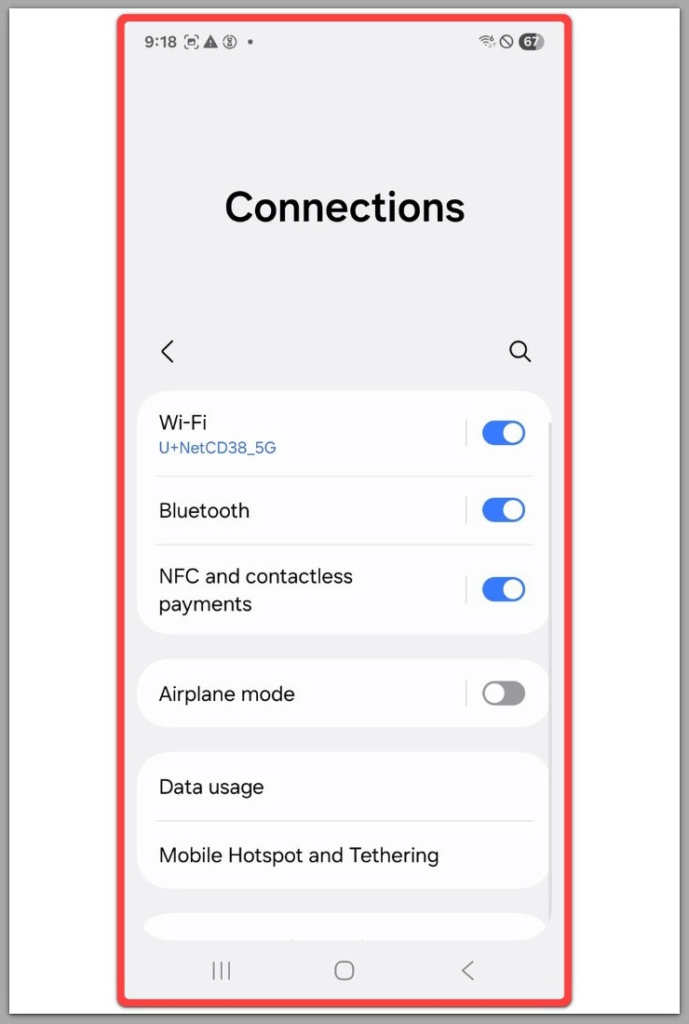
Android may still show signal bars or fluctuate between states.
That visual feedback is misleading, because signal presence does not equal successful carrier registration.
In carrier settings update failed scenarios, the radio layer is active, but authorization parameters are incomplete.
User actions cannot rebuild those parameters locally.
────────────────────────
Step 3: Understand Why Network Reset Does Not Apply
────────────────────────
Many guides recommend resetting network settings as a default fix.
That advice does not apply here.
Network reset clears saved Wi-Fi networks, Bluetooth pairings, and APN preferences.
It does not regenerate carrier provisioning files or force the carrier to resend configuration packages.
When the failure persists after a reset, the issue is already outside user-accessible storage and preferences.
Repeating resets only confirms the limitation.
────────────────────────
Step 4: Verify That the SIM Card Is Already Recognized
────────────────────────
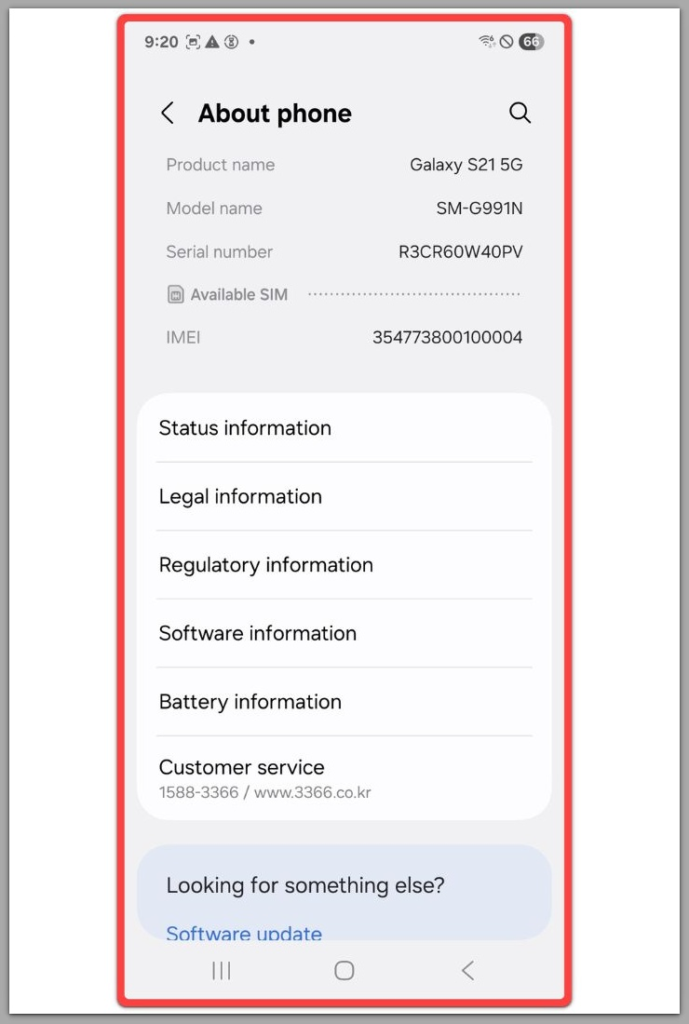
Remove and reinsert the SIM card to confirm it is physically detected.
If the SIM is recognized and the carrier name appears, physical connection is not the problem.
This step matters because a missing or unreadable SIM produces a different failure pattern.
In this case, the SIM is present, but the carrier refuses or fails to finalize settings delivery.
That distinction places the issue beyond user repair.
If the issue still persists after completing all steps above, it is unlikely to be a basic settings problem.
In these cases, carrier-level or account-related checks are typically required.
You can review the available options below.
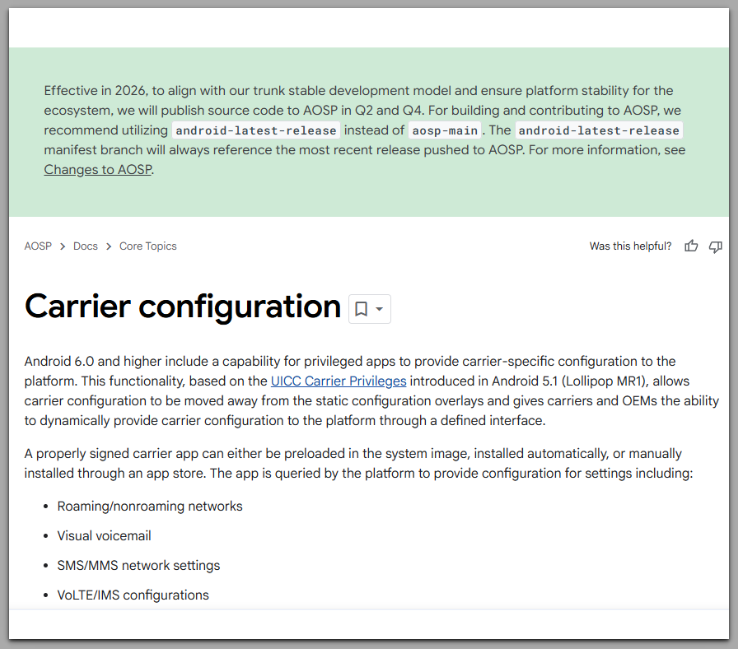
Official Android carrier configuration documentation
────────────────────────
Troubleshooting : Carrier Settings Update Failed
────────────────────────
Users often repeat the same actions expecting different results.
This creates confusion and false hope rather than progress.
At that point, additional troubleshooting becomes a time cost, not a recovery path.
Each attempt reaches the same rejection point at the carrier validation layer.
Airplane mode toggles, reboots, and manual network scans only refresh what the phone can already see.
They do not rebuild the carrier profile the device is missing, and they do not trigger a new approval path.
Android also does not provide a user-facing log for carrier provisioning outcomes.
So when the prompt fails, there is no setting you can adjust to “fix the reason” because that reason is not exposed to the UI.
If the same failure repeats after a network reset and a clean reboot, the pattern is already stable.
At that point, additional troubleshooting becomes a time cost, not a recovery path.
What troubleshooting can still do is confirm the boundary.
If Wi-Fi stays stable, the SIM is detected, and the message still returns, the device is waiting on carrier-side confirmation, not user input.
────────────────────────
Additional Tips
────────────────────────
Avoid factory resets unless instructed by official carrier or manufacturer support.
A reset removes user data but does not rebuild carrier authorization profiles or carrier provisioning records.
Do not install third-party network tools claiming to fix carrier update errors.
Android apps cannot modify carrier provisioning at a system level, and “fix” tools often only repeat the same refresh actions you already tried.
If carrier settings update failed appeared after a SIM swap, port-in, or plan change, timing matters.
Carrier-side updates sometimes pause while account changes propagate through backend systems, even when the device looks normal.
During that window, repeated manual attempts can create the illusion of progress.
The screen changes, the phone reconnects to Wi-Fi, and the carrier name may reappear, but the underlying carrier profile remains incomplete.
If the failure persists across multiple locations and stable networks, treat it as a confirmation signal.
Local actions have reached their limit, and the next meaningful check is carrier-side status, not another round of phone settings changes.
────────────────────────
H3 Final Notes
────────────────────────
Carrier settings update failed on Android marks the boundary where user control ends.
The device is functional, the system is responsive, and the SIM is detected, yet network authorization remains incomplete.
This is not a configuration mistake or a recoverable user error.
It is a carrier-controlled failure point.
────────────────────────
Checklist
────────────────────────
☐ Confirmed failure follows a carrier update prompt
☐ Verified Wi-Fi works while cellular behavior remains abnormal
☐ Network reset attempted without change
☐ SIM recognized but carrier update still fails
Once all items above are confirmed, further user action is no longer effective.
────────────────────────
Extra Section 1
────────────────────────
Carrier provisioning operates on a schedule and validation chain that Android does not disclose.
When a carrier pushes settings, the device must pass multiple checks, including account status, device eligibility, and regional configuration matching.
If any step fails, Android reports carrier settings update failed without revealing the exact reason.
This lack of transparency leads users to assume a local problem.
In reality, the device has no authority to override or regenerate carrier rules.
Android treats carrier profiles as external trust-based inputs.
That design protects network integrity but removes user repair options.
Once the carrier rejects or delays configuration delivery, the device must wait for carrier-side resolution.
This is why identical devices on different carriers behave differently under the same conditions.
The failure belongs to the carrier ecosystem, not the phone.
────────────────────────
Extra Section 2
────────────────────────
Many users misinterpret this issue as a software bug because it appears suddenly.
The timing often coincides with plan changes, roaming transitions, or backend migrations.
Carrier systems update independently from Android releases.
A stable Android version does not guarantee stable carrier provisioning.
When carrier settings update failed repeats across restarts and locations, it confirms a backend dependency.
User persistence does not improve the outcome.
The correct response is not continued troubleshooting, but accurate diagnosis.
Recognizing where control ends prevents data loss, wasted resets, and unnecessary frustration.
At this point, resolution requires carrier-side confirmation and re-provisioning.
That process exists entirely outside user control.