
Introduction
────────────────────────
Android phone keeps losing signal indoors means the device itself remains operational, but network registration repeatedly fails once the signal must pass through indoor structures.
This condition is not caused by incorrect settings, temporary glitches, or user handling mistakes.
When signal drops consistently after entering buildings, the failure has already moved beyond user-accessible controls.
In this situation, restarting the phone, toggling airplane mode, or resetting network settings does not change the outcome.
In these cases, signal loss originates from environmental signal attenuation and carrier-side network limitations, not from the phone hardware.
At that point, user actions no longer influence the recovery path.
This article explains where user control realistically ends in android phone keeps losing signal indoors cases,
why indoor signal loss repeats across locations,
and how to recognize the boundary between device responsibility and external network constraints.
────────────────────────
Step-by-Step Guide
────────────────────────
Step 1: Confirm That Signal Loss Occurs Only Indoors
────────────────────────
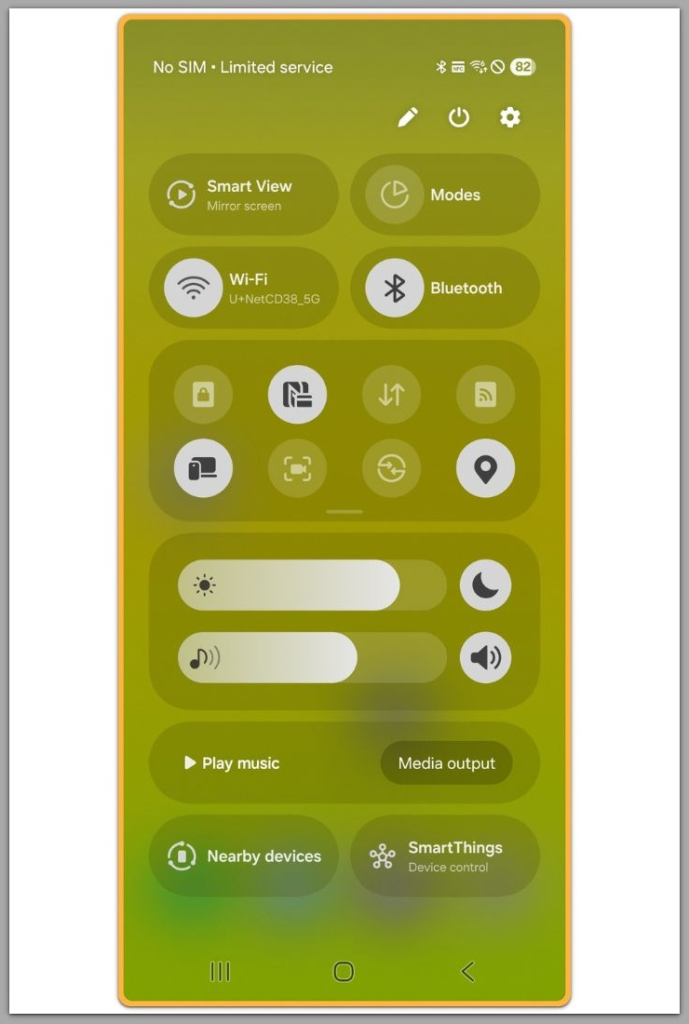
The first judgment point is whether signal loss happens exclusively indoors.
Check signal stability outdoors, near windows, or in open spaces.
If signal strength remains normal outside but drops immediately after entering buildings, the phone radio is functioning correctly.
This pattern confirms that the failure begins only when the signal must penetrate walls and structural materials.
If signal loss also occurs outdoors, this article does not apply.
That scenario points to a different category of network or hardware issues.
────────────────────────
Step 2: Understand How Buildings Interfere With Mobile Signals
────────────────────────
Modern buildings significantly weaken mobile signals.
Concrete walls, metal frames, reinforced glass, and insulation materials all absorb or reflect radio waves.
As signal strength decreases indoors, the phone must rely on weaker secondary signals.
Once signal quality falls below the carrier’s registration threshold, the device disconnects even though the network appears available.
In android phone keeps losing signal indoors cases, this attenuation happens before any user-level setting can intervene.
The phone does not fail — the signal never reaches a usable level.
────────────────────────
Step 3: Recognize Carrier-Side Indoor Coverage Limitations
────────────────────────
Indoor signal availability depends heavily on carrier infrastructure.
Carriers prioritize outdoor coverage and high-traffic zones over indoor signal penetration.
If a building is located between cell towers or outside optimal coverage zones, indoor signal strength may fluctuate or drop entirely.
This limitation is network-side, not device-specific.
Changing phones, SIM cards, or settings does not alter tower placement or indoor signal propagation.
At this stage, user control has already ended.
────────────────────────
Step 4: Distinguish Between Signal Bars and Actual Connectivity
────────────────────────
Signal bars do not represent real connectivity quality.
A phone may display signal bars while failing to complete stable network registration indoors.
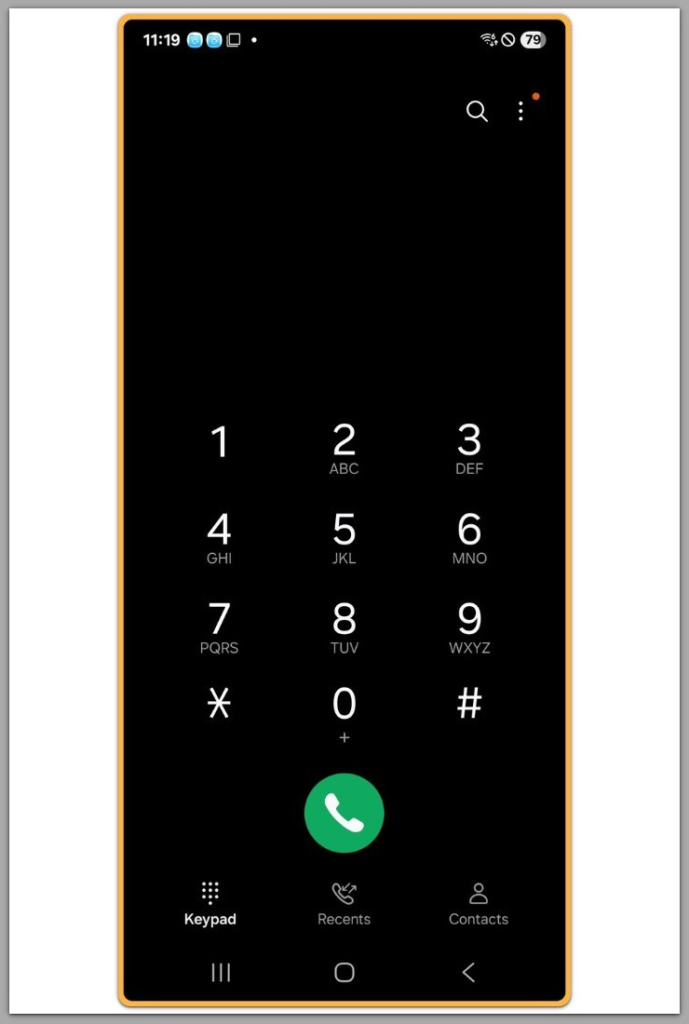
In these cases, the device repeatedly attempts to attach to the network but drops the connection seconds later.
As a result, the screen can look like unstable signal rather than complete loss.
For android phone keeps losing signal indoors scenarios, this behavior reflects marginal signal conditions, not intermittent device faults.
If the signal issue continues after confirming all conditions above, this is no longer a user-side setting problem. In such cases, reviewing how carrier-level signal support and coverage solutions are handled may be necessary.
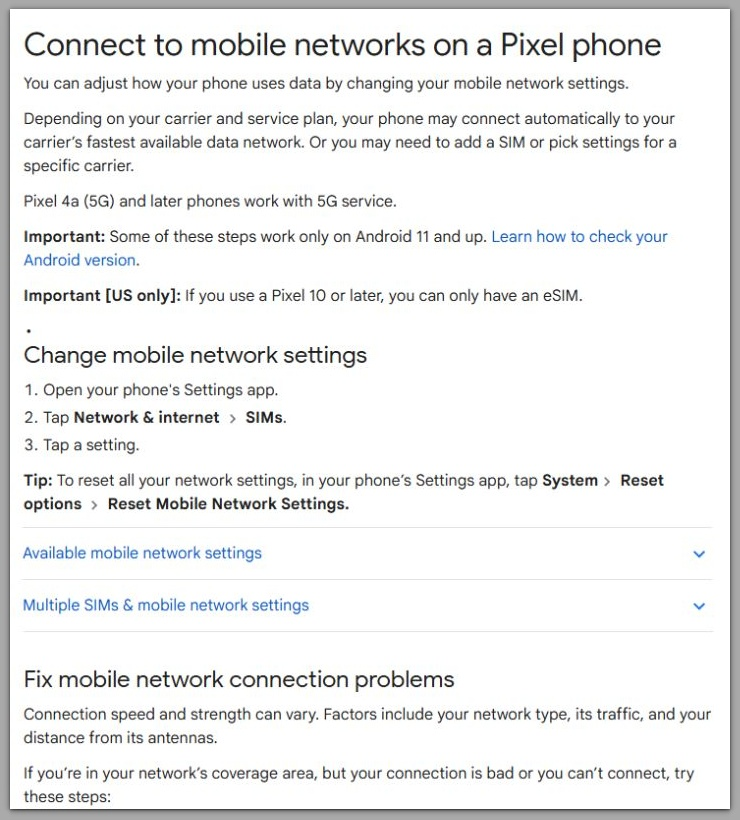
Google Support: Connect to mobile networks on a Pixel phone
────────────────────────
Troubleshooting : Android Phone Keeps Losing Signal Indoors
────────────────────────
Repeated troubleshooting actions often create false expectations.
Users commonly toggle network modes, manually select carriers, or reset APN settings.
These actions fail because the radio layer depends on sufficient signal quality to complete registration.
When indoor signal levels stay below the attach threshold, the phone can keep trying without ever completing a stable handshake.
A practical way to confirm the boundary is to compare three specific situations.
If the signal becomes stable within a few steps of moving closer to a window, the phone is not the limiting factor.
Across repeated tests in the same indoor spot, failures indicate that building structure and tower geometry dominate the outcome.
When the signal is stable in the same building for another carrier but not for yours, the limitation is carrier-side indoor coverage rather than your device.
────────────────────────
Common Troubleshooting Misconceptions
────────────────────────
Manual network selection often looks like a more advanced fix, but it does not override weak indoor signal physics.
The scan may show available networks, yet the attach still fails because the phone cannot sustain the required signal-to-noise ratio long enough.
Resetting network settings also creates a misleading sense of progress.
It clears stored network parameters, but it does not change indoor attenuation, tower placement, or the carrier’s indoor resource allocation.
APN edits are another common detour.
APN issues usually present as data instability while voice service remains present, not as repeated indoor registration drops.
When calls and SMS also fail at the same time as the signal drop, APN is not the main axis of the problem.
At this stage, troubleshooting is not about finding a hidden toggle.
Instead, it is about confirming whether the failure is environmental, carrier-side, or a rare hardware fault.
When android phone keeps losing signal indoors repeats in the same indoor zones and resolves immediately outdoors, user-side fixes have already reached their limit.
────────────────────────
Additional Tips
────────────────────────
Avoid factory resets unless explicitly instructed by official support channels.
In android phone keeps losing signal indoors cases, resets do not change indoor signal attenuation or carrier-side coverage limits, which is why repeated resets fail to alter the outcome.
────────────────────────
Wi-Fi Calling and Handoff Limitations
────────────────────────
Wi-Fi calling can be a realistic workaround, but only under specific conditions.
It helps when the carrier supports it on your plan, the phone supports it, and your indoor Wi-Fi is stable.
If Wi-Fi is weak or unstable, Wi-Fi calling can create a different failure pattern that feels like signal drops even though the cellular layer is not involved.
In practice, it is worth using only when your Wi-Fi has consistent throughput and low packet loss in the exact rooms where cellular fails.
If your phone supports a prefer Wi-Fi calling option or a similar setting, use it carefully.
Some devices handle the handoff between Wi-Fi calling and cellular poorly when the cellular signal is marginal.
That handoff can produce repeated call drops that look like a signal issue even though the real cause is the transition logic.
When drops occur mainly while moving between rooms, the handoff becomes the suspect.
────────────────────────
Signal Boosters and Device Differences
────────────────────────
Consider testing LTE-only versus 5G Auto only as a diagnostic step rather than a promised fix.
In some indoor environments, 5G can be weaker indoors due to higher frequency behavior.
If LTE becomes stable where 5G keeps dropping, you have not fixed the building.
Instead, you have confirmed that one layer behaves more reliably indoors.
Signal boosters are often misunderstood.
A booster cannot create signal where there is no usable external signal to amplify.
If the building has nearly zero usable signal on the outside wall, a booster has nothing to work with.
When there is strong outdoor signal but poor indoor penetration, a booster may help, but installation quality matters more than the phone model.
Device differences still exist, but they rarely change the conclusion.
A newer phone may hold a marginal indoor signal slightly longer, yet it will not overcome severe attenuation or carrier-side indoor gaps.
Exact menus and results can vary by device model and Android version.
For that reason, use outcomes rather than settings labels as your reference.
────────────────────────
Final Notes
────────────────────────
Android phone keeps losing signal indoors is not a configuration problem that users can fix through settings.
Once indoor attenuation and carrier coverage limitations combine, the recovery path ends at the user level.
The correct human judgment here is to stop treating this as a phone problem after the pattern is confirmed.
If signal is stable outdoors and collapses predictably indoors, the limiting factor is the environment and network design.
If multiple phones show the same drop behavior in the same indoor zones, the problem is structural.
When a different carrier works in the same building while yours fails, the boundary is carrier-side indoor coverage.
At that point, the only realistic options are workarounds and external solutions.
Wi-Fi calling, a booster when usable outdoor signal exists, window-side positioning, or changing carriers are the remaining levers.
What no longer works is repeating phone-side resets and expecting a different outcome.
Checklist
────────────────────────
☐ Confirm signal works normally outdoors
☐ Verify signal drops consistently indoors
☐ Compare performance near windows versus deep indoor rooms
☐ Check whether another carrier works in the same indoor location
☐ Use Wi-Fi calling only if indoor Wi-Fi is stable and supported
☐ Treat resets as diagnostics, not solutions, once the pattern is confirmed
When these conditions are met, the issue has moved beyond user control.
────────────────────────
Extra Section 1
────────────────────────
Indoor signal loss often varies by building rather than by device.
Users may see stable signal in one store and no service in another store next door, even on the same street.
This behavior is not random.
Building materials change signal behavior more than most users expect.
Reinforced concrete, metal frames, elevator shafts, parking garages, and thick interior walls can turn a usable outdoor signal into an unregisterable indoor signal.
Even when bars appear, the phone may be receiving a weak pilot signal while failing on the sustained uplink needed for stable attachment.
Floor level also matters.
A higher floor may regain stability because it reduces obstructions and aligns better with tower line-of-sight.
Basements and underground parking areas often fail completely because the signal path is physically blocked.
In those zones, no phone-side tweak can compensate for the loss.
If you need a quick reality check, test three points: outside the building, near a window, and deep indoors.
When the result follows that gradient repeatedly, the limitation is structural and device-side tweaks are no longer the primary tool.
────────────────────────
Extra Section 2
────────────────────────
Carrier coverage maps do not reflect indoor signal quality.
They show outdoor estimates under ideal conditions rather than the reality inside a specific building.
Indoor environments add reflections, absorption, and interference that maps cannot model accurately.
That is why a place can appear covered while still producing repeated indoor drops in real life.
Congestion can also mimic indoor coverage failure.
In some locations, the signal may be present but the network cannot allocate stable resources indoors during peak hours.
If indoor drops become worse at specific times and improve late at night, congestion is a strong suspect.
This still remains outside user control because it is tied to tower load and carrier scheduling, not your phone settings.
Band behavior also matters.
Some carriers rely on higher-frequency layers for capacity, which can be weaker indoors.
A phone may jump between layers and fail when it lands on the weaker indoor layer.
If forcing LTE stabilizes the connection, the building has not changed.
You have proven that one layer behaves more reliably indoors.
When android phone keeps losing signal indoors persists across multiple devices and repeated resets, the limitation is not personal and not a hidden phone toggle.
It is a boundary set by physics and network design.
The realistic response is to switch strategies rather than repeat the same user-side actions.