
Introduction
────────────────────────
Android Restore Failed During New Phone Setup means the restore process stopped at a specific setup checkpoint where user control no longer applies.
This is not a temporary glitch, a slow network issue, or a missed tap during setup.
When this failure occurs, Android has already evaluated the backup, the account state, and the device eligibility.
The system makes the allow-or-block decision earlier, before the restore screen even loads.
Most users assume restore fails because something went wrong during setup.
In reality, restore only appears during setup, but the system decides whether to allow or block it before the restore screen becomes visible.
This article explains the exact step where restore breaks during new phone setup,
why repeating setup does not reopen the restore path,
and where user control realistically ends.
────────────────────────
Step-by-Step Guide
────────────────────────
────────────────────────
Step 1: Identify Whether the Restore Option Appears at All
────────────────────────
The first judgment point is simple but critical.
During new phone setup, Android either offers a restore option or skips it entirely.
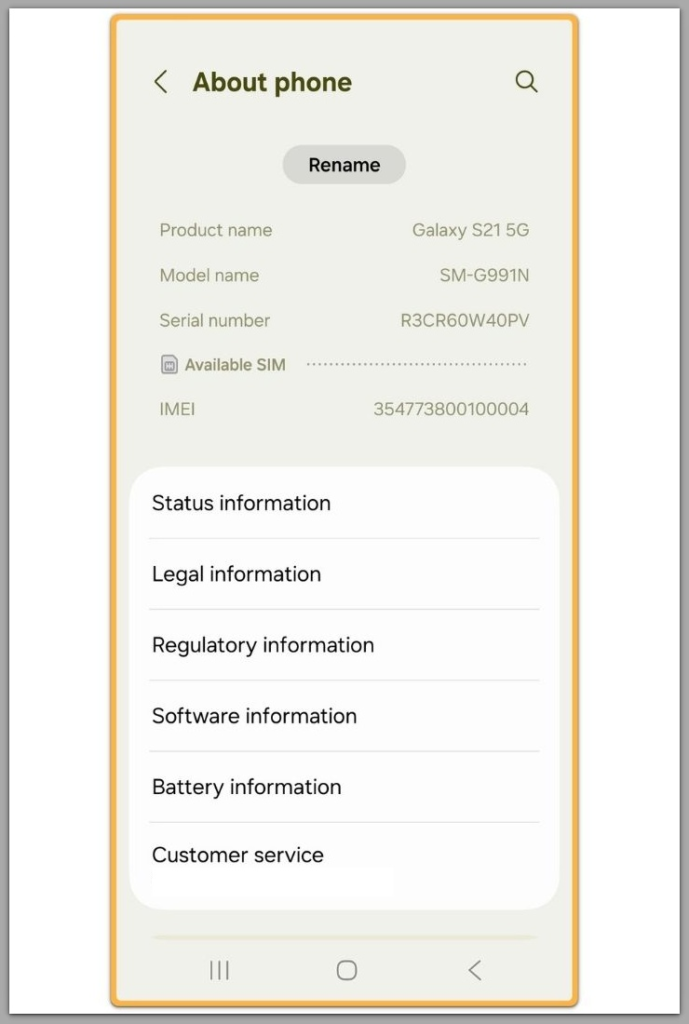
If the restore option never appears, the failure already happened before user interaction.
This means the system did not qualify the backup for this device or setup session.
At this point, tapping back, restarting setup, or reconnecting Wi-Fi does not trigger a new evaluation.
The system has already closed the restore path for this setup cycle.
This is the point where android restore failed during new phone setup becomes a fixed outcome rather than a temporary condition.
────────────────────────
Step 2: Understand What Android Checks Before Showing Restore
────────────────────────
Before the restore screen appears, Android validates several conditions silently.
These checks include backup freshness, account match, device compatibility, and encryption status.
If any of these checks fail, Android does not show an error.
It simply removes the restore option from the setup flow.
This is why many users feel the restore “disappeared.”
In reality, the system never approved it for that setup attempt.
────────────────────────
Step 3: Confirm Whether This Is a Setup-Time Failure or Backup Failure
────────────────────────
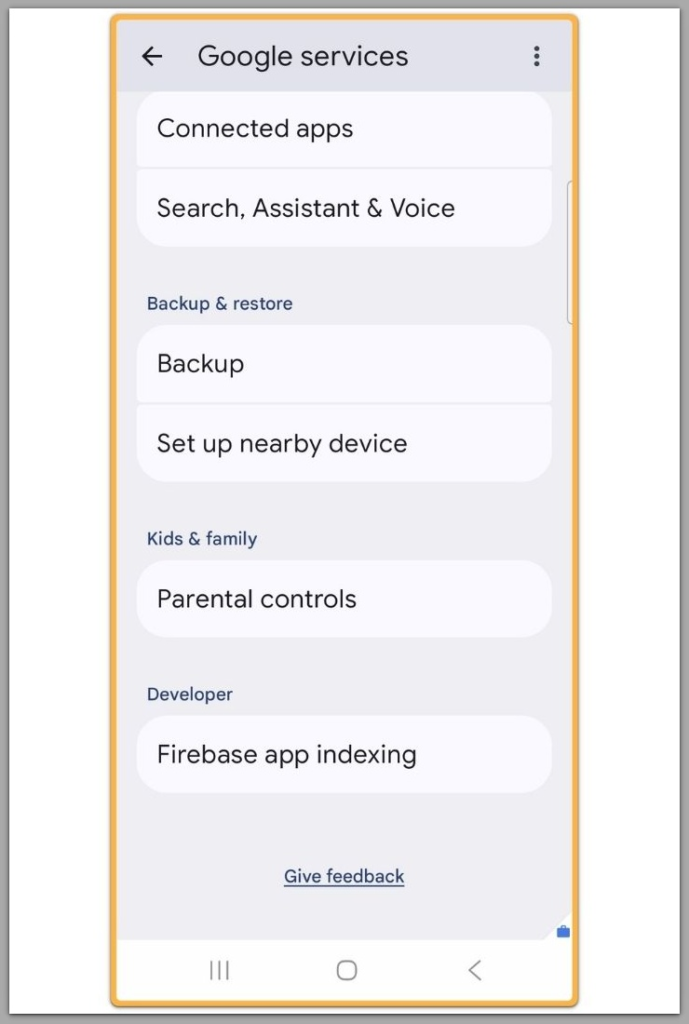
A restore failure during setup is different from a backup failure.
The backup may still exist and remain fully intact.
The issue is not missing data.
The issue is that the new device setup did not receive permission to apply that backup.
This distinction matters, because no amount of setup retries can repair a permission-level rejection.
────────────────────────
Step 4: Recognize the Exact Boundary of User Control
────────────────────────
Once setup passes the restore checkpoint, user control ends.
Android does not provide a manual way to reopen restore after setup completes.
Once this boundary is crossed, android restore failed during new phone setup no longer responds to repeated setup attempts.
Factory reset does not always help.
If the same conditions remain unchanged, the restore decision repeats.
This is the point where further user action becomes time loss rather than recovery.
If the restore still does not proceed after this point, the remaining checks usually require direct review beyond standard user-accessible setup steps.
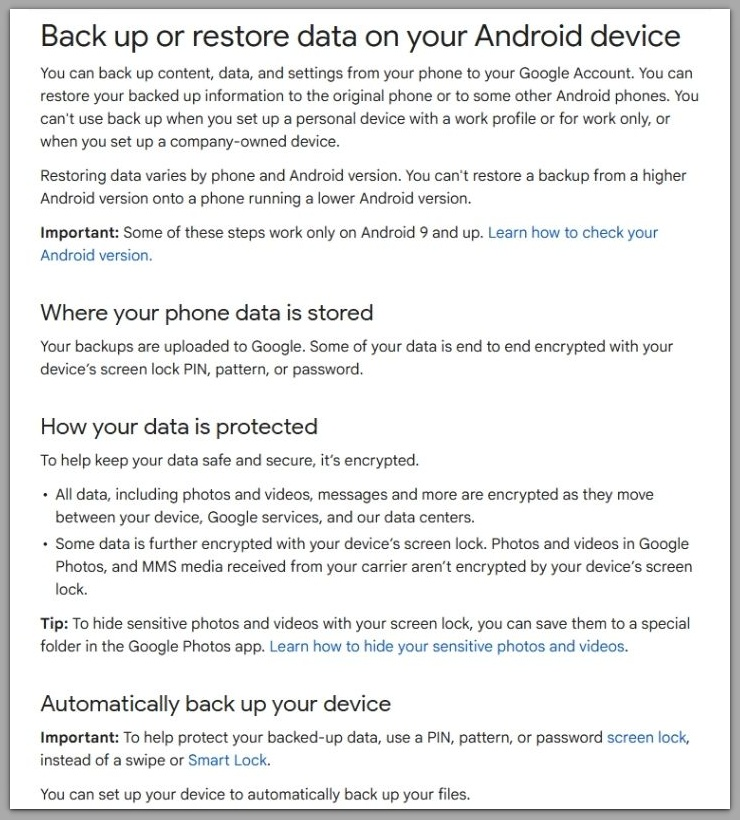
Official Android backup and restore documentation
────────────────────────
Troubleshooting — android restore failed during new phone setup
────────────────────────
Most restore failures during new phone setup are misdiagnosed as temporary errors.
That assumption leads users to repeat actions that no longer affect the decision.
Once Android skips the restore option under stable conditions, the system has already finalized the decision.
At that point, troubleshooting does not reopen the restore path.
In these cases, android restore failed during new phone setup is already decided before any visible error appears.
Network changes are the most common false fix.
Switching Wi-Fi networks only confirms connectivity, not restore permission.
Restarting both devices also fails to change the result.
Restore approval is not recalculated after the setup checkpoint is passed.
If the restore option is missing on the first clean setup with a valid account and stable connection, the system has already established the pattern.
Further troubleshooting only verifies the boundary rather than moving it.
Troubleshooting still serves a purpose, but only to confirm that the failure is not environmental.
Once that confirmation is complete, continuing becomes unproductive.
────────────────────────
Additional Tips
────────────────────────
A practical way to judge the situation is to separate backup existence from restore eligibility.
These operate at two different layers.
If the backup is visible from account settings or another device, data loss is not the issue.
The problem exists entirely in the restore authorization layer.
This is why android restore failed during new phone setup cannot be resolved from the setup screen itself.
This distinction prevents destructive decisions.
Many users wipe old devices or overwrite data unnecessarily while chasing a setup fix.
Timing also matters.
Android evaluates restore eligibility very early in setup.
Delaying setup, waiting hours, or retrying later the same day does not reset that evaluation.
Time does not reopen a closed restore gate.
Understanding this saves both effort and data.
It allows decisions to be made based on boundaries rather than hope.
────────────────────────
Final Notes
────────────────────────
When android restore failed during new phone setup repeats across clean attempts, the issue has already moved beyond user-accessible settings.
At this stage, restore failure reflects a system-level decision, not a setup mistake.
This is the point where user troubleshooting realistically ends.
Continuing to retry setup does not increase recovery probability.
────────────────────────
Checklist
────────────────────────
☐ Confirm the restore option never appears during setup
☐ Verify the backup exists independently of setup
☐ Identify when retries stop changing the outcome
☐ Stop before resets cause unnecessary data risk
If these conditions are met, restore is no longer a setup-level problem.
────────────────────────
Extra Section 1
────────────────────────
Restore behavior often feels inconsistent because Android does not explain rejection reasons.
The system designs this layer to fail silently.
Restore approval depends on signals the user cannot see.
These include backup integrity flags, encryption continuity, and account trust history.
When any of these signals fail validation, Android removes the restore option without notice.
This behavior is intentional, not a bug.
Because the UI never shows the reason, users assume something went wrong during setup.
In reality, setup only displays a result the system already decided.
Understanding this design explains why restore failures feel abrupt and final.
They are not interactive errors.
────────────────────────
Extra Section 2
────────────────────────
If android restore failed during new phone setup remains consistent, the outcome should be treated as stable.
No hidden sequence exists to override it.
At this point, resolution requires inspection outside the setup flow.
That may involve account review, encryption state verification, or system-level support.
These steps are not accessible from the device UI.
They sit beyond user control by design.
Recognizing this boundary early changes how the situation is handled.
Instead of chasing fixes, decisions become clearer and safer.