
Introduction
────────────────────────
Android Phone Overheating After Update refers to a condition where a device begins to generate noticeably more heat immediately after a system update, even though no physical changes have occurred.
The phone has not been dropped.
The battery has not been replaced.
No new hardware component has been added.
Yet the thermal behavior changes.
From the outside, this feels like a hardware failure.
From the system’s perspective, it is often a software-driven load redistribution that exposes physical limits already present.
This article focuses on how software-level changes introduced by updates can translate directly into hardware stress, without assuming malfunction or user error.
────────────────────────
Step-by-Step Guid – android phone overheating after update
────────────────────────
────────────────────────
Step 1: What Actually Changes During an Update
────────────────────────
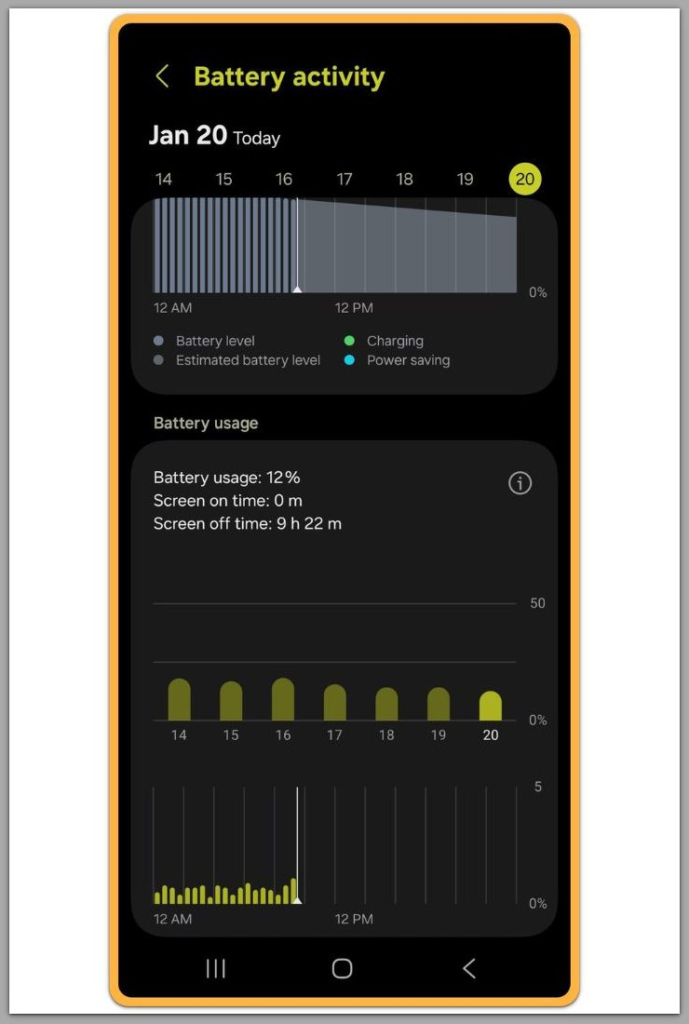
An Android update does more than modify visible features.
It restructures background behavior.
System updates introduce new services, revise scheduling logic, and alter how tasks are distributed across CPU cores.
Thermal behavior is affected as a side effect of these internal adjustments.
What matters is not the update size, but how long new background processes remain active after installation.
In many cases, optimization tasks continue well beyond the visible completion screen.
During this phase, android phone overheating after update can appear even when the device is not under visible user load.
────────────────────────
Step 2: Why Heat Appears Without Heavy Usage
────────────────────────
After an update, users often report android phone overheating after update even during idle use.
This creates confusion because the phone does not appear to be doing anything demanding.
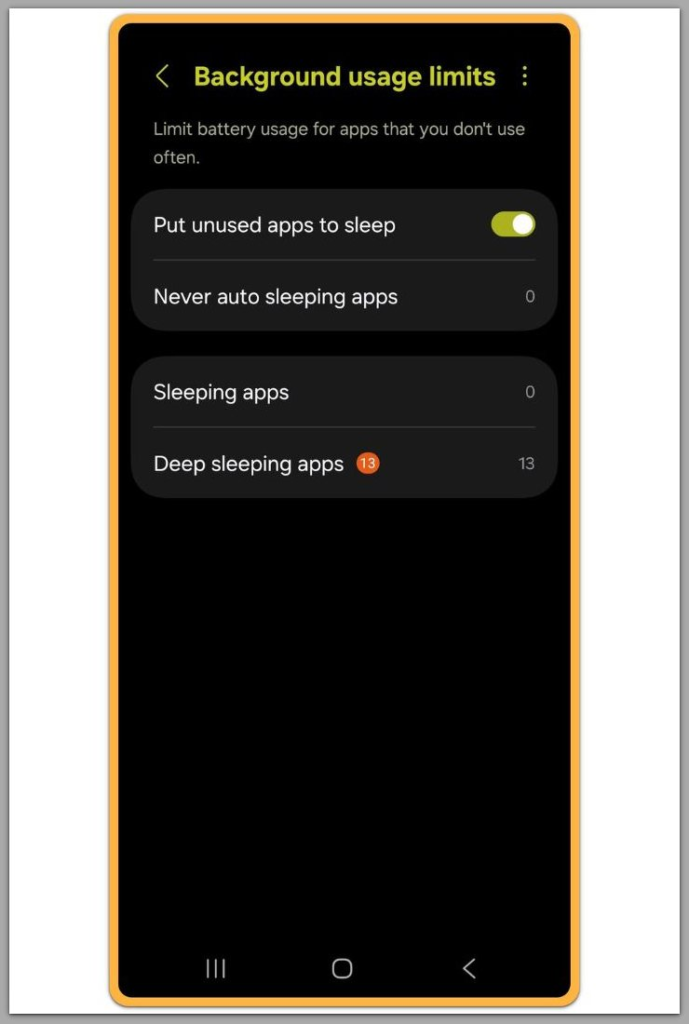
In reality, background indexing, cache rebuilding, and compatibility checks may still be running.
These tasks do not show up as foreground apps, but they continuously activate CPU and memory components.
Heat generation is not linked to screen activity alone.
It is tied to how long internal components remain under moderate stress without cooling cycles.
────────────────────────
Step 3: Software Can Expose Existing Hardware Limits
────────────────────────
Updates do not create new hardware limitations.
They reveal existing ones.
A processor that previously operated near its thermal threshold may now cross it more frequently due to scheduling changes.
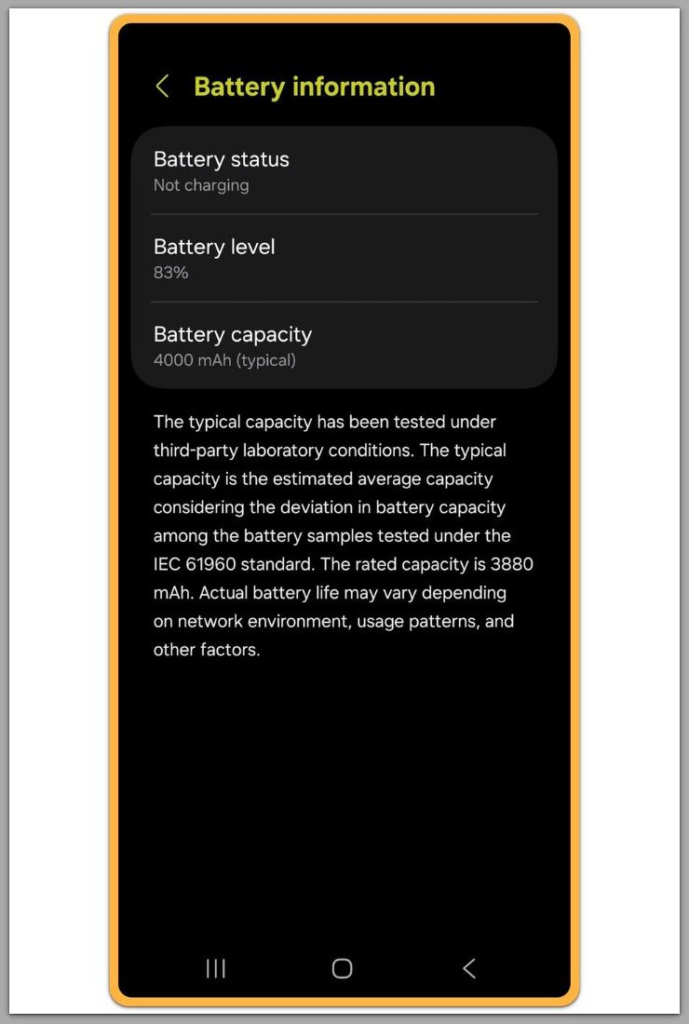
Battery cells with natural aging may react more strongly to prolonged background load.
Nothing is broken.
The system is simply operating closer to its physical boundaries than before.
This is why two identical devices can behave differently after the same update.
Minor differences in battery health, internal wear, or thermal dissipation accumulate over time.
This behavior is built into Android at the system level as part of how the OS manages scheduling and heat. Because it operates outside user and app control, it cannot be changed through settings, individual apps, or manual tweaks.
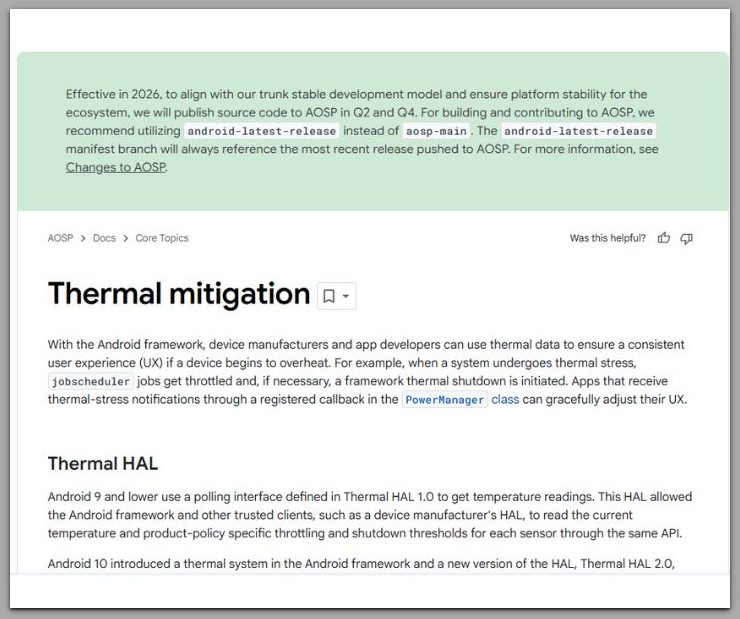
For a detailed explanation of how Android handles thermal behavior at the system level, refer to the official documentation.
────────────────────────
Troubleshooting
────────────────────────
Android phone overheating after update is rarely caused by a single identifiable fault.
Most cases involve multiple small changes stacking together.
One common mistake is looking for a specific app or process as the sole cause.
After updates, system-level services operate in overlapping cycles rather than isolated bursts.
This means heat can accumulate gradually without a clear spike event.
Another source of confusion is short-term stabilization.
Any short-term temperature change reflects background task completion, not a recovery of the previous thermal state.
The difference often lies in how aggressively the updated system manages background tasks on that specific hardware profile.
Thermal throttling can also distort perception.
When the system reduces performance to control heat, users may notice slower response rather than temperature change.
This creates the impression that overheating has “settled,” even though the underlying thermal load remains higher than before.
Because Android does not surface internal thermal decisions clearly, users are left interpreting indirect symptoms.
Battery drain, charging slowdowns, or inconsistent performance are often downstream effects rather than separate issues.
────────────────────────
Additional Tips
────────────────────────
After an update, small environmental variables gain importance in cases of android phone overheating after update.
Conditions that were previously negligible can now influence thermal behavior.
Ambient temperature plays a larger role when background load is sustained.
A device used in warm indoor settings may cross thermal thresholds more easily than before, even during light tasks.
Charging habits also interact with post-update behavior.
Simultaneous background optimization and charging increases internal resistance, especially in batteries with moderate wear.
This does not require fast charging to occur.
User expectations can lag behind system reality.
A phone that previously tolerated multitasking, background sync, and charging simultaneously may no longer do so comfortably after updates.
These changes are subtle.
They do not indicate degradation overnight, but rather a narrower operating margin revealed by software adjustments.
────────────────────────
Final Notes
────────────────────────
Software updates redefine how consistently a device operates, not how gently.
The system prioritizes predictable behavior across conditions, even if that consistency increases thermal exposure.
When android phone overheating after update appears, the change is usually structural rather than accidental.
The device is responding to sustained workload patterns that did not previously exist in the same form.
This is why reverting habits often does not restore prior thermal behavior.
The underlying relationship between software scheduling and hardware tolerance has shifted.
────────────────────────
Checklist
────────────────────────
☐ Observe whether heat builds gradually or appears suddenly
☐ Note if temperature remains elevated during idle periods
☐ Compare charging behavior before and after the update
In most cases, the device is not failing.
It is operating closer to its physical limits under a new software model.
────────────────────────
Extra Section 1
────────────────────────
Android updates increasingly favor uniform execution models.
This approach simplifies maintenance across thousands of device configurations.
Uniformity reduces edge-case instability.
However, it also removes adaptive behaviors that once masked marginal thermal stress.
Older devices or those with accumulated wear feel this change first.
The system no longer compensates as aggressively for individual hardware conditions.
From an engineering perspective, this is a rational tradeoff.
From a user perspective, it feels abrupt.
Heat becomes the visible indicator of this shift.
Not because something broke, but because the buffer between software demand and hardware tolerance has narrowed.
────────────────────────
Extra Section 2
────────────────────────
Thermal discomfort in android phone overheating after update cases is amplified by expectation mismatch.
Users expect updates to improve efficiency.
Instead, they often increase consistency and reliability at the cost of flexibility.
Android does not explain this tradeoff.
There is no notification stating that internal processes will remain active longer or that thermal patterns may change.
As a result, users interpret heat as malfunction rather than recalibration.
The absence of context turns normal system behavior into a source of concern.
Understanding this helps frame overheating reports accurately.
They are less about failure and more about exposure—software changes revealing hardware realities that were always present.