
Introduction
────────────────────────
Android data recovery software not finding files means the Android system has already closed the user-level recovery path.
A scan failure, incorrect settings, or a weak recovery tool do not cause this situation.
When recovery software shows no files at all, the Android system no longer exposes that data to the user space.
At that point, therefore, changing apps or repeating scans does not alter the outcome.
Many users believe recovery depends on speed or luck.
On modern Android versions, that belief is outdated.
This article explains where free recovery realistically ends,
why this situation occurs even when storage looks intact,
and the exact point where user control permanently stops.
────────────────────────
Step-by-Step Guide
────────────────────────
Step 1: Understand What Android Recovery Software Can Actually Scan When Android Data Recovery Software Not Finding Files Occurs
────────────────────────
Android recovery software does not scan deleted files directly.
Instead, it scans accessible storage references that still exist inside the user partition.
If the file system no longer exposes those references, the software has nothing to display.
In this state, an empty scan result does not indicate a failure.
It confirms that user-level access has already ended.
This is the first cutoff point most users misunderstand.
────────────────────────
Step 2: Why Internal Storage Looks Empty After Deletion or Reset
────────────────────────
Modern Android encrypts user data by default.
When files are deleted or a factory reset completes, the system destroys the encryption keys tied to the user profile.
Once those keys are gone, the system deliberately renders the data blocks unreadable.
The data may still exist physically, but it no longer belongs to the user.
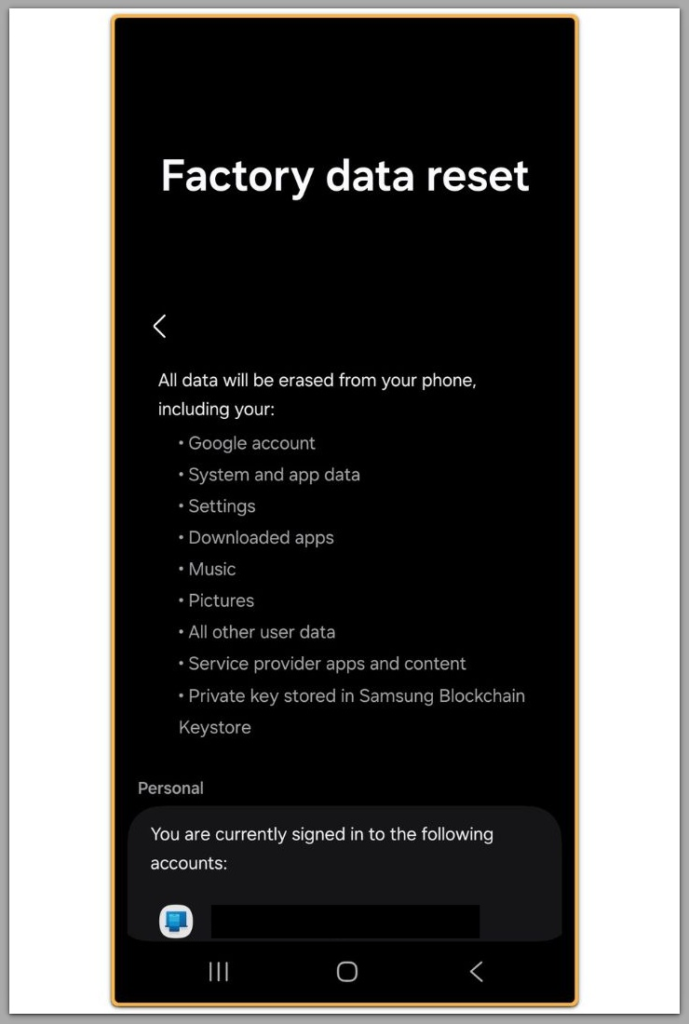
This is why android data recovery software not finding files occurs even when storage space appears unchanged.
As a result, storage space can appear unchanged even though recovery becomes impossible.
────────────────────────
Step 3: Why Android Data Recovery Software Not Finding Files Is Not a Scan Issue
────────────────────────
Recovery software does not dig deeper over time.
Each scan reads the same accessible metadata layer.
Therefore, running the scan longer or using multiple tools does not bypass encryption boundaries.
If one tool finds nothing, others will not suddenly succeed.
At this stage, the Android system already decides recovery eligibility before any tool begins scanning.
────────────────────────
Step 4: The Role of Android Version and Storage Type
────────────────────────
On older Android versions, some recovery remained possible due to weaker encryption and removable storage behavior.
However, that environment no longer exists on current devices.
Modern Android versions unify internal storage and enforce strict isolation.
This change permanently limits what user-level recovery software can access.
As a result, this behavior now represents the expected outcome rather than an exception.
If the issue still persists after checking everything above, this is no longer a basic user-level recovery problem.
In these cases, recovery depends on system-level conditions that require direct inspection.
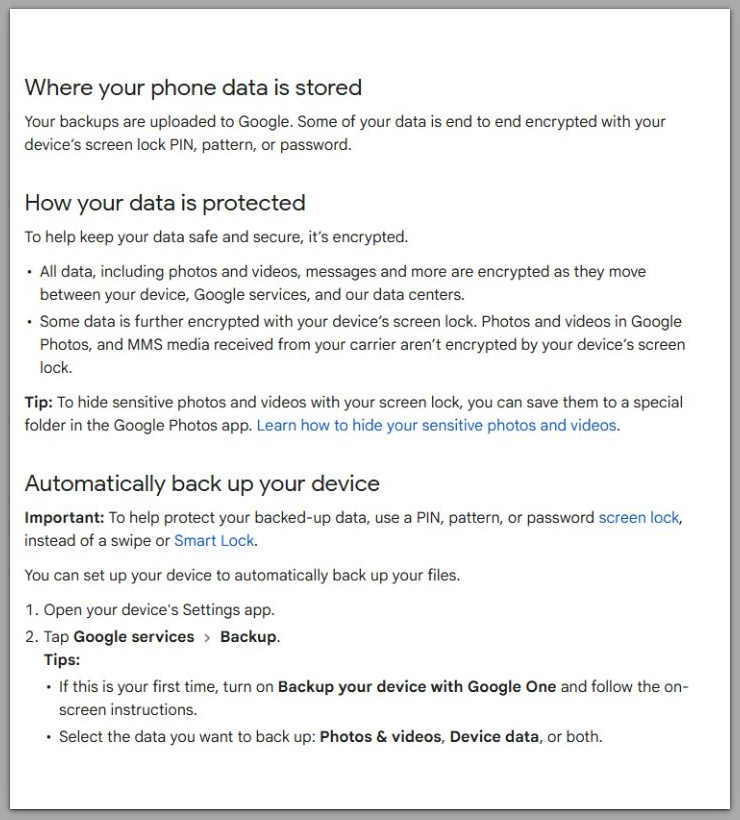
For reference, you can see how this type of data loss is typically assessed.
Google Support (Official)
────────────────────────
Troubleshooting
If recovery software finds no files, check the following realities.
The device completed a factory reset or encryption change.
The files were stored in internal storage, not on an external SD card.
The Android version enforces full-disk or file-based encryption.
If all apply, recovery has already passed the user-accessible boundary.
No setting or app can reverse this state.
At this point, android data recovery software not finding files reflects a finalized system boundary rather than a recoverable condition.
────────────────────────
Additional Tips
────────────────────────
Some tools may display thumbnails, fragments, or corrupted previews.
These results do not represent recoverable files.
In most cases, cached data or leftover metadata creates these displays rather than intact originals.
Understanding this distinction prevents wasted time and false expectations.
────────────────────────
Final Notes
────────────────────────
When android data recovery software not finding files occurs, it signals the end of free, user-level recovery.
This outcome reflects a system-level decision rather than a software limitation.
Checklist
☐ Confirm the data was stored in internal storage
☐ Verify whether a factory reset or encryption change occurred
☐ Understand that empty scan results indicate a closed recovery path
Once these conditions are met, further attempts remain outside user control.
────────────────────────
Extra Section 1
────────────────────────
In practice, many users assume recovery tools fail because they selected the wrong app.
This assumption feels logical because different tools advertise different scan depths and success rates.
However, software choice does not control user-level recovery depth.
The Android system defines user-level recovery depth based on whether it still recognizes the data as belonging to the active user profile.
Once encryption keys tied to that profile are removed, the operating system no longer associates remaining data blocks with the user.
At that point, the system already determines recovery eligibility before any tool begins scanning.
This explains why switching apps rarely changes results.
The limitation exists at the system boundary, not at the application layer.
As a result, android data recovery software not finding files usually reflects a prior system decision rather than a tool failure.
Blaming the software feels intuitive, but the cause originates deeper than user-level access.
────────────────────────
Extra Section 2
────────────────────────
Professional recovery operates under conditions fundamentally different from user-level software.
It involves hardware access, controlled environments, and forensic-grade tools.
Even with these resources, success depends on whether the original encryption context still exists.
When that context is missing, raw data blocks lack structure, identity, and ownership.
This limitation does not come from a lack of skill or experience.
Modern Android design deliberately enforces this security boundary.
In cases where android data recovery software not finding files occurs on fully encrypted storage, this boundary has already been crossed.
No method restores user ownership once encryption keys are destroyed.
This design prioritizes long-term data protection over post-loss convenience.
Understanding this boundary clarifies why recovery attempts end definitively rather than gradually.