
Introduction
Android Work Profile Alarm Not Working is not a temporary glitch or a missed toggle.
This issue appears when Android applies work profile policies that override personal alarm execution.
Once those policies take effect, alarms created inside the work profile are prevented from triggering sound by design.
At that point, the system has already determined which profile may execute alarms, and user control does not extend beyond it.
For that reason, this guide explains where control ends, why the restriction exists, and why Android Work Profile Alarm Not Working persists even when settings appear correct.
Step-by-Step Guide
Step 1: Confirm the Alarm Is Created Inside the Work Profile
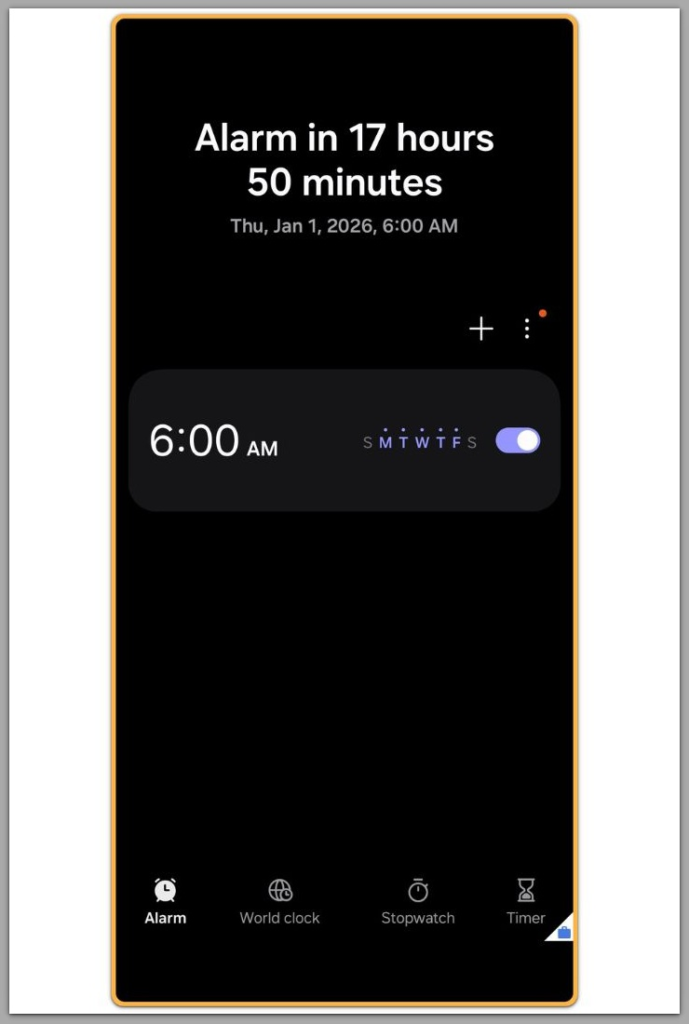
Alarm behavior depends entirely on the profile that creates it.
When the alarm app displays a briefcase icon or work badge, Android treats the alarm as a managed work event.
In that state, enterprise rules take priority over personal preferences.
This point marks the first boundary where Android Work Profile Alarm Not Working begins.
A personal alarm and a work profile alarm may look identical on screen.
Internally, Android uses a completely separate execution path.
Step 2: How Android Schedules Work Profile Alarms
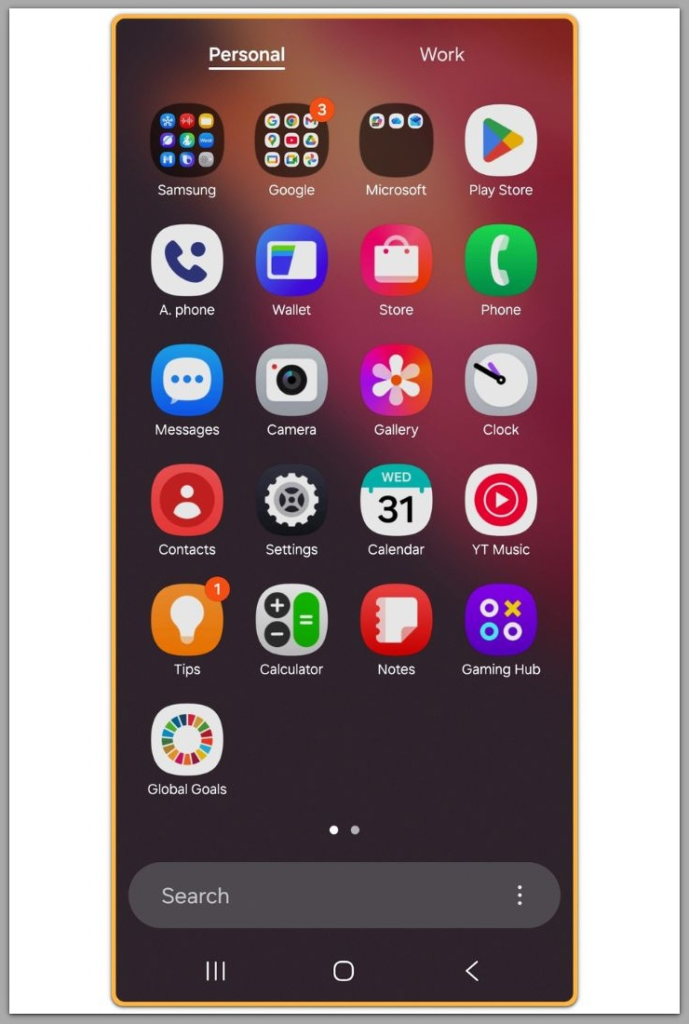
In practice, personal and work profiles operate on separate execution layers.
As a result, tasks created inside the work profile are scheduled with limited priority, especially outside approved work hours.
When the profile enters a restricted state, Android blocks these alarms without notice.
The system does not display any warning or error message.
This design prevents managed work apps from interfering with personal time.
Android enforces this behavior through policy rather than system error.
Step 3: Check Whether the Work Profile Is Paused or Time-Limited
Pausing the work profile immediately halts background execution.
From Android’s execution model, alarms inside the work profile function as managed background tasks.
If a paused profile reaches an alarm trigger time, the device does not wake.
After the profile resumes, Android does not replay missed alarms.
This design explains why failures often appear only during certain hours.
In those cases, schedule enforcement explains the behavior.
Step 4: Android Work Profile Alarm Not Working Due to Device Policy
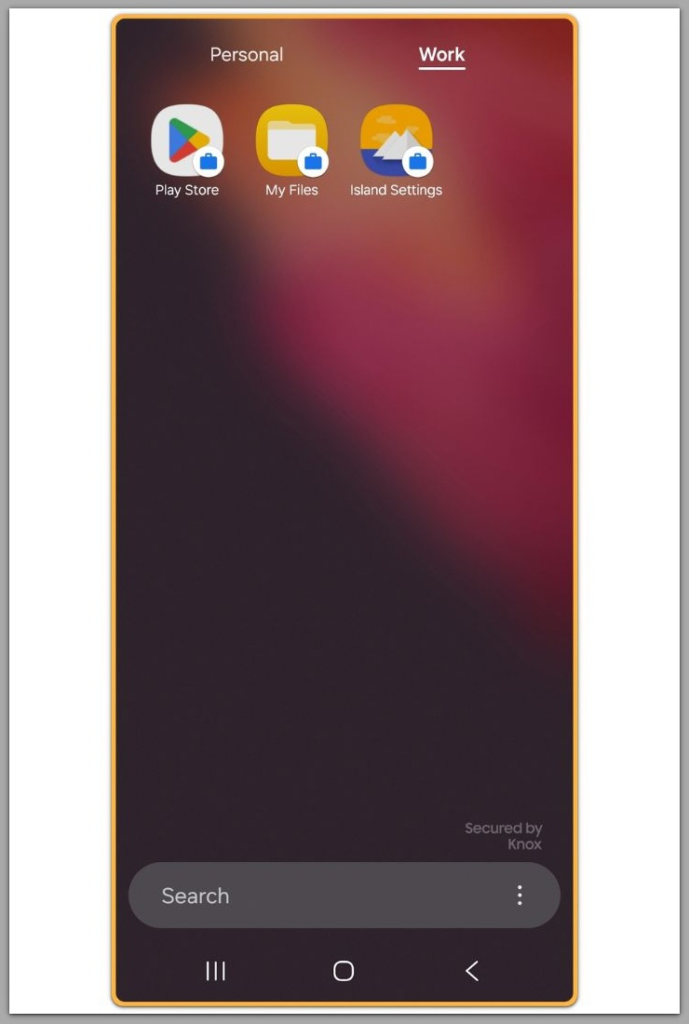
Many organizations control work profiles through device policy controllers.
These policies may block alarms, sound output, or system wake events altogether.
These rules are not visible in standard user settings.
When a policy blocks alarms, the restriction is enforced silently.
As a result, Android Work Profile Alarm Not Working occurs without visible errors.
The limitation exists beyond user-accessible controls.
Step 5: Understand Where User Control Ends
Do Not Disturb settings do not override work profile policies.
Battery optimization changes also have no effect on managed execution rules.
Even explicit alarm permissions cannot bypass policy enforcement.
At this point, Android Work Profile Alarm Not Working exists entirely outside user-level control.
Once this boundary is reached, no local setting restores alarm execution.
If the issue still persists after checking everything above, it is unlikely to be a basic settings problem.
In these cases, restrictions related to the device, account-level limitations, or underlying system policies usually need to be examined directly, which requires professional assistance.
Below, you can review information that explains how work profile policies control alarm behavior and execution boundaries.
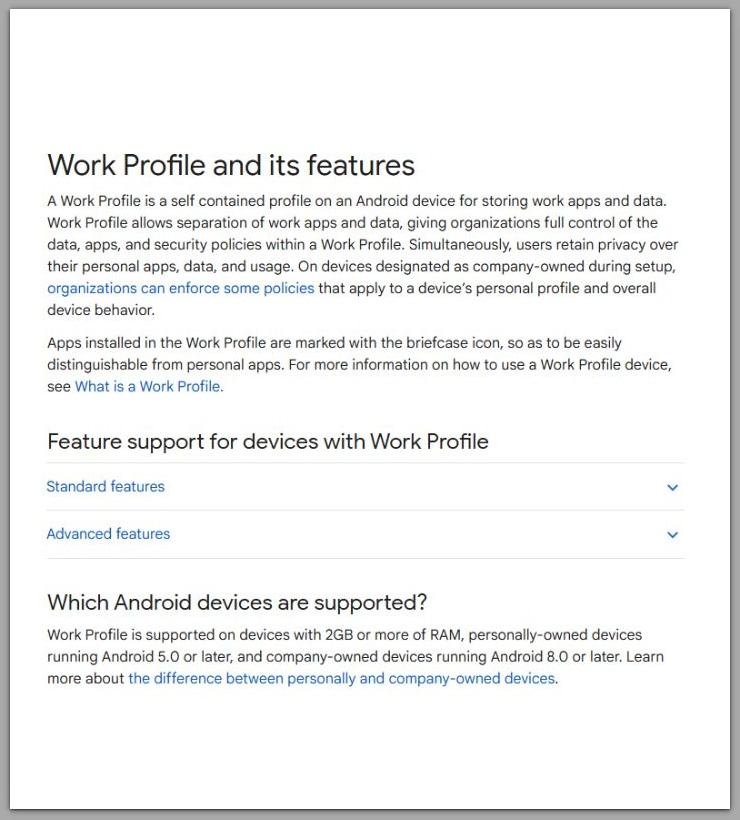
Official Google documentation explaining work profile limitations: Google Support link
Android Work Profile Alarm Not Working Troubleshooting
In general, alarms that function in the personal profile but fail in the work profile indicate a policy boundary.
Failures limited to specific hours usually point to work schedule enforcement.
When alarms never ring at any time, administrators likely apply permanent restrictions.
These patterns indicate intentional enforcement rather than hardware failure or software bugs.
In real-world cases, this behavior often appears after company policy updates or profile reconfiguration.
The timing typically aligns with administrative changes, not user actions.
Additional Tips
Create wake-up alarms only in the personal profile.
Do not rely on managed environments for critical alarms.
For work-related reminders, notifications may function when policies permit them.
These methods avoid the restriction rather than removing it.
They function as workarounds, not permanent solutions.
Final Notes
Android Work Profile Alarm Not Working reflects a deliberate system decision.
Once policy enforcement begins, personal preferences no longer apply.
Checklist
☐ Confirm the alarm belongs to the personal profile
☐ Check whether the work profile is paused or time-restricted
☐ Accept that IT policies override alarm execution
☐ Move critical alarms outside the work profile
If the issue persists after completing all steps above, it is unlikely to be a basic settings problem.
If you need further assistance, please refer to the official support page below.
Extra Section 1
From a system perspective, Android evaluates alarms based on execution context rather than user intent.
Within the personal profile, Android treats alarms as direct user actions with full priority.
Within the work profile, Android handles alarms as managed events.
That distinction determines whether the system permits wake events.
On devices under organizational control, Android favors predictable behavior across managed environments.
Unrestricted alarms would weaken policy enforcement.
For this reason, Android does not classify this behavior as a defect.
Administrators must explicitly approve alarms from restricted contexts.
Consistency and control take priority over individual convenience.
Extra Section 2
No safe method exists to force alarms to ring from a restricted work profile.
Third-party alarm apps inherit the same execution limits as system alarms.
Attempts to modify the system break enterprise security assumptions.
In managed environments, these methods fail consistently.
Work profile boundaries function as fixed execution limits.
That is why Android Work Profile Alarm Not Working persists even when all visible settings appear correct.
This separation is intentional.
Critical alarms belong in the personal profile, while the work profile remains reserved for controlled, policy-driven execution.