
Introduction
────────────────────────
Android phone not turning on after update describes a state where the device fails to reach a usable power-on condition immediately after a system update, despite functioning normally beforehand.
The display remains black.
No boot logo appears.
In some cases, there is no vibration or visible response.
This behavior does not indicate a temporary delay.
It does not resolve through charging time or repeated attempts.
Once this condition appears after an update, the system has already failed during the early boot validation stage.
From that point forward, user-level actions no longer influence the result.
This guide focuses on identifying where recovery options stop working, how to recognize the exact failure boundary, and when the issue has clearly moved beyond user-controlled recovery.
────────────────────────
Step-by-Step Guide
────────────────────────
The steps below are not designed to force the device to power on, but to clarify why android phone not turning on after update reaches a fixed failure state.
Their purpose is to determine whether the failure remains within the user-recoverable zone or has already crossed into a system-level block.
Each step should be performed once under stable conditions.
Repeating the same action does not create additional recovery opportunities.
Progress is determined by changes in device behavior, not by persistence.
────────────────────────
Step 1: Confirm that the device is truly unresponsive
────────────────────────
This step establishes whether the device is failing completely or exiting the boot process prematurely.
Hold the power button for an extended duration.
Observe any vibration, backlight, or logo appearance.
A complete absence of response indicates failure before the boot sequence begins.
A brief logo appearance indicates failure during early system initialization.
Only one of these states allows further user-level recovery.
────────────────────────
Step 2: Eliminate battery and charging false positives
────────────────────────
This step separates power availability from system initialization failure.
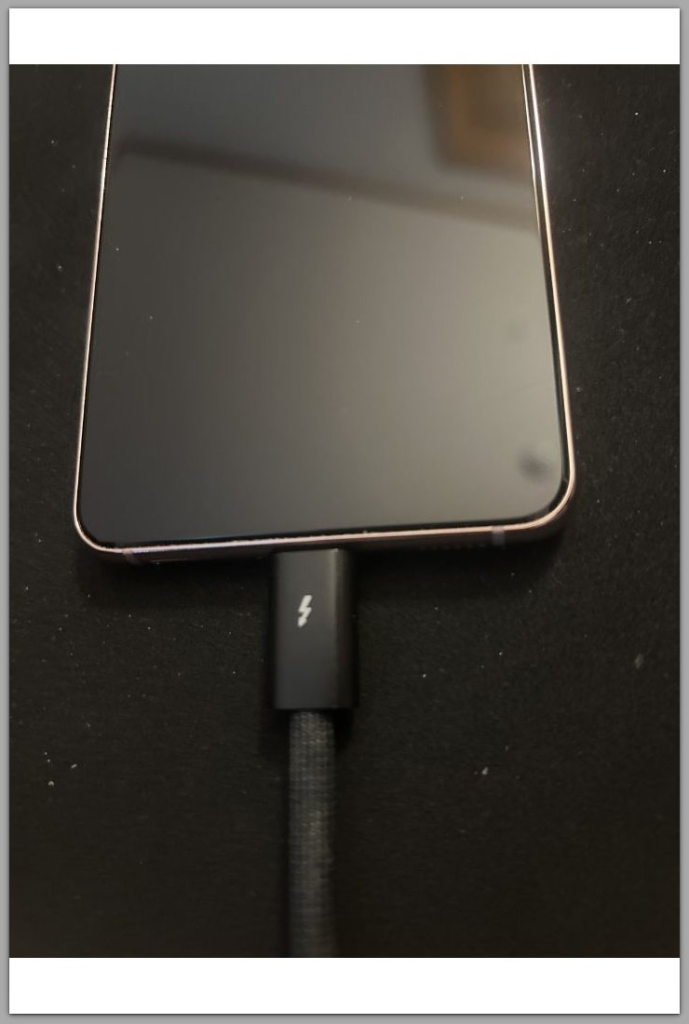
Connect the device to a verified charger and cable.
Allow sufficient time without interaction.
A fully depleted battery will eventually trigger a charging indicator.
A system-level initialization failure will not produce any visible charging state.
When no indicator appears after adequate time, the issue originates from disrupted power-management initialization caused by the update, not the battery itself.
────────────────────────
Step 3: Attempt recovery mode access
────────────────────────
Recovery mode represents the final user-accessible control layer.
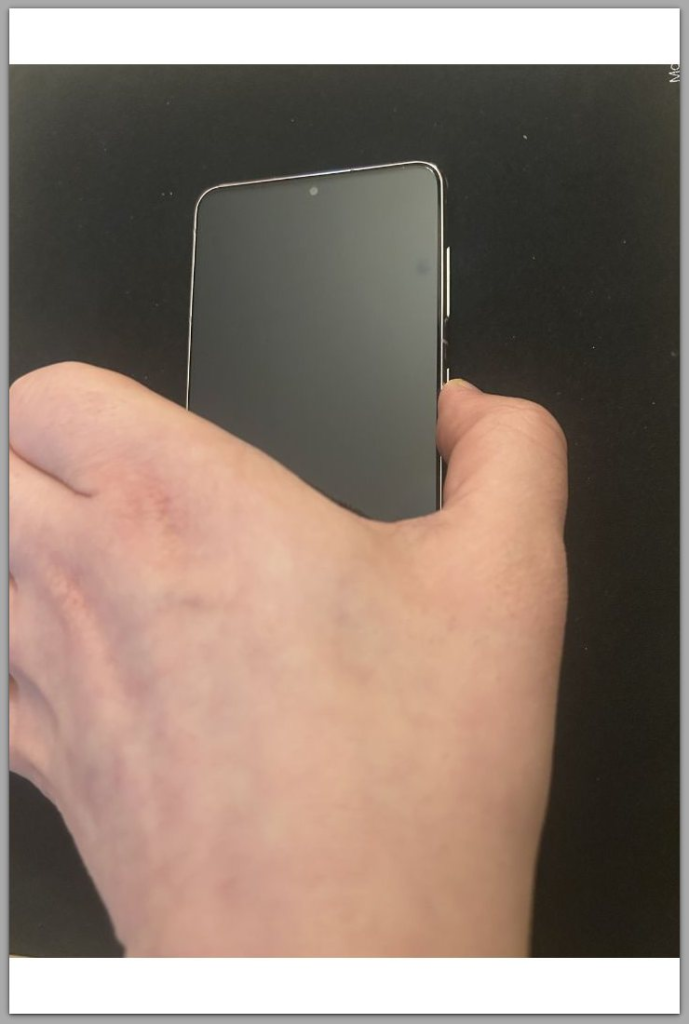
Use the manufacturer-specific key combination to attempt entry.
Avoid repeated attempts under identical conditions.
Successful access indicates that the system partition may still be readable.
Complete failure to access recovery mode indicates that the boot chain has already failed before user-level recovery becomes available.
At this boundary, further power-cycle attempts no longer alter the outcome.
────────────────────────
Step 4: Identify update-related boot failure patterns
────────────────────────
When a device stops powering on immediately after a system update, android phone not turning on after update typically originates from a limited set of system-level conditions.
In some cases, the update process fails to complete system file writes correctly.
In others, newly installed firmware conflicts with existing hardware drivers.
There are also situations where the bootloader rejects the updated system image during integrity verification.
All of these failures occur before Android fully loads.
This explains why standard recovery actions stop producing any change.
Once this pattern stabilizes, repeated attempts terminate at the same internal boundary.
If the device consistently fails at this stage, resolution depends on bootloader-level diagnostics or firmware validation that cannot be accessed through standard user controls.
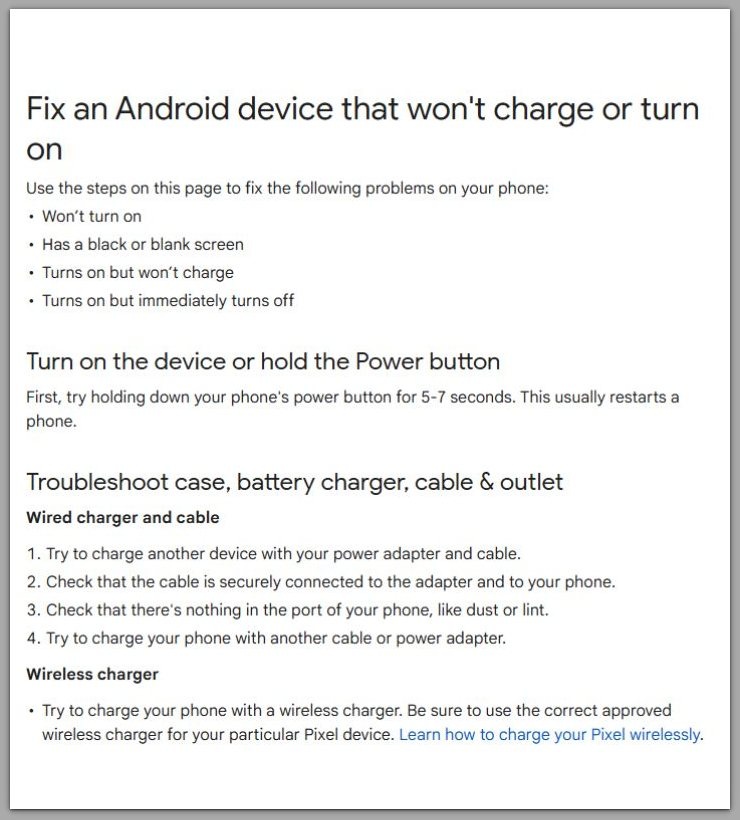
Fix an Android device that won’t charge or turn on — Google Android Help
────────────────────────
Troubleshooting : android phone not turning on after update
────────────────────────
At this stage, the goal is not to revive the device, but to correctly interpret what the observed behavior means.
If the screen remains completely black with no vibration or charging response, the failure has occurred before Android initializes any visible interface.
This points to an interruption in early boot or power initialization rather than a recoverable software crash.
If a boot logo appears briefly and disappears, the system image is being detected but cannot complete execution.
In this state, the device is attempting to boot but is being stopped by integrity or compatibility checks.
When recovery mode is accessible but actions such as factory reset do not change the outcome, the issue has already moved beyond user data or cache corruption.
The failure exists at the firmware or system partition level.
Across all scenarios, android phone not turning on after update shows consistency as the defining characteristic.
The device fails in the same way each time, without variation.
This stability indicates that the system has reached a fixed failure boundary.
User repetition does not push the process forward.
In real-world cases, devices that fail at this boundary rarely show any variation between attempts, even when conditions are changed.
────────────────────────
Additional Tips
────────────────────────
Avoid treating this situation as a persistence problem.
More attempts do not create new recovery paths once the failure pattern stabilizes.
When android phone not turning on after update reaches this stage, environmental factors such as temperature or charging accessories rarely influence outcomes.
The system has already evaluated and rejected the boot sequence internally.
If storage was nearly full before the update, the likelihood of incomplete system writes increases.
This does not guarantee failure, but it explains why some updates fail on devices that appeared functional beforehand.
Interruptions during the update process, including forced restarts or power loss, frequently correlate with this condition.
The result is not delayed damage, but immediate boot rejection.
Understanding these boundaries prevents unnecessary actions that can increase frustration without improving recovery chances.
────────────────────────
Final Notes
────────────────────────
When android phone not turning on after update persists beyond recovery checks, the situation has exited the basic troubleshooting domain.
The update process has already completed its internal validation and reached a negative conclusion.
At that point, user-level interaction cannot reverse the decision.
This does not imply permanent hardware damage.
It indicates that resolution requires access beyond consumer recovery mechanisms.
────────────────────────
Checklist
────────────────────────
☐ No visual or physical response after extended power press
☐ No charging indicator after sufficient connection time
☐ Recovery mode inaccessible or ineffective
☐ Failure behavior remains identical across attempts
When all items apply, the device has crossed out of the user-recoverable zone.
────────────────────────
Extra Section 1
────────────────────────
Android updates are not simple file replacements.
They involve coordinated changes across system partitions, firmware interfaces, and security validation layers.
During installation, the system rewrites critical components and verifies them before allowing execution.
If verification fails, Android blocks startup intentionally to prevent unstable operation.
This safeguard does not degrade gracefully.
The system does not partially boot or offer fallback behavior.
As a result, the device may appear completely inactive even though hardware components remain functional.
The absence of feedback is a deliberate stop, not a power failure.
This design choice explains why repeated attempts produce identical results.
Once verification fails, the system does not re-evaluate under the same conditions.
────────────────────────
Extra Section 2
────────────────────────
Beyond this point, resolution requires capabilities not available through standard user interfaces.
Firmware reinstallation depends on authorized flashing environments.
Bootloader-level diagnostics require manufacturer validation or service access.
These tools exist to prevent unverified system modification and data loss.
They are intentionally inaccessible to consumers.
When android phone not turning on after update reaches this boundary, seeking professional service is not escalation.
It is the appropriate transition from user responsibility to manufacturer-level intervention.
At this stage, understanding the limit is more valuable than continuing attempts that cannot change the outcome.