
Introduction
────────────────────────
Android keeps restarting after security patch means the device enters a continuous reboot cycle immediately after a security update, without ever reaching a stable system state.
The phone powers on.
The logo appears.
Then the device shuts down and restarts again.
This behavior is not random.
It does not come from an app conflict.
It does not resolve by waiting longer.
At this stage, Android fails before the operating system fully loads.
That distinction matters.
Once the reboot loop begins at the boot level, user-accessible fixes no longer have control over the outcome.
The system has already rejected its own startup sequence.
This article explains why this happens after security patches, where the user recovery path ends, and why repeated restarts are not something normal troubleshooting can fix.
────────────────────────
Step-by-Step Guide: android keeps restarting after security patch
────────────────────────
────────────────────────
Step 1: Recognize That This Is Not a Normal Restart Issue
────────────────────────
When the device restarts before reaching the lock screen, timing becomes the key signal.
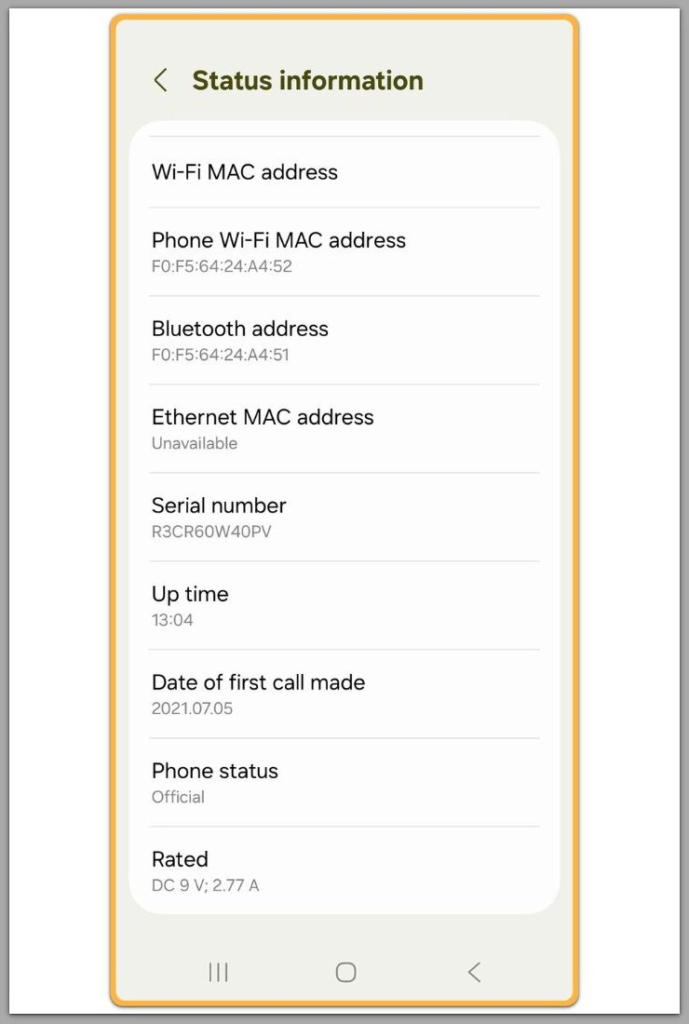
The reboot happens before the lock screen.
Often before animations complete.
Sometimes before any interaction becomes possible.
Because of this, app crashes are ruled out.
Background services are also eliminated as causes.
At this point, Android has not loaded the user environment.
The failure occurs earlier, during boot verification and system handoff.
If the phone never stays on long enough to unlock, the problem already exists beyond user space.
────────────────────────
Step 2: Understand What Security Patches Actually Change
────────────────────────
Security patches do more than close vulnerabilities.
They update boot verification rules.
They adjust system partition checks.
In some cases, they also change how encrypted storage is validated.
These changes occur before Android loads user data.
As a result, android keeps restarting after security patch even when no apps or settings were changed.
This explains why a phone can reboot endlessly even when nothing else was modified.
If the system detects a mismatch at this level, Android does not attempt repair.
Instead, it aborts the boot process.
That is why the device restarts instead of showing an error.
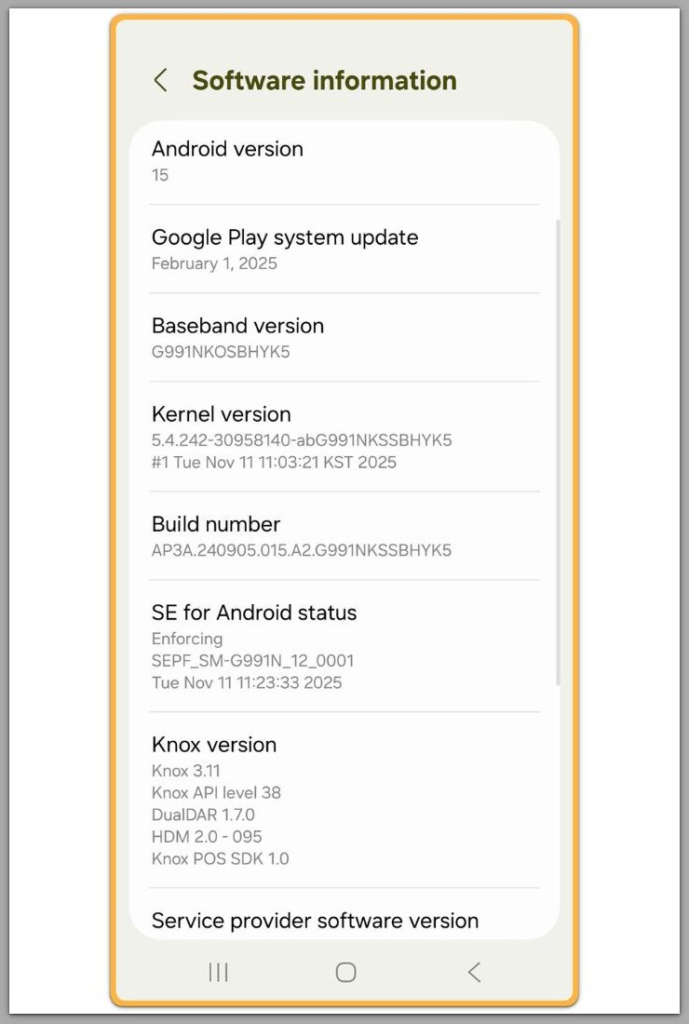
────────────────────────
Step 3: Why Safe Mode and Cache Clearing Usually Fail
────────────────────────
Safe Mode requires Android to finish booting.
Cache clearing assumes the system can mount partitions correctly.
When android keeps restarting after security patch at the boot level, neither condition is met.
The restart happens before Safe Mode can engage.
Cache operations cannot run when verification fails earlier.
Repeated attempts do not improve the situation.
Each attempt simply triggers the same rejection again.
At this point, user-level troubleshooting stops being effective.
────────────────────────
Step 4: Recovery Mode Does Not Mean Recovery Is Possible
────────────────────────
Many users reach Recovery Mode and assume a solution exists.
Recovery access only means the bootloader still responds.
It does not mean the operating system can be restored.
If the security patch changed verification rules that the current system state no longer satisfies, Recovery cannot override that decision.
A factory reset may still fail.
In many cases, reboot loops resume immediately after reset.
At this stage, the system enforces integrity rather than offering repair.
If the device continues restarting after this stage, the problem has moved beyond user-accessible recovery and usually requires firmware reinstallation or verification through manufacturer-authorized service tools.
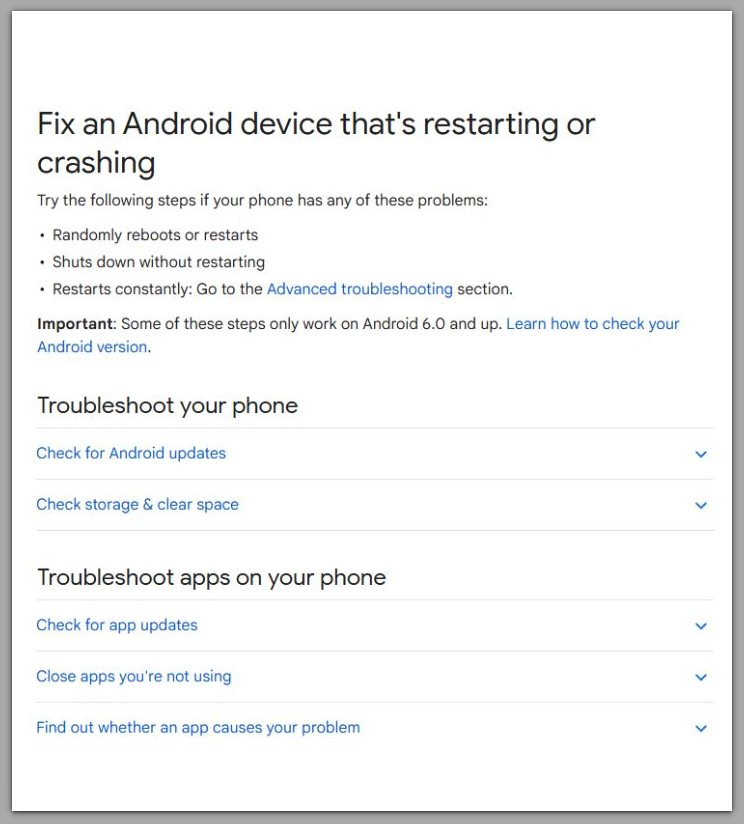
official android support — restart issue
────────────────────────
Troubleshooting
────────────────────────
────────────────────────
Why the System Stops Deliberately
────────────────────────
When android keeps restarting after security patch, most troubleshooting attempts fail for a clear reason.
The system is not unstable.
It is enforcing a rule.
Many users assume a reboot loop means Android is “stuck.”
In reality, the boot process completes a check and deliberately stops.
This distinction explains why common actions do nothing.
────────────────────────
Why Repeating Fixes Changes Nothing
────────────────────────
Clearing cache does not change boot verification.
A factory reset does not roll back a security patch.
Battery drain does not reset integrity flags.
Each restart simply repeats the same decision.
Another common mistake is comparing this to app-induced boot loops.
App-related loops occur after the system loads.
Security patch loops occur before the system is allowed to load.
If the reboot happens before setup or unlock, troubleshooting options are already exhausted.
At that point, further attempts do not improve the outcome.
They only confirm the same failure state.
────────────────────────
Additional Tips
────────────────────────
Security patch failures behave differently from major OS upgrade issues.
Major updates often allow fallback behavior.
Security patches do not.
Their purpose is enforcement, not flexibility.
Because of this, devices that worked perfectly the day before can suddenly fail without warning.
No usage pattern changed.
No app update caused it.
When android keeps restarting after security patch, the patch has altered validation rules.
The device no longer satisfies them.
Older devices are more sensitive to this shift.
Not because they are defective.
But because firmware tolerance margins are narrower.
If the reboot loop started immediately after the patch and never stabilized, the cause is not transitional behavior.
It is a permanent rule mismatch.
Waiting does not change anything.
Repeated resets lead to the same result.
Understanding this prevents unnecessary effort and false expectations.
────────────────────────
Final Notes
────────────────────────
When android keeps restarting after security patch, the failure point has already passed user control.
The system is not malfunctioning.
It is refusing to proceed.
Once boot verification fails, Android does not offer gradual recovery.
Instead, it enforces a stop condition.
From this stage forward, outcomes depend on actions outside normal user access.
Firmware reinstallation.
Authorized service tools.
Manufacturer intervention.
User-level troubleshooting ends here, not because it was done incorrectly, but because the system no longer accepts it.
────────────────────────
Checklist
────────────────────────
☐ Reboot loop begins before setup or unlock
☐ Safe Mode cannot be entered
☐ Factory reset does not complete or does not change behavior
☐ Loop started immediately after security patch
☐ Device never reaches a stable boot state
If these conditions match, the issue is beyond user repair.
────────────────────────
Extra Section 1
────────────────────────
Android security architecture prioritizes trust over convenience.
Once trust breaks, recovery becomes intentionally limited.
This design protects encrypted data.
It prevents downgrade attacks.
It blocks unauthorized system states.
The reboot loop is not a failure to boot.
It is the visible result of enforcement.
That is why the device appears active yet unusable.
The system functions exactly as designed.
Recognizing this boundary matters.
It marks the point where persistence becomes counterproductive.
Correct diagnosis saves time, data, and unnecessary stress.
────────────────────────
Extra Section 2
────────────────────────
Many online guides promise universal fixes for boot loops.
Most assume the system still negotiates.
In security patch failures, negotiation no longer exists.
When android keeps restarting after security patch, the operating system has already rejected its own environment.
No setting, app, or reset can override that decision.
Only a verified firmware replacement or manufacturer-authorized process can change the state.
Knowing when a problem cannot be solved locally is not pessimism.
It is accurate diagnosis.
And accurate diagnosis is what allows the next step to be chosen correctly.