
Introduction
────────────────────────
Android app data lost after update describes a condition where app-related data disappears immediately after a system update and does not return, even though the device itself completes the update normally.
At first glance, the phone boots without errors.
In addition, apps reinstall and launch.
Likewise, system settings remain accessible.
However, once the app opens, its internal data is already gone.
As a result, login states are reset.
Consequently, local records are empty.
In the same way, progress that existed before the update is no longer present.
Importantly, this is not a delayed sync issue.
Likewise, it is not temporary cache corruption.
Instead, the loss has already occurred at the system boundary created by the update.
From this point on, once this boundary is crossed, the data cannot be reconstructed by user action.
────────────────────────
Step-by-Step Guide
────────────────────────
────────────────────────
Step 1: confirm whether the data loss occurred before or after the update
────────────────────────
First, start by identifying when the data disappeared.
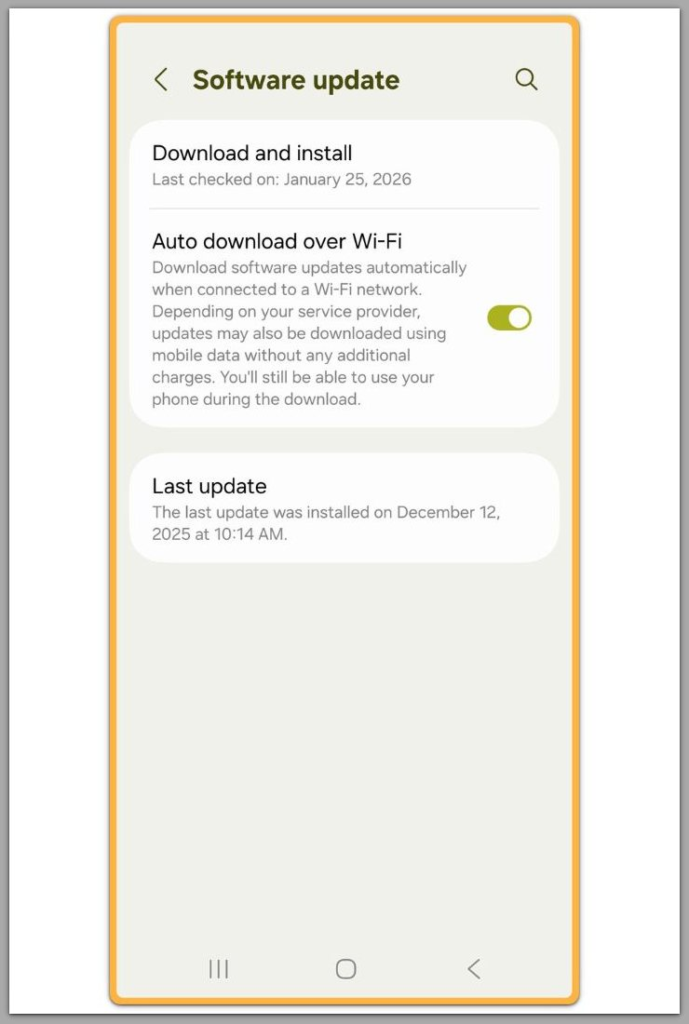
If the app opened normally immediately after the update but showed empty data from the first launch, then the loss happened during the update process.
On the other hand, if the app worked once and then lost data later, the cause is different and often unrelated to the update itself.
In cases where the data appears missing from the very first launch after the update, the system has already applied a new storage rule.
At this stage, reinstalling the app does not restore previous data.
This is because the storage location no longer contains the original records.
────────────────────────
Step 2: separate app reinstallation from data restoration
────────────────────────
In general, reinstalling an app only restores the application package.
It does not recreate internal data unless that data exists in a valid backup location.
When android app data lost after update occurs, the app’s private storage is already empty or inaccessible.
As a result, the reinstall process has nothing to pull from.
In practice, if the app behaves like a first-time install after the update, the data layer has already been reset.
────────────────────────
Step 3: check whether the app used local-only storage
────────────────────────
Notably, some apps store data only inside device-local storage.
In other words, they do not sync with accounts or cloud services.
If such an app loses data after an update, recovery is not possible.
This is because there is no external source to reconstruct the data.
For this reason, this is one of the most common explanations for why android app data lost after update becomes permanent.
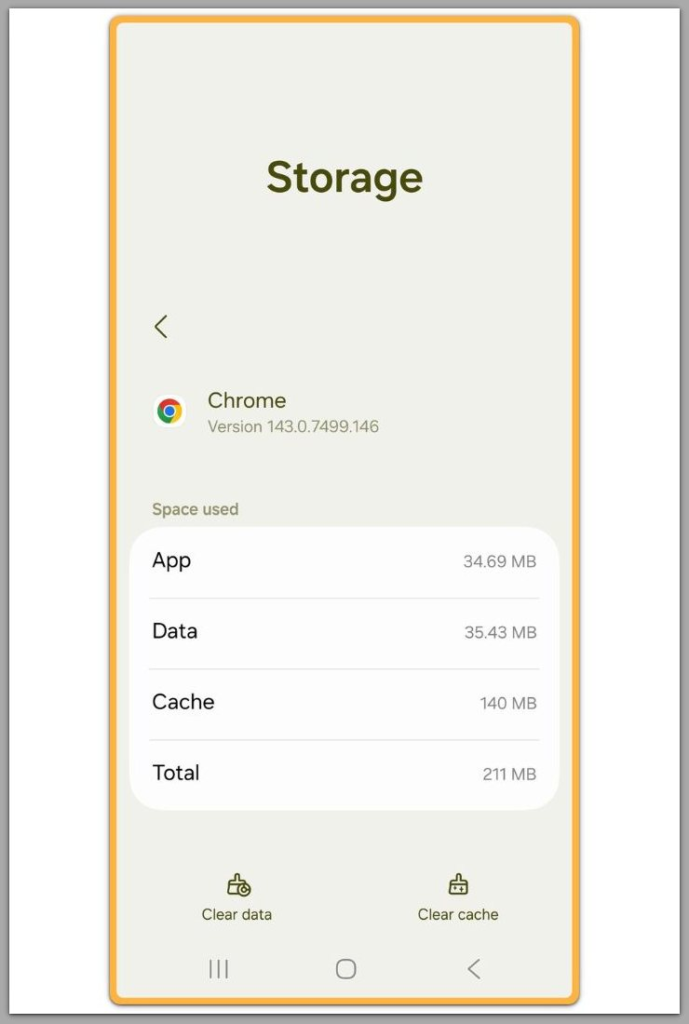
Once a system update changes the rules around app storage, what happens next is no longer determined by user actions.
These rules are enforced by the operating system, not by individual app settings.
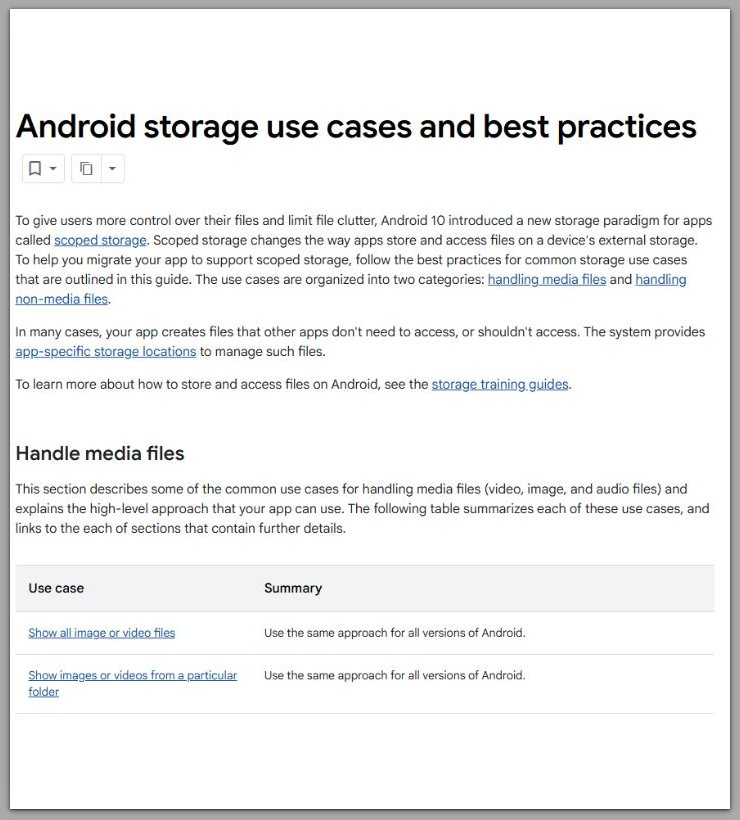
Android system updates introduce changes to how app storage and data access are handled at the system level.
────────────────────────
Troubleshooting : android app data lost after update
────────────────────────
────────────────────────
distinguish real data loss from post-update rebuilding
────────────────────────
After a major update, some apps appear empty while background checks are still in progress.
In rebuild scenarios, the state does not stay fixed.
Over time, layouts stabilize.
Gradually, fragments of data begin to appear.
Eventually, menus stop resetting.
By contrast, permanent loss behaves in a stable way.
Specifically, the app opens in a first-launch state.
In addition, intro screens repeat.
Meanwhile, waiting produces no visible change.
If this pattern remains identical across relaunches and reboots, then the system is not rebuilding anything.
At that point, the data layer has already been removed or rejected.
────────────────────────
evaluate whether any external copy ever existed
────────────────────────
Apps differ in how they define data ownership.
For example, some maintain an account-level copy.
Others, however, rely entirely on device storage.
This distinction directly determines what happens next.
When an external copy exists, login usually changes something.
Conversely, when nothing changes, the phone was the only container.
In that situation, android app data lost after update is not a sync delay.
Instead, it is a closed storage boundary.
────────────────────────
why permission changes rarely alter the outcome
────────────────────────
System updates often trigger new permission prompts.
However, these controls manage access, not reconstruction.
While granting permissions can restore visibility to shared files or media lists, it does not recreate an internal database that no longer exists.
Therefore, if the app depended on private app storage for its core records, permissions do not reopen that layer.
────────────────────────
repeated fixes that confirm the boundary
────────────────────────
Cache clearing removes temporary files.
Similarly, reinstalling restores the app package.
However, neither action recreates missing history.
When the same empty state appears after each attempt, the actions stop being corrective.
Instead, they become confirmations.
In effect, the system applies the same rule every time.
That repetition clearly marks the end of user-level recovery.
────────────────────────
Additional Tips
────────────────────────
In practice, a single external check matters more than multiple device resets.
For instance, if the app offers a web interface, one login is enough to verify whether any data exists outside the phone.
If the web view is empty, then nothing is waiting to sync back.
Similarly, media-related apps can look empty while indexing finishes, but this only affects shared files.
Private in-app progress does not rebuild through indexing.
Finally, while menu names and paths vary by device model and Android version, the underlying logic does not.
────────────────────────
Final Notes
────────────────────────
In summary, when android app data lost after update presents as a first-launch state immediately after the update, the loss has already passed the user control boundary.
At that point, no setting, reset, or reinstall changes that fact.
Only the existence of an external data source would alter the outcome.
────────────────────────
Checklist
────────────────────────
☐ The app behaved like a new install immediately after the update
☐ Waiting and rebooting did not change the state
☐ No data returned after account login
☐ Reinstalling reproduced the same empty result
If all four apply, then the loss is permanent.
────────────────────────
Extra Section 1
────────────────────────
In general, Android updates follow compatibility rules, not user expectations.
During the update process, existing app data is checked against new storage and security requirements.
As a result, data that no longer fits those requirements is skipped without interrupting the update itself.
The device stays stable.
Accordingly, the update completes normally.
What changes is the acceptance of the old data state.
From the outside, the app looks reset.
Inside the system, however, the previous data layout is simply no longer allowed.
At this stage, android app data lost after update is no longer influenced by user actions.
The boundary has already been enforced.
────────────────────────
Extra Section 2
────────────────────────
In reality, whether data survives an update is decided long before the update starts.
Some apps keep all records tied to the device.
Others rely on an external source and treat the phone as a display layer.
Naturally, these designs respond differently when system rules change.
If the device was the only container, the update defines the final outcome.
If another source existed, the app can rebuild itself.
That difference explains why identical updates lead to opposite results across apps.
Once android app data lost after update follows the device-only model, recovery is no longer a question of effort, but of design limits.