
Introduction
Android navigation overheating becomes noticeable when the phone gets hot during a trip while maps or turn-by-turn directions are running. The screen stays active, the route keeps updating, and the phone feels warmer than it does during light use.
The heat appears during the trip, not after you put the phone away. The warm area becomes noticeable while the route is still active. The first check is when the heat starts. The steps below separate the trip conditions one by one instead of treating the whole drive as one problem.
Step-by-Step Guide: Android Navigation Overheating
Step 1: Check The Phone Before The Route Starts
Start with the same map app you normally use during the drive. Open the map before the trip starts, keep the phone in the same place where it usually sits in the car, and check whether it already feels hot before navigation is active or only after the trip begins.
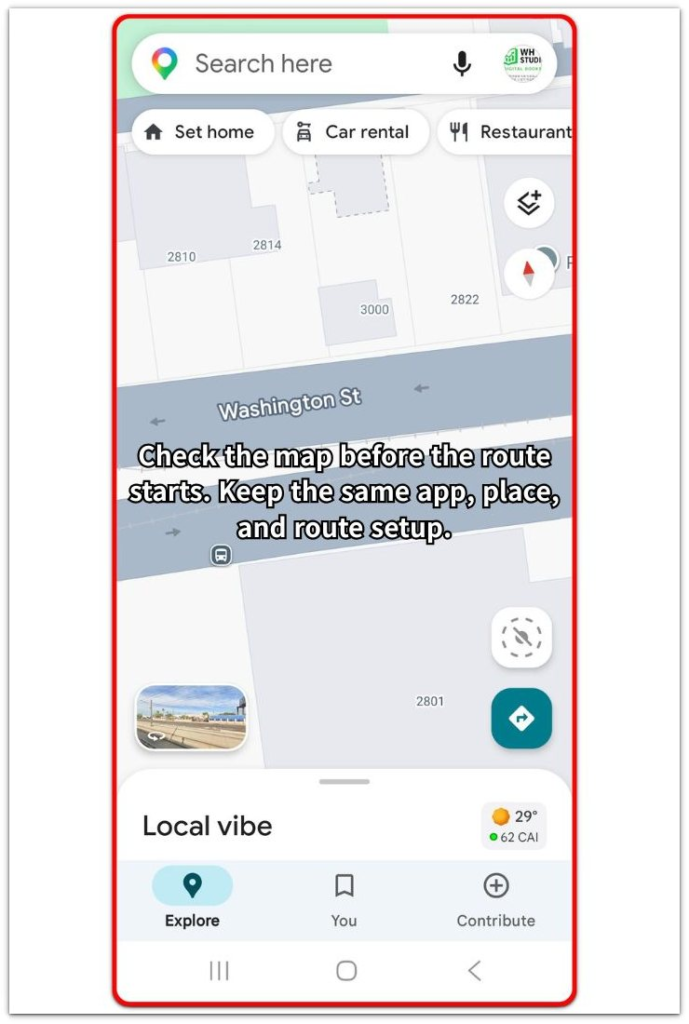
Leave the settings unchanged at first. Keep the same app, same phone position, and same route setup so the first check stays clean.
Step 2: Watch What Happens While Navigation Stays Open
Keep the route open during the trip and watch the phone after it has been running for a while. Check whether the temperature rises while the screen, map, and directions stay active.
This step confirms whether the same pattern returns during the route itself. A repeated result during the route shows that the trip setup matters, not a random one-time moment.
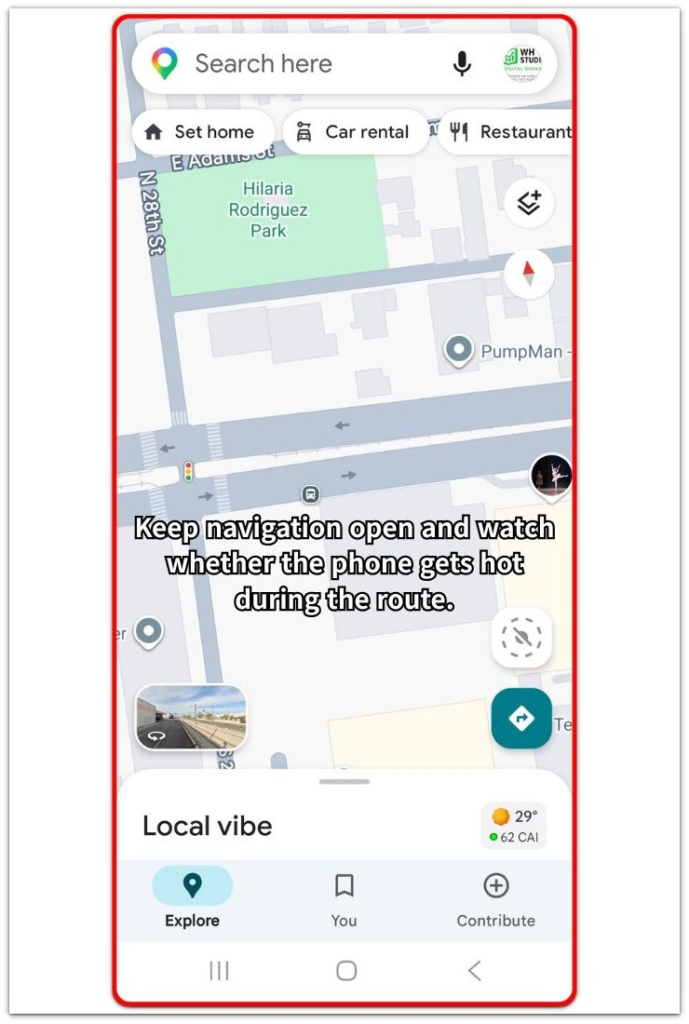
Check the phone body, not only the screen. If the back or side gets hot again while the route stays open, move to the next check instead of changing random app settings.
Step 3: Check The Trip Condition Behind The Problem
Look at the condition around the phone during the trip. Check whether it is sitting in direct sunlight, charging at the same time, or staying in a weak signal area while navigation is running.
Change only one condition for the next short test. Move the phone out of direct sun, remove charging for a short check, or test the same map app in a stronger signal area. The condition linked to the temperature change shows what to test next.
Troubleshooting
Troubleshooting 1: Overheating Only In Direct Sunlight
The phone stays normal at first, then feels hot after it sits near the windshield or on a dashboard mount. The problem follows the phone’s position in the car more than the map app itself.
Move the phone away from direct sunlight and keep the same route open for a short test. A cooler result in the shade shows that the car placement is the first thing to change, so move the mount before adjusting app settings.
Troubleshooting 2: Charging Makes The Phone Heat Up Faster
The temperature rises faster when you plug in the phone during the trip. The route stays active, but charging adds another load while the screen and directions are already running.
Unplug the charger for a short part of the drive and compare the phone body again. A slower temperature rise without charging makes the charging setup the next part to test, so try a different cable or charger next.
Troubleshooting 3: Overheating In Weak Signal Areas
The phone feels hot on certain roads, inside parking structures, or in areas where the signal drops while navigation stays open. The same map app works better in stronger reception, but the problem returns when the route passes through weak coverage.
Check the signal bars during the hot part of the trip. A clear match between weak signal and rising temperature shows that the route condition matters, so download the map offline before changing app settings.
Extra Section 1: Why Android Navigation Overheats Even When No Other App Is Open
A phone often becomes warm during a long route even without a game, video app, or camera open. Navigation already keeps several parts of the phone active at the same time.
The screen stays on, location keeps updating, the map keeps moving, and voice directions continue in the background. Route changes, missed turns, and traffic updates add more work while the trip is still active.
The app list alone does not always explain the problem. A clean Recent Apps screen does not remove the navigation load itself. The better check is whether the heat follows the route, phone position, charging, or signal condition during the drive.
Extra Section 2: Why The Phone Cools Down After Navigation Ends
The phone often cools down after the route ends because the active driving load drops. The screen no longer has to stay on for directions, the map stops moving every few seconds, and the route no longer needs constant updates.
A cooler phone after the trip points to a navigation-related pattern rather than a problem that stays active all day. The important part is how the phone behaves after the route closes, not only how warm it felt during the drive.
Leave the map app closed for a short time and compare the phone body again. A clear drop after the route ends keeps the next check focused on driving conditions. A phone that stays hot after the trip needs a separate check for another app, charging state, or battery behavior.
Official Source: Google’s Heat Guidance For Android Phones
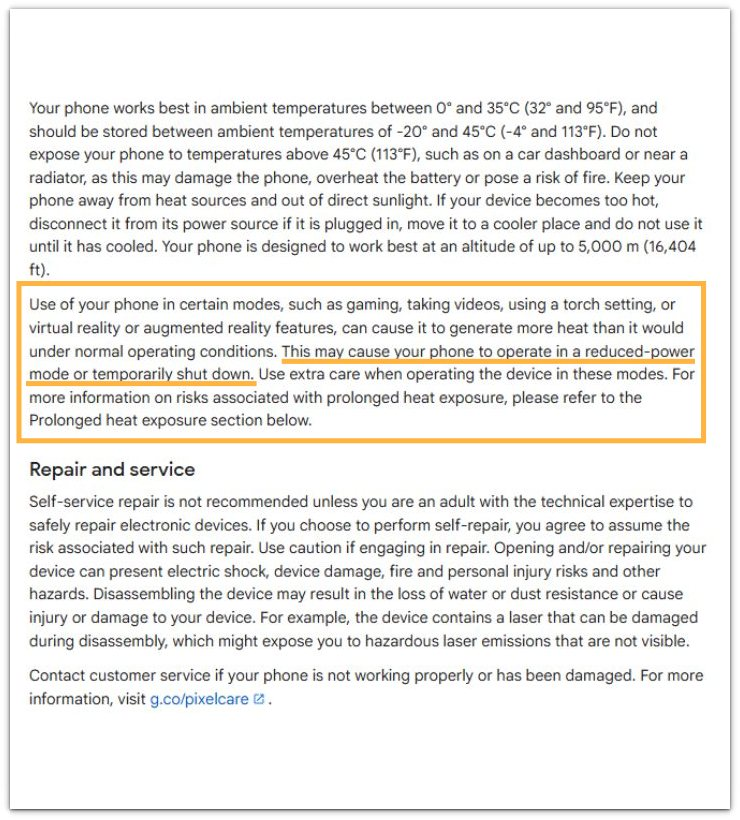
Google explains that phones should stay away from direct sunlight, car dashboards, radiators, and other heat sources. Google also says you should unplug a phone that becomes too hot, move it to a cooler place, and leave it unused until it cools down. This supports the checks above for sunlight, dashboard placement, and unplugging the phone when it gets too hot during navigation.
Additional Tips
A thick phone case traps heat during long navigation, especially near the windshield. Remove the case for one short route test, then compare the phone body again after a similar route length so the test stays fair.
A very bright screen adds more load during daytime driving, and a vent mount gives mixed results when the heater is running. Lower the brightness slightly, use auto brightness, or move the phone away from warm airflow before judging the map app itself.
Final Notes
Android navigation overheating becomes clearer when you separate the trip condition from the app itself. A phone that only gets hot during active directions is reacting to the driving setup.
The strongest clue is the condition that changes the result first. A cooler phone after you change one route condition shows where the problem is coming from. Check app settings only after the driving setup gives a clear result.
Checklist
- Check the phone before the route starts.
- Keep the same map app and phone position for the first test.
- Watch whether the phone gets hot while the route stays active.
- Check sunlight, charging, and signal condition one by one.
- Compare the phone after the route ends to see whether it cools down.
- Change app settings only after testing the driving setup.
For the full heat checklist, see the main Android overheating guide.