
Introduction
Android phone gets hot while charging becomes a problem when heat keeps returning during a normal charge, even before it has stayed on the charger for long.
No one is gaming, watching video, using navigation, or staying on a long call. The phone simply stays plugged in with the screen off, and you pick it up again a short time later. Start by checking the charger, the charging spot, and when the heat returns during the charge.
Step-by-Step Guide: Android Phone Gets Hot While Charging
Step 1: Check How Soon the Heat Starts After Charging Begins
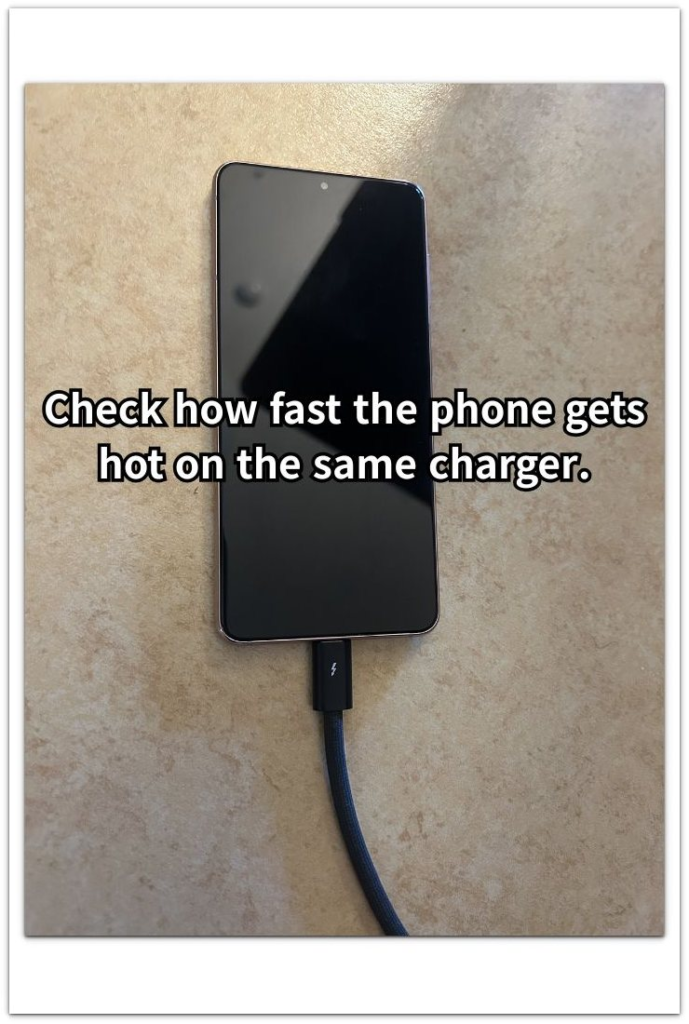
Use the same charger and the same charging spot where the heat first stood out. Plug in the phone the way you normally do, leave the screen off, and do not use it during the first check.
Pick it up after a short charging stretch and notice when the heat starts. A phone that gets warm right away needs a different check from one that only warms up near the end of a longer charge.
Step 2: Repeat the Charge After Clearing the Area
Run the next charge with the phone on a flat, open surface. Take off a thick case for this check, keep the phone away from bedding, cushions, direct sunlight, and other warm surfaces, and leave the screen off again.
Check whether the phone still gets hot in that cleaner setup. This keeps the focus on heat from the charge instead of heat trapped by the surface, case, or room around the phone.
Step 3: Check What Stays Warm Around the Phone
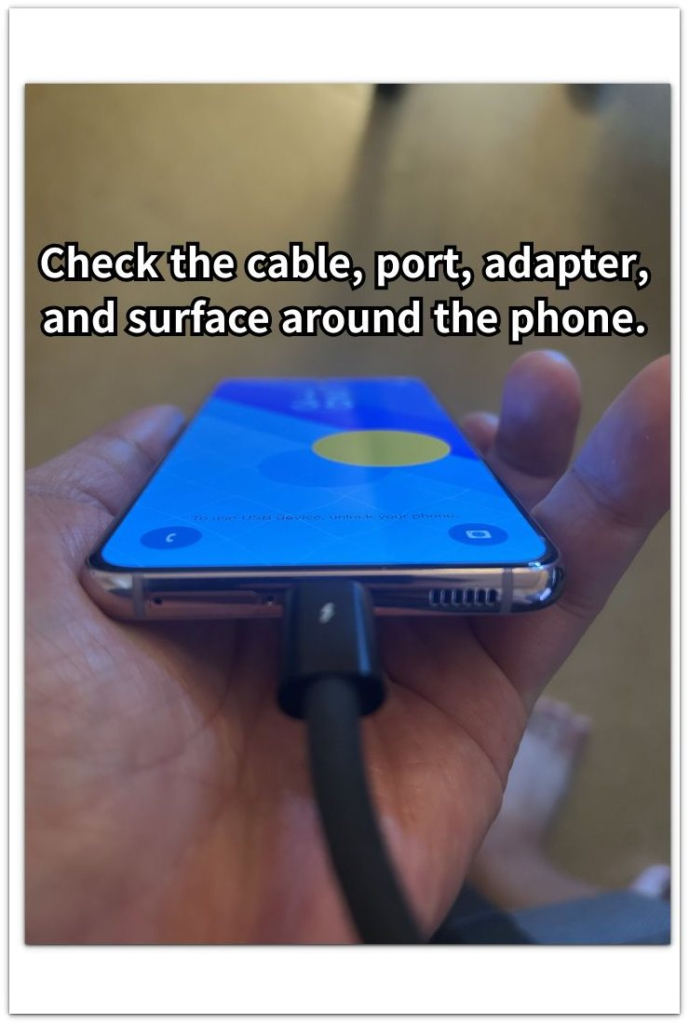
When the phone feels hot again, check the parts around the charging setup. Touch near the charging port, the cable end, the adapter, and the surface under the phone.
Look at whether the heat is strongest on the phone body or around the charger connection. That helps separate phone heat from a warm cable, adapter, case, or surface during the charge.
Troubleshooting
Troubleshooting 1: Heat Shows Up Only in One Place
The phone feels hotter in one place than another when the room, outlet area, sunlight, desk surface, or car interior holds heat around it. This is different from a phone that gets hot everywhere it charges.
Charge the phone once in a cooler, open place with the same charger and screen off. Compare the heat with the place where the problem first stood out. A clear drop in heat puts the charging place first.
Troubleshooting 2: Heat Stays Near the Cable or Adapter
Heat does not always start from the phone body. The cable end, charging port area, or adapter can feel warmer than the rest of the phone during the charge.
Unplug the phone and check the cable fit, adapter, and outlet before trying again. Use another known-good cable or adapter only for the next comparison. A warmer cable end or adapter puts the charging setup first.
Troubleshooting 3: Screen Wake or Alerts Add Heat During Charging
Charging heat is harder to read when the screen keeps turning on. Repeated alerts, a bright lock screen, or a notification-heavy app can keep the phone active during a charge even when it does not look like heavy use.
Try one short check with the phone face down or with fewer alerts coming through. Keep the charger and place unchanged. Less heat during that quieter charge points to screen wake and repeated alerts as part of the problem.
Extra Section 1: A Warm Charging Spot Makes Heat Feel Worse
A phone feels much hotter while plugged in when the spot around it holds heat. This often happens on a bed, sofa, car seat, sunny desk, or warm table where air does not move well around it.
You are using the same charger every day, but the result feels different because the phone is sitting in a warmer place. Heat builds around the back and makes the charge feel more serious than it did in a cooler, open spot.
The place should come before the battery in this check. A phone that feels better in an open, cooler area points to trapped heat around the phone, not necessarily a damaged phone or bad charger.
Extra Section 2: Screen Wake Makes Charging Heat Harder To Read
A phone looks unused while plugged in, but the screen keeps waking in the background. Messages, app alerts, lock screen previews, or repeated notification sounds turn the screen on again and again while it stays plugged in.
Heat becomes harder to judge in that situation. There is no gaming or video, but small screen wake-ups still add activity while the phone is charging.
No one was actively using the device, so the heat looks harder to explain. Check whether the screen or alerts kept returning during the charge, not only whether someone was holding it.
Official Source: Google Says Pixel Phones Get Warm While Charging
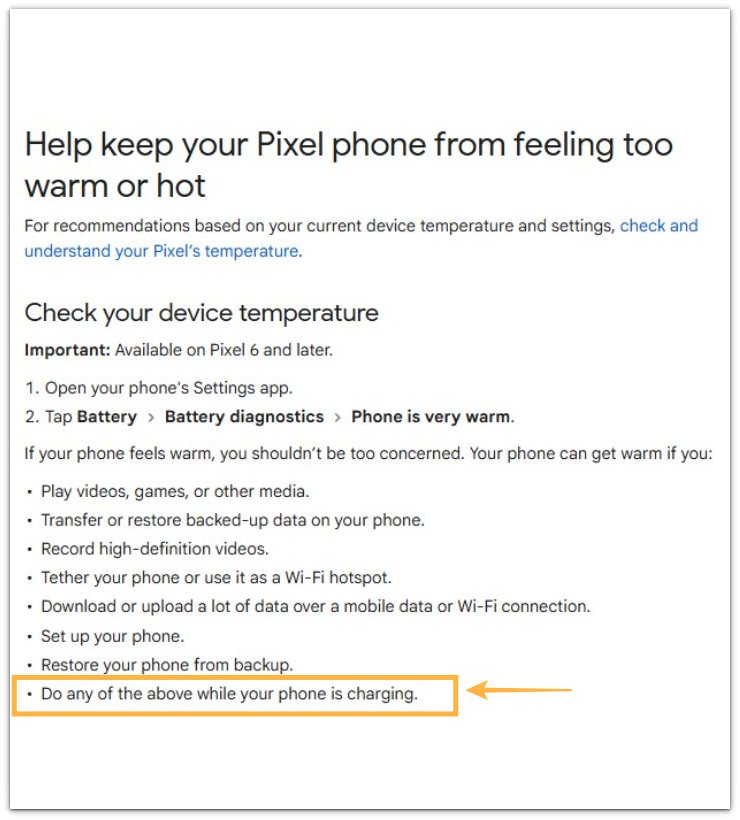
Google explains that a Pixel phone gets warm when videos, games, hotspot use, data transfer, setup, or restore work happens while it stays plugged in. This supports the main point of this article: check charging heat with phone activity, the charging place, and the charger setup before blaming the battery.
Additional Tips
Fast charging makes the phone feel warmer than a slow charger, especially during the first part of the charge. That warmth matters more when it feels stronger than usual or returns in the same routine.
Battery level also changes the heat reading. Some phones feel warmer at lower battery levels and calm down as the charge gets higher. Compare the heat during a similar battery range before treating one warm charge as the whole problem.
Final Notes
Android phone gets hot while charging needs a calm check before the battery becomes the main suspect. Start with the charger, the place where the phone stayed during the charge, and what the phone was doing at the time.
A cooler place that reduces the heat points to the area around the phone. Warmth near the cable, adapter, or port puts the charger first. Repeated screen wake or alerts belong with phone activity while plugged in.
The stronger warning is heat that returns with the same charger, in a cooler open place, with the screen quiet and no heavy activity. That problem deserves a deeper battery or hardware check instead of another guess.
Checklist
- Check how soon the phone gets hot after charging begins.
- Repeat the charge in a cooler, open place.
- Check whether the heat stays near the phone body, cable, adapter, or port.
- Separate the place, charger setup, and screen wake before blaming the battery.
- Compare the heat at a similar battery level and routine.
- Treat repeated heat in a cleaner setup as the stronger warning.
For heat that also happens away from the charger, use the main Android overheating guide and compare it with app use, signal, and screen activity.