
Introduction
Android overheating after restart becomes noticeable when the phone cools down for a moment, then gets hot again soon after it turns back on.
The restart looks like it should clear the problem, but the heat returns before you open anything heavy. That fast return matters more than the restart itself because the phone is already warming up again before normal use begins.
Step-by-Step Guide: Android Overheating After Restart
Step 1: Leave The Phone Still After It Turns On
After the phone turns on, place it on a flat surface and leave it still for a few minutes. Do not open games, video apps, camera, navigation, or other heavy apps during this first check.
Touch the back of the phone and the area near the camera only after that quiet stretch. A fast return of heat before normal use starts points to the first minutes after boot, not the app you were about to open.
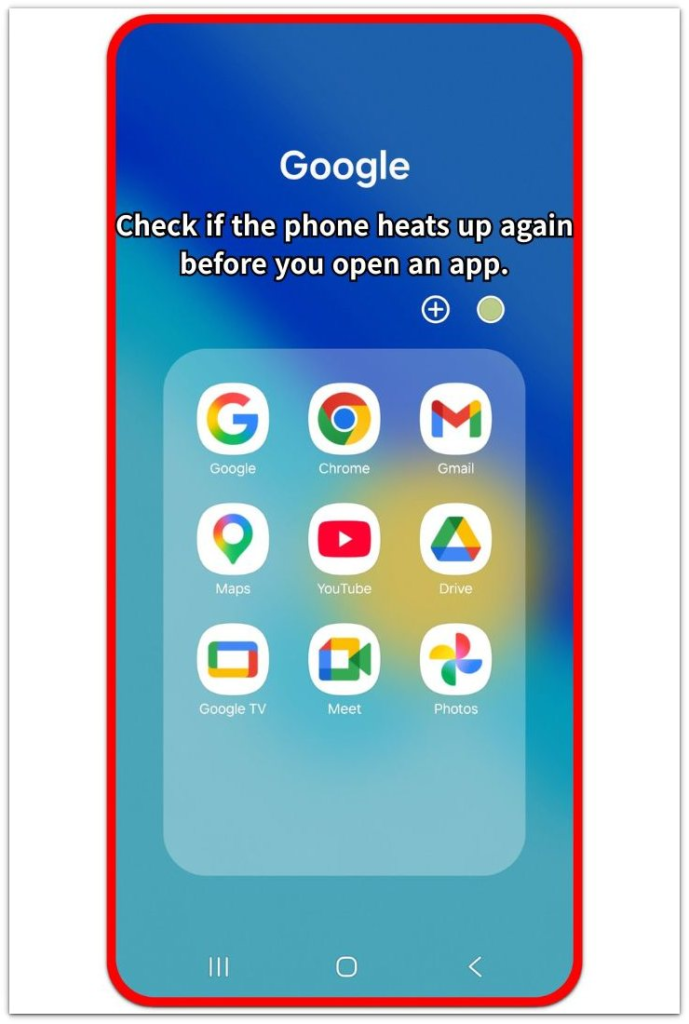
Step 2: Check The Connection Settings That Turn On Early
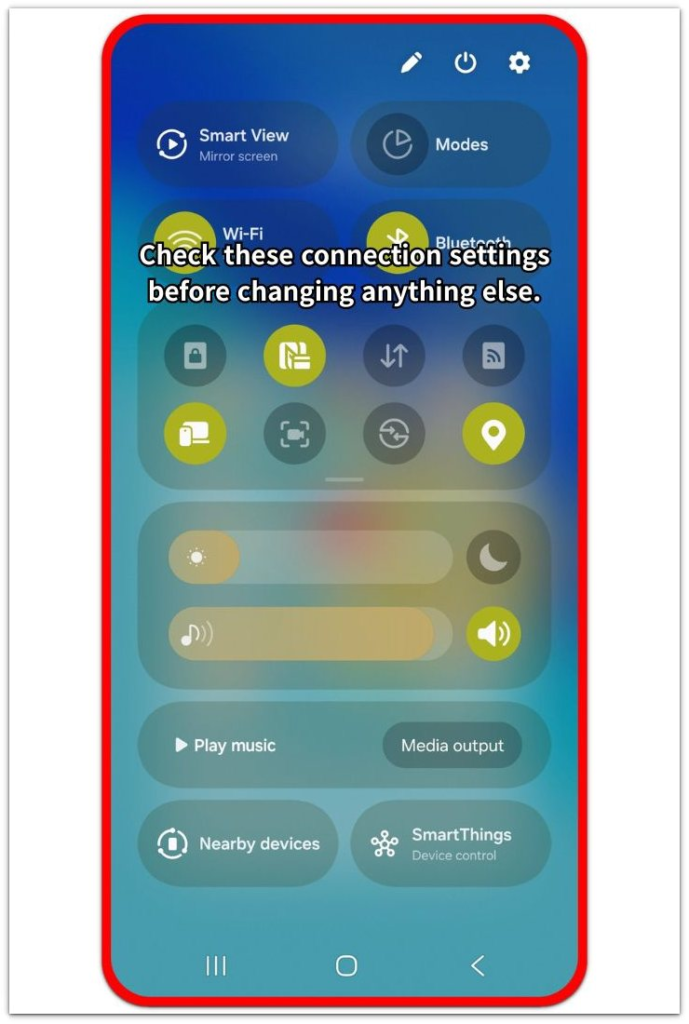
Swipe down from the top of the screen and open Quick Settings. Look at the settings that reconnect early, such as Wi-Fi, Bluetooth, Location, and nearby device features.
Turn off one active setting for the next short test. Keep the phone still again, then compare whether the heat comes back as quickly during the same quiet stretch.
Step 3: Open Battery And Compare The First Warm Period
Open Settings → Battery and check which apps or services appear near the time the phone warmed up. Use this screen after the first quiet test, not before, so the result matches the heat you just felt.
Look for one app, service, or connection feature that appears around the same warm period again. Limit that item for one more test before changing several settings at once.
Troubleshooting
Troubleshooting 1: Android Overheating After Restart With No Apps Open
The phone gets warm again even though you have not opened a game, video app, camera, or navigation. The warm-up starts during the quiet period after boot, before normal use begins.
Leave the phone on the home screen and check Battery again after a few minutes. A repeated warm period with no heavy app open points to an app, service, or connection feature that appears early on the Battery screen. Limit that item before testing the same quiet period again.
Troubleshooting 2: Heat Returns Only After A Connection Feature Turns On
The phone stays cooler at first, then warms up after Wi-Fi, Bluetooth, Location, or nearby device features reconnect. The heat follows one connection change instead of starting during the first quiet check.
Turn off that one connection feature and leave the phone still again. A slower warm-up during that test points to the related setting or app. Check the related app or setting before turning every connection feature back on.
Troubleshooting 3: Heat Comes Back After The Phone Was Already Cool
The phone feels cool before you turn it on again, but the heat returns during the first few minutes. The short cool period does not matter as much as what repeats after the phone starts running again.
Check whether the same app, service, or setting appears after each warm-up. A repeated result matters more than one hot moment. Change only that one item for the next test so you do not hide the cause by changing several settings together.
Extra Section 1: Heat Returns After Connections Reconnect
The phone stays cool for a short time, then warms up again as its connections come back. The timing matters because the heat does not begin from a game, video app, camera, or navigation.
Wi-Fi, Bluetooth, Location, or nearby device scanning often reconnects shortly after the phone finishes starting. The phone looks idle on the home screen, but those connection features bring apps and services back online. When the heat follows that reconnecting period, the restart is not the only thing to check.
Watch whether the phone warms up after the same connection returns each time. Heat that follows Wi-Fi reconnecting points to a different cause than heat that starts before any connection feature is active. Use the reconnect timing, not just the restart itself.
Extra Section 2: Heat Stays Even With The Screen Off
The heat keeps going even after the screen turns off. The phone looks unused, but the first few minutes after startup still include background work that continues without any visible app open.
App updates, account sync, photo backup, file indexing, or system cleanup often start again after the phone turns back on. This makes the phone feel warm even when it sits on a desk with the screen off. The important part is not how quiet the screen looks, but whether the same warm period returns after each restart.
Check the Battery screen after that screen-off period and compare the time of the heat with the items shown there. A repeated warm period with the screen off points more toward background activity than normal app use. Keep the next check focused on that time window before changing unrelated settings.
Official Source: Google Explains Why Heat Drains Battery Faster
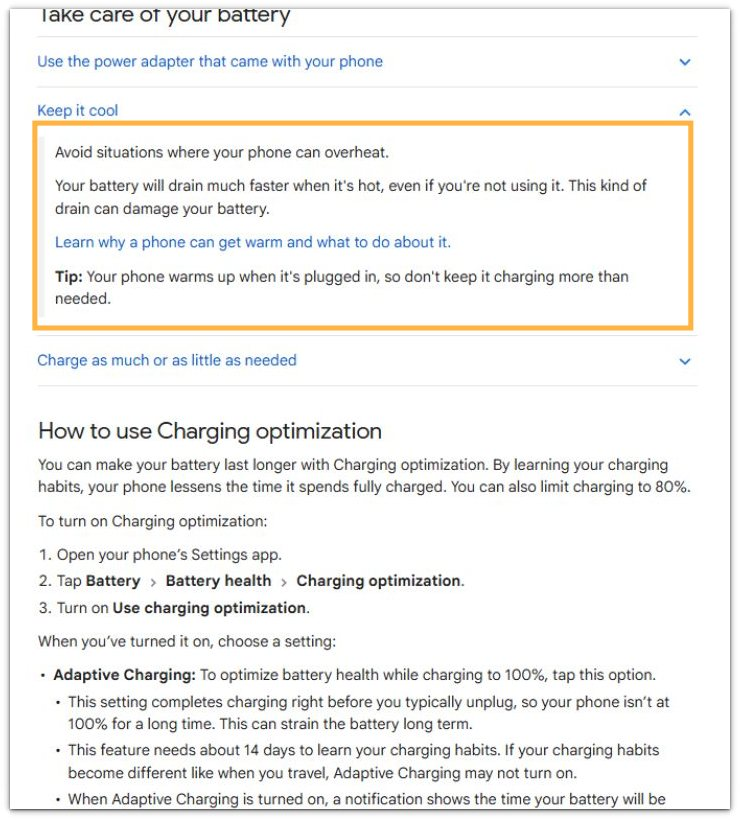
Google explains that heat makes a phone’s battery drain faster, even when you are not using it. This supports checking heat after restart during idle time, not only while a heavy app is open.
Additional Tips
A thick phone case traps heat right after restart, especially if the phone was already warm before it turned off. Remove the case for one short idle test when the back of the phone stays hot.
Charging during the restart check makes the result harder to read. Run the check unplugged first, then charge the phone after the temperature settles.
Direct sunlight, a warm car, or a thick blanket under the phone makes restart heat look worse. Place the phone on a cool, hard surface before comparing the same quiet period again.
Final Notes
Android overheating after restart needs a timing-based check, not a random settings change. The important sign is whether heat returns during the first quiet minutes, after connections reconnect, or while the screen stays off.
A repeated warm period points to the item that loads after startup. Check that item first, limit one cause at a time, and compare the same idle period again. When the phone gets hot again under the same quiet conditions, the restart itself is not the fix.
Checklist
- Leave the phone still for a few minutes after restart.
- Check whether heat returns before opening heavy apps.
- Review Wi-Fi, Bluetooth, Location, and nearby device scanning.
- Open Battery and compare the first warm period.
- Test one setting or app at a time.
- Run the idle check unplugged and away from direct heat.
For a broader checklist, use the main Android overheating guide before treating restart as a separate problem.